14
•
•
•
•
•
•
Auto-playing an interactive playlist upon power-up
BrightSign HD410, HD810, HD1010, and HD2000 can also play a sophisticated presentation that
is described in an interactive playlist. An interactive playlist is a simple text file that contains a
table of information. Using Microsoft Excel, you can easily create a file that describes a
sophisticated interactive presentation. The interactive playlist describes which media to play
upon power-up, and which media to play when a user presses a button or triggers other events.
To autoplay an interactive playlist on power-up or reset, do the following:
1 Create an interactive playlist using
Microsoft Excel and name the file
AUTOPLAY.CSV (see Creating interactive
presentations (HD410, HD810, HD1010, and
HD2000 only) for details).
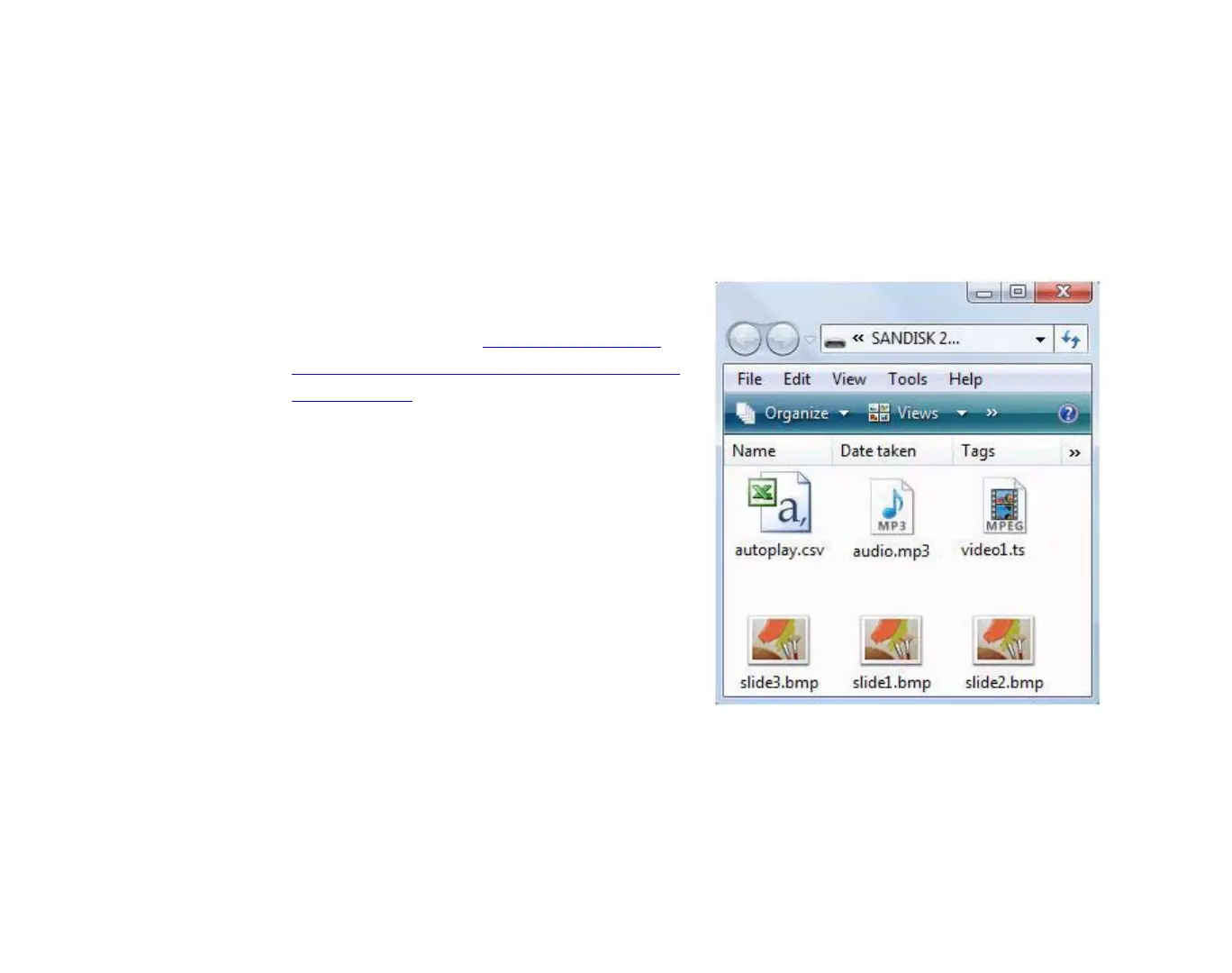
2 Copy your media files and your interactive
playlist into the root directory of an SD card.
3 Insert the SD card into your BrightSign.
4 Turn on your BrightSign. After a few
moments, BrightSign runs the interactive
playlist and plays the media referenced in
the file.
EXAMPLE 3:
SD card with interactive playlist files



 To Next Page