41
•
•
•
•
•
•
EXAMPLE 3:
Slideshow that advances only when a click / touch occurs
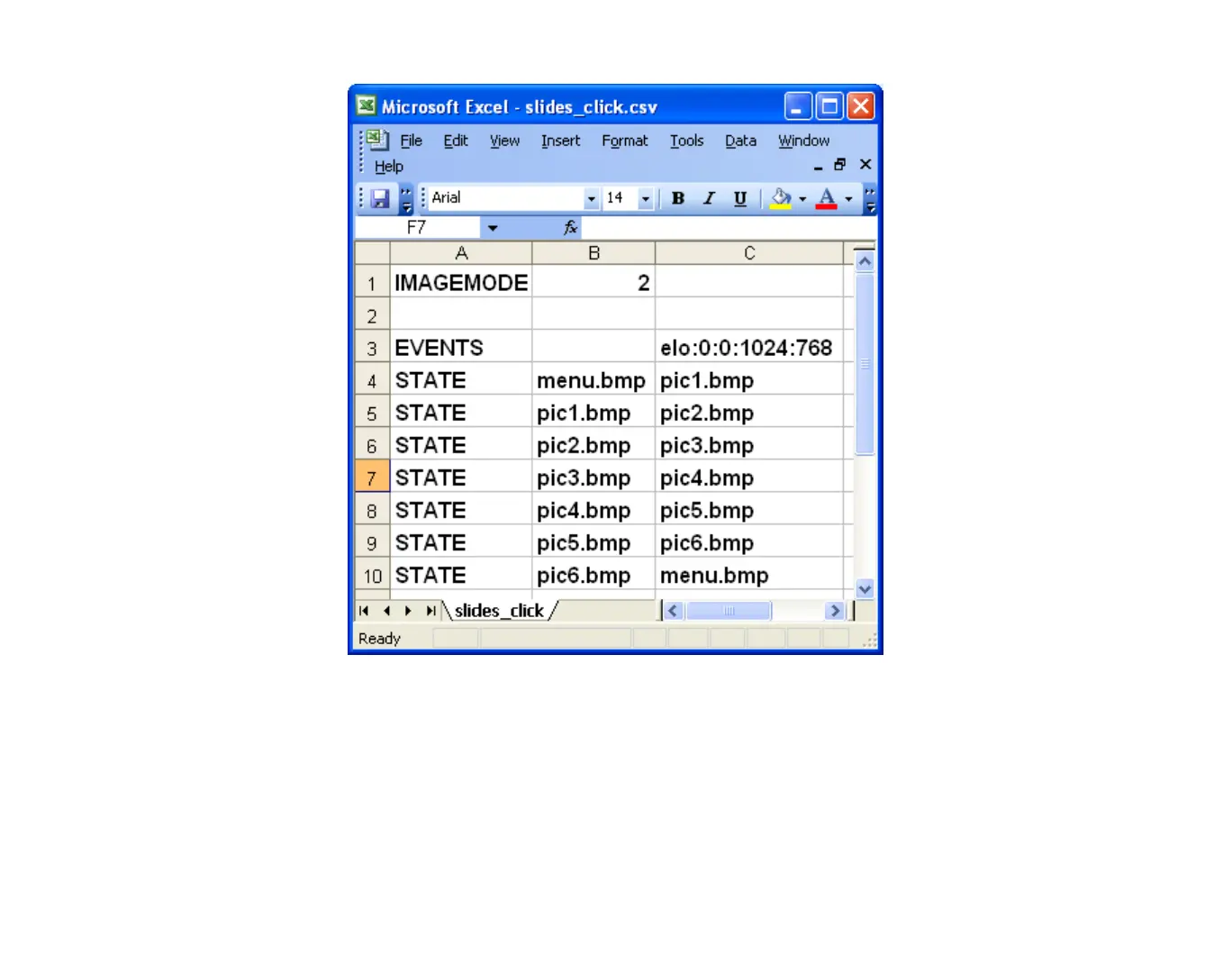
Example 3 has only 1 event, the same elo event as Example 2.
•
There is an elo event entry for each image, so the next image plays when there is a mouse click
or touch activity anywhere onscreen.
•
There are no timeout events in this demo. Because Example 3 only has an elo event, and no
timeout events, the user must click or touch the screen to advance the slideshow.



 To Next Page