PROGRAM & OPERATION GUIDE
(
Continued
)
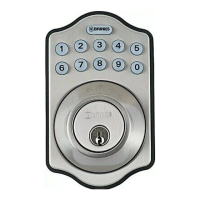
With Step 10 complete, the digital deadbolt can be operated electronically.
a.
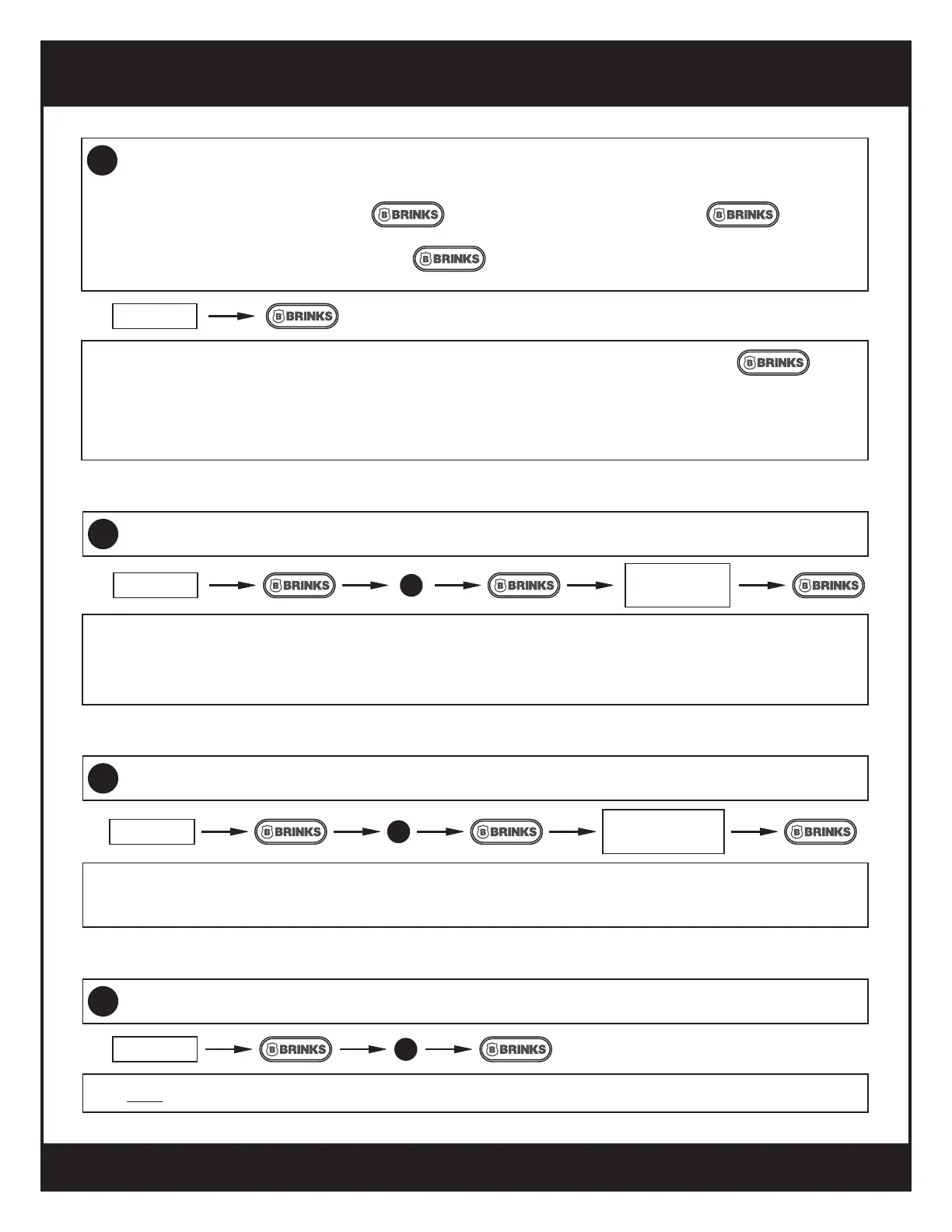
To lock (extend the bolt), press the button. You will hear one beep and the button will
ash green once.
b.
Operation
11
To unlock, enter a UC and then press the button.
c.
For initial setup, the only UC is 1234. The bolt will retract and you will hear one beep and the button
will ash green once.
d.
If an incorrect UC is entered 5 times, the lock will time out for 45 seconds for security purposes. The lock can
be opened by key during this time.
e.
ENTER UC
1
Add A New User Code (UC)
12
ENTER PC
ENTER NEW
UC
UC is 4-10 digits.
a.
Up to 6 User Codes can be stored.b.
Test new UC before closing door.
c.
3
Delete All User Codes At Once
14
Note: A new UC must be entered before the digital deadbolt will operate electronically.
ENTER PC
2
Delete An Existing User Code (UC)
13
It is recommended to delete the 1234 default UC.
a.
A UC must be entered before the digital deadbolt will operate electronically.
b.
ENTER PC
ENTER UC TO
BE DELETED
9


 To Next Page