FUNCTION STEPS (Enter Data In The Sequence Shown from left to right)
Press 0
Detect Left Or Right
Hand Door Installation
Enter Program-
ming Code
Press 3
Delete All User Codes
At Once (UC)
Enter Program-
ming Code
Press 1
Enter New
User Code
Code (UC)
Enter Program-
ming Code
Enter New User
Code to be deleted
Press 2
Delete An Existing
User Code (UC)
Enter Program-
ming Code
Enter New
Programming Code
Press 4
Code (PC)
Enter Program-
ming Code
Press 5
On/Off
Enter Program-
ming Code
Enter 2-Digit
Number
(10-99 Seconds)
Press 6
Delay
Enter Program-
ming Code
Press 7
Enter Program-
ming Code
Enter New One
Time User Code
Press 9
Create a One Time
User Code (UC)
Enter Program-
ming Code
Press 8
Enable/Disable All
User Codes (UC)
Enter Program-
ming Code
Settings
Press “Reset” Button For Over 5 Seconds
REMARKS
Run this process before setting up any other function after installation or
after restoring the original lock settings. The deadbolt should be unlocked
to run this or any other function.
The Autolocking Function and locking using the BRINKS button on the
keypad will be disabled when all User Codes are deleted. The lock can only
be operated by key until a User Code is added.
Up to 6 User Codes can be saved. A User Code can be 4 - 10 digits in length.
Delete an individual User Code. It is a good security practice to delete the
default 1-2-3-4 code.
It is a good security practice to change from the default 0-0-0-0 Program
-
ming Code to a unique code.
The default Autolock setting is OFF. Use this function to toggle between ON
and OFF for the Autolock feature.
The default Autolock delay is 30 seconds. You can set the time between 10
and 99 seconds.
The default Mute setting is OFF. Use this function to toggle between ON and
OFF for the Mute feature.
Use this function to add a User Code that can be used only one time.
The Autolocking Function and locking using the BRINKS button on the
keypad will be disabled when the User Codes are disabled. The lock can
only be operated by key until the User Codes are enabled again. Use this
function to enable the User Codes again.
Press the "R" button for over 5 seconds until you hear 3 long beeps. This
will restore the lock to the original default factory settings. You will need to
run the Door Handing Detection Function in Step 10 again after restoration.
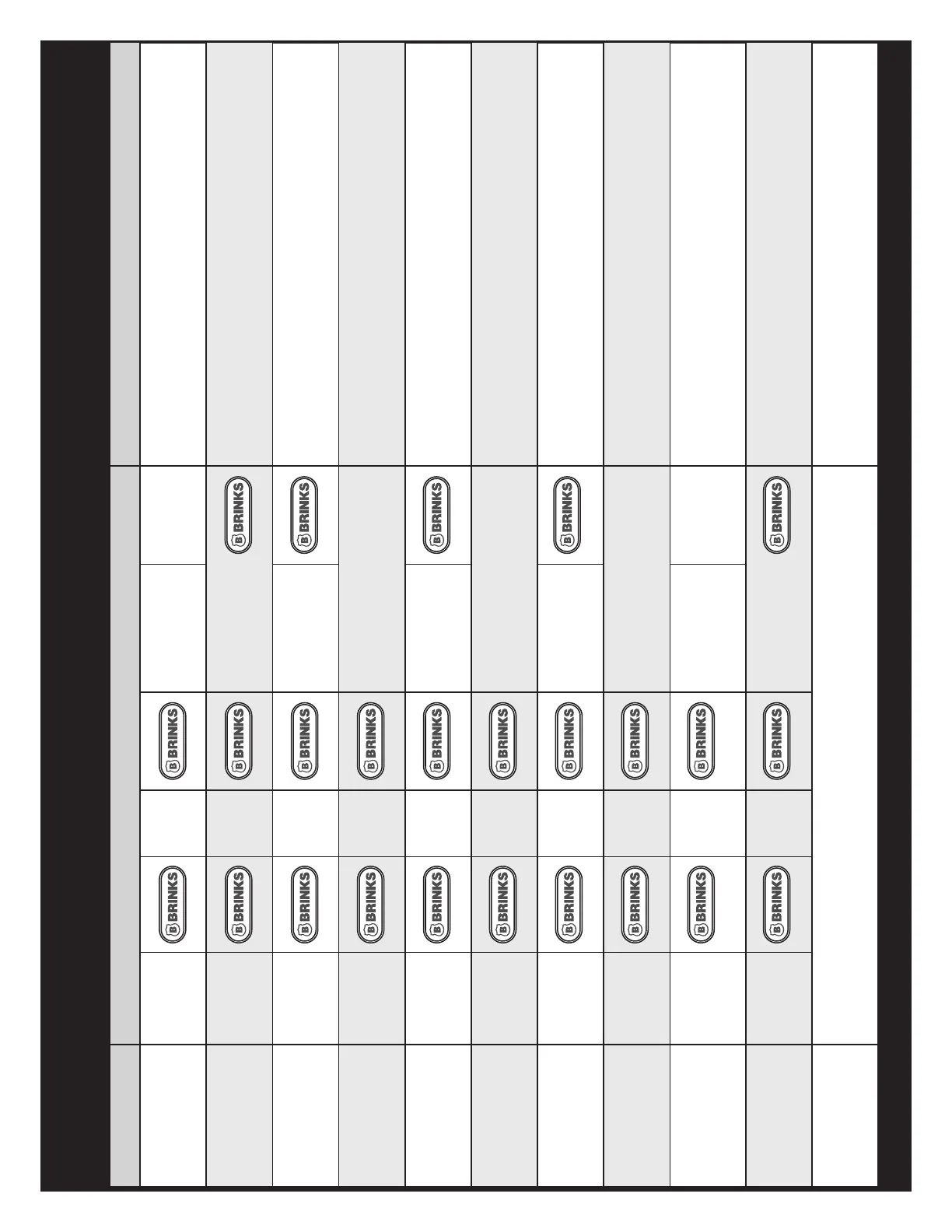
PROGRAMMING FUNCTION QUICK REFERENCE TABLE


 To Next Page
 Loading...