Model 671 User’s Manual USING THE LASER WAVELENGTH METER
Bristol Instruments, Inc. 18
Intensity Meter
Graphically displays the relative intensity of the laser under test.
Status Bar
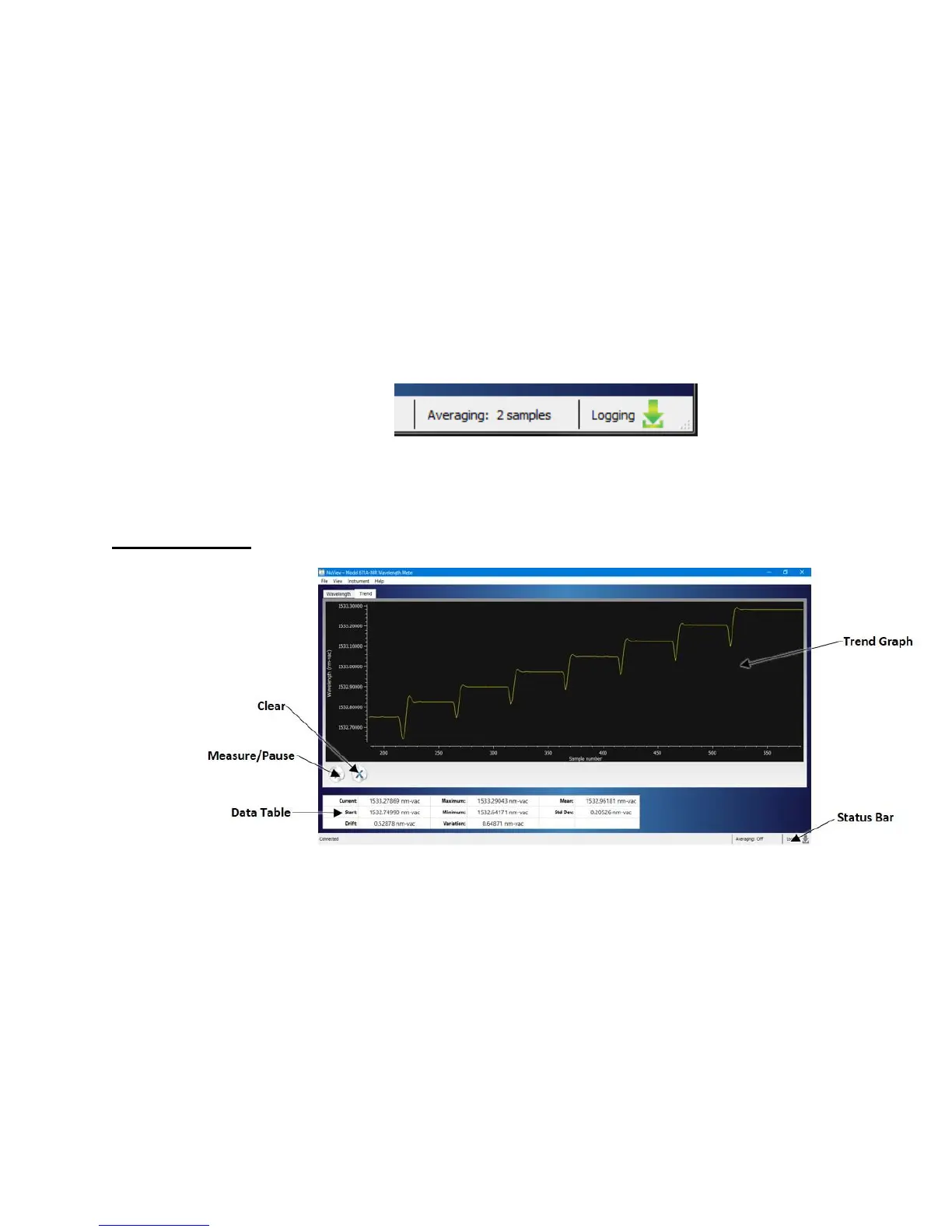
The Status bar is located at the bottom of the Wavelength Screen and the Trend
Screen. It provides information about the current state of the instrument as
described below (from left to right).
• Connection status – Either connected or disconnected.
• Averaging – Either “Off” or the number of samples being averaged.
• Logging – The downloading icon is gray when logging status is inactive, and
green when logging status is active.
Figure 5.4: Status Bar
Trend Screen
Figure 5.5: Trend Screen



 To Next Page