Model 671 User’s Manual APPENDIX C – RNDIS DRIVER
Bristol Instruments, Inc. 49
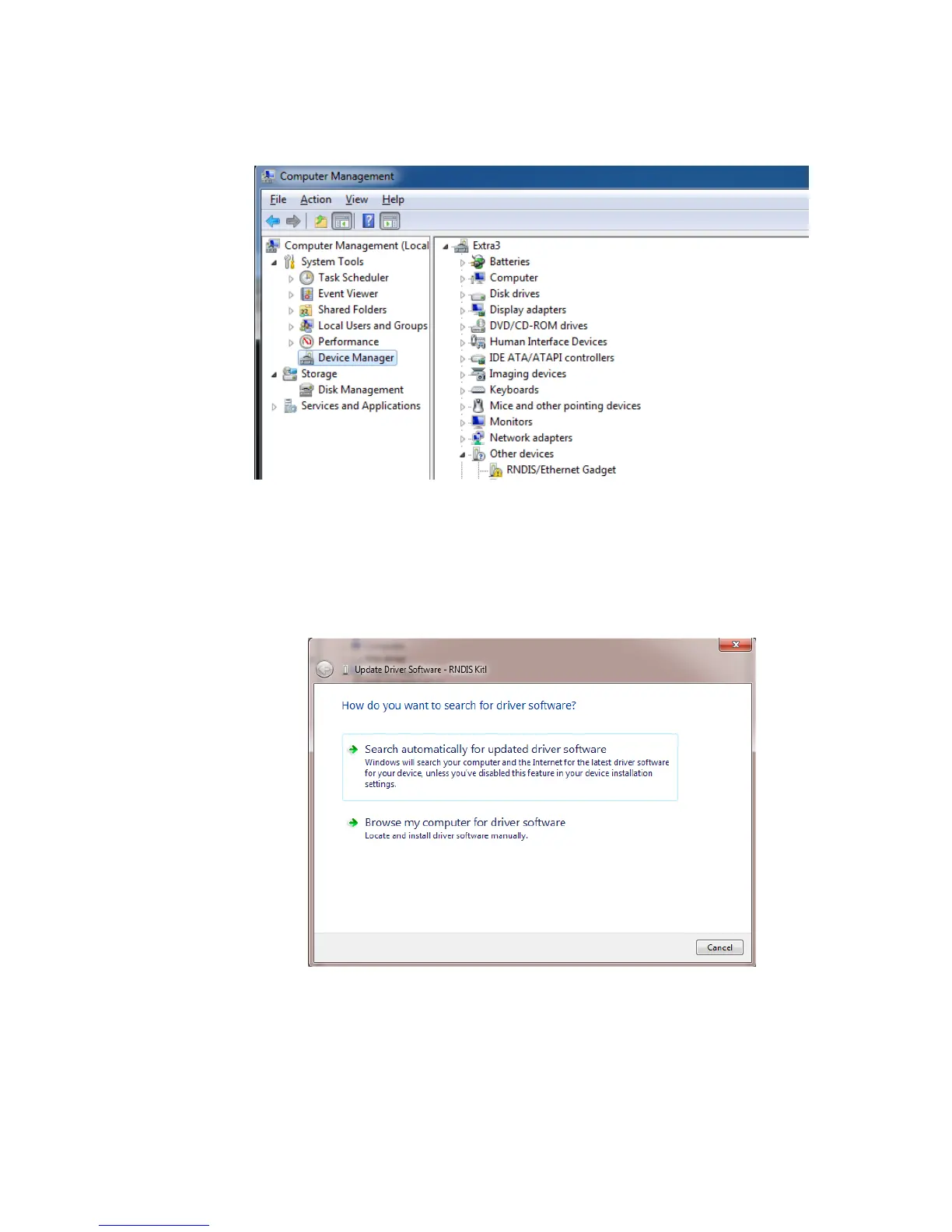
If the RNDIS driver is not enabled, the device manager will show a yellow exclamation
point.
In this situation, use the following instructions to enable the RNDIS driver.
1 Right click on “RNDIS/Ethernet Gadget” and choose "Update Driver Software". You
will be prompted with the driver selection wizard as shown below.



 To Next Page