Model 671 User’s Manual APPENDIX C – RNDIS DRIVER
Bristol Instruments, Inc. 53
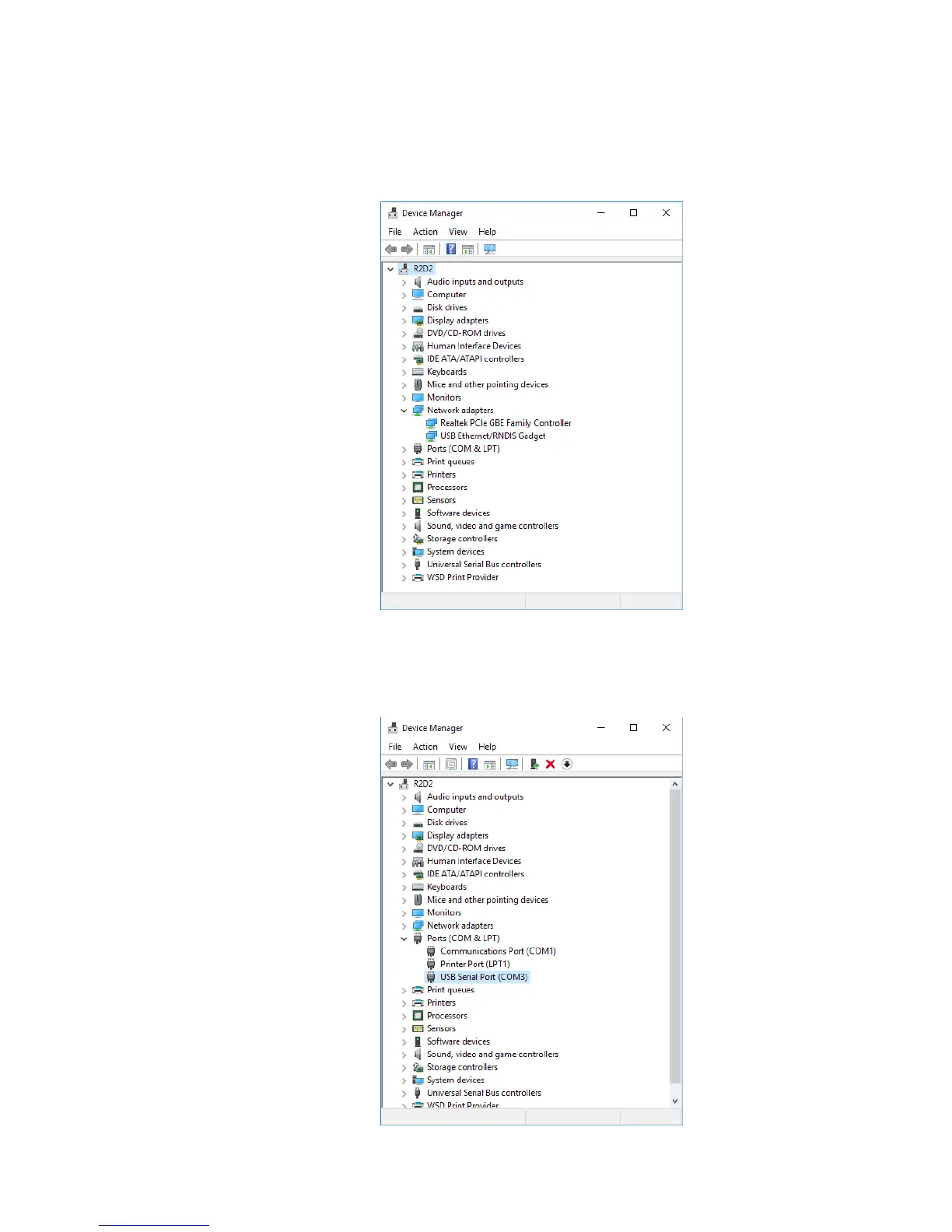
After connecting the 671 system to the PC via USB interface and powering up the 671
system, a successful connection will show up in the Device Manager (Control
Panel>Device Manager) under Network Adapters as “RNDIS/Ethernet Gadget.”
An unsuccessful USB connection with a RNDIS device will appear under Ports (COM &
LPT) as a COM device.



 To Next Page