EasyManua.ls Logo

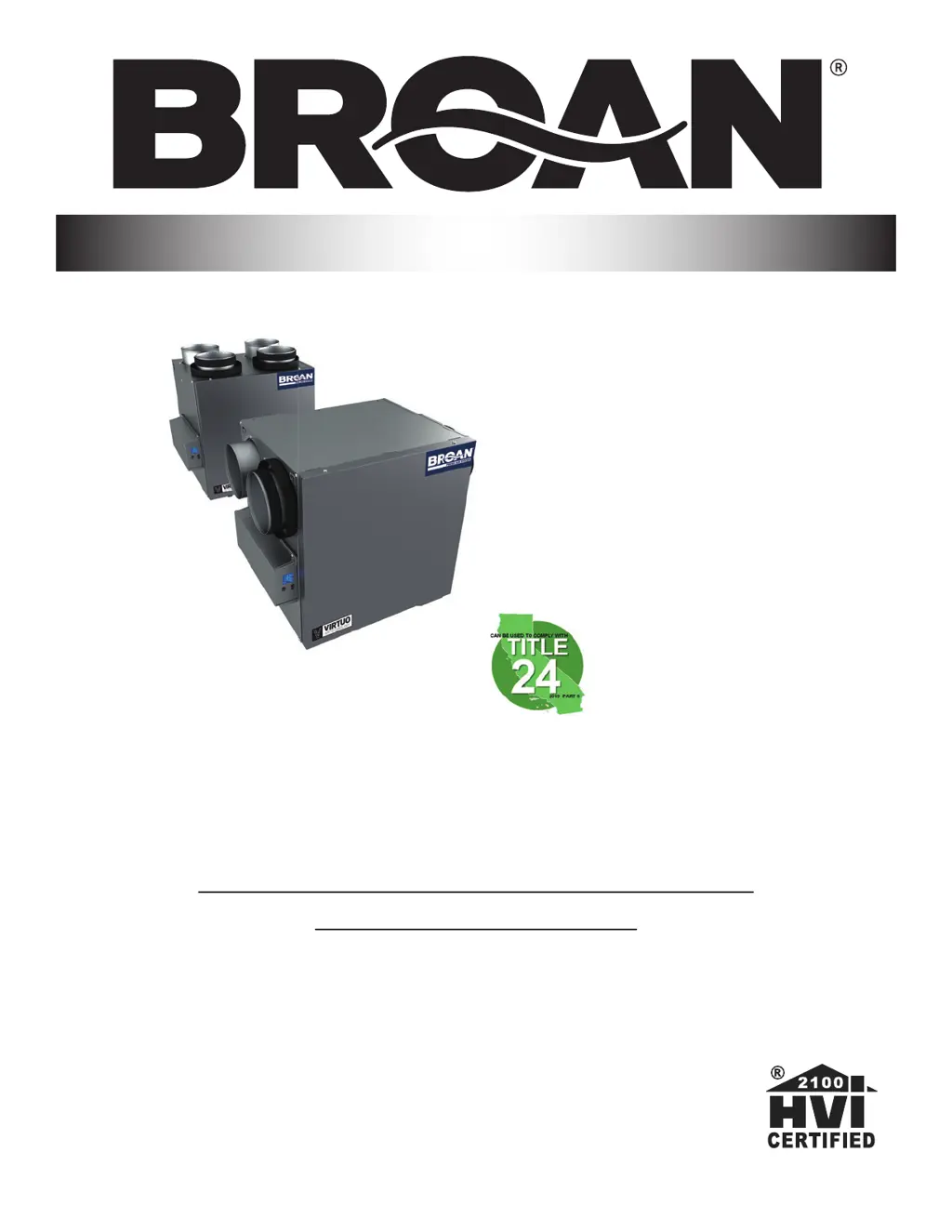
Broan B110H65RT - User Manual

Broan B110H65RT
24 pages
Print Icon
To Next Page IconTo Next Page
Loading...
B110H65RT B110H65RS
B130H65RT B130H65RS
B130E65RT B130E65RS
B150H75NT* B150H75NS*
B160H75RT B160H75RS
B160H65RT B160H65RS
B160E65RT B160E65RS
B150E75NT* B150E75NS*
B160E75RT B160E75RS
USER AND INSTALLER MANUAL
INSTALLER: READ THESE INSTRUCTIONS
SAVE THEM FOR USER
RESIDENTIAL USE ONLY
23832 REV. 10
VB0288
*Recirculation mode is not offered on these
models.

Questions and Answers

  • A
    Anne MitchellSep 2, 2025
    What to do if my Broan B110H65RT displays error W32?
    • D
      Danielle MorrisSep 2, 2025
      If your Broan Fan is showing a W32 error, start by visually inspecting the exhaust damper system. Clean the filters, distribution registers, and the outside supply hood. Ensure the ducting isn't squeezed or bent. If that doesn't resolve the issue, remove the ducting from the supply path and check if the unit can reach the selected flow by selecting MAX on the LCD screen. If it can, review the ducting path. If the problem persists, select the MIN and MAX flow setting values on the LCD screen, then reset the unit to display the MAX flow value. If the MAX flow is higher than desired, adjust the MAX and MIN flows. If the issue continues, replace the exhaust blower and repeat the flow setting steps. If all else fails, replace the electronic assembly.
  • M
    Matthew WilliamsSep 3, 2025
    What to do if my Broan B110H65RT Fan displays error E50?
    • J
      Jeffrey MillerSep 3, 2025
      To resolve error E50 on your Broan Fan, first, unplug the unit, inspect the wires, and then plug it back in. If the problem persists, remove the wall control from the wall and test it with a short cable. If it works, install a new cable at the wall location. If the issue remains, test the air exchanger with a spare wall control. If it works, replace the wall control. As a final step, replace the electronic assembly if the problem still occurs.
  • P
    palmerdevinSep 4, 2025
    How to troubleshoot error E05 on a Broan Fan?
    • M
      Matthew WilsonSep 4, 2025
      To troubleshoot error E05 on your Broan Fan, begin by unplugging the unit and inspecting the damper system for any obstructions or dirt. You might need to remove filters and the core to access it. Then, plug the unit back in. If the error continues, open the electrical compartment and check if connector J7 (red) is properly inserted and look for any loose wires. If the problem persists, and the damper isn't moving at all, unplug J5 (white) from the electronic assembly and connect the white damper system connector into J5. If the damper moves but the system still shows an error, the electronic assembly needs to be replaced. Otherwise, replace the damper system.
  • T
    Travis JohnsonSep 5, 2025
    How to resolve error E09 on a Broan B110H65RT?
    • D
      Donna BernardSep 5, 2025
      To resolve error code E09 on your Broan Fan, first, unplug the unit and inspect the damper system, removing any dirt or obstacles. Removing the filters and core may be necessary to access the damper system. Then, plug the unit back in. If the problem persists, open the electrical compartment and check if connector J6 (blue) is properly inserted and check for any loose wires. If the error still occurs, and the damper is not moving, unplug J5 (white) from the electronic assembly and connect the blue damper system connector into J5. If the damper moves, but the system continues to show an error, the electronic assembly must be replaced. Otherwise, replace the damper system.
  • A
    Anthony StoneSep 6, 2025
    What to do for error E23 on a Broan B110H65RT Fan?
    • E
      Elizabeth NormanSep 6, 2025
      To fix the E23 error on your Broan Fan, start by unplugging and then plugging the unit back in. If that doesn't work, remove the core and clear the ventilation wheel of any dirt or obstructions. If the problem continues, disconnect J2 (white) and connect a spare blower system. If it works, replace the supply blower. If none of these steps work, then replace the electronic assembly.

Broan B110H65RT Specifications

General IconGeneral
BrandBroan
ModelB110H65RT
CategoryFan
LanguageEnglish

Related product manuals