EasyManua.ls Logo

Brookstone iConvert - Photo Browse Mode

Brookstone iConvert
40 pages
Print Icon
To Next Page IconTo Next Page
To Previous Page IconTo Previous Page
Loading...
17
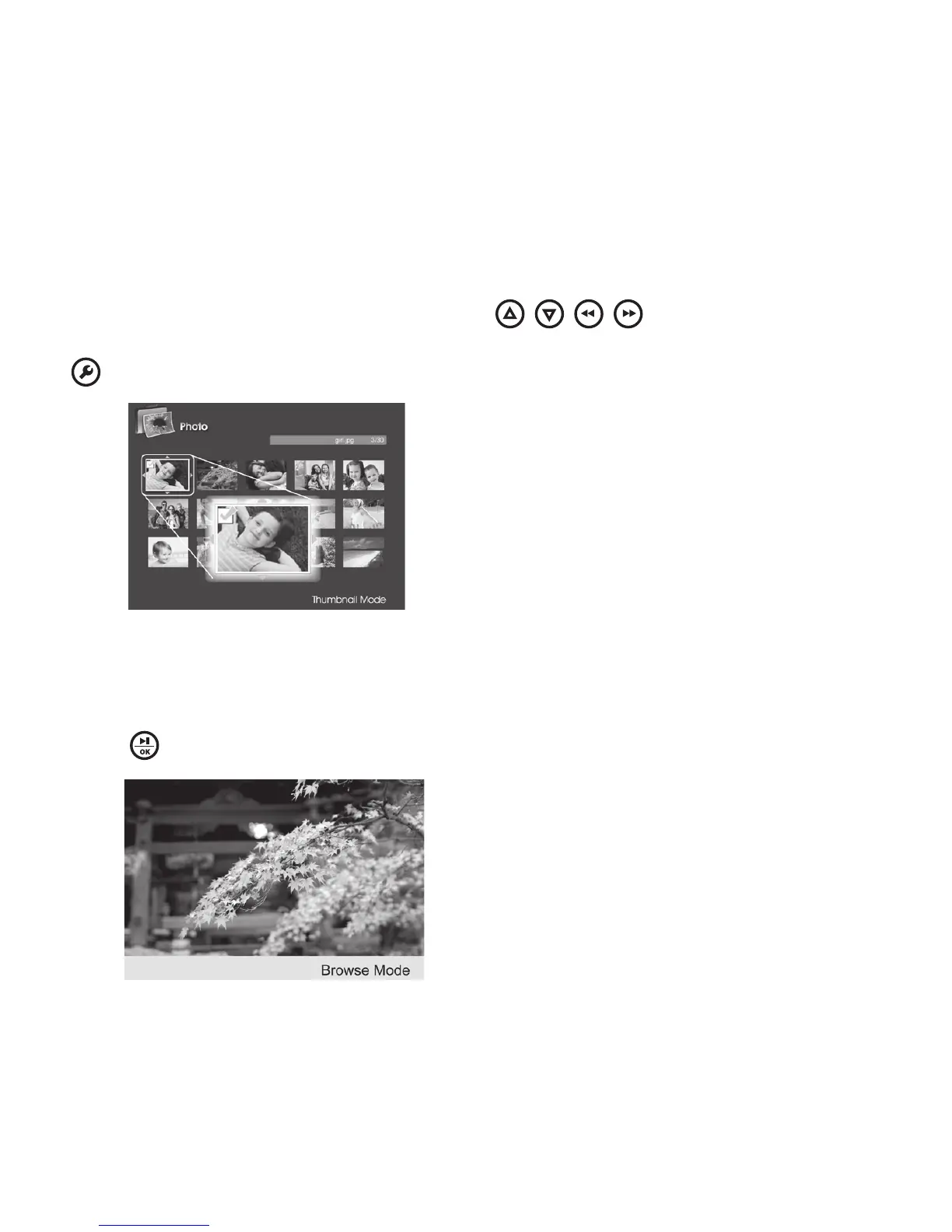
Allows you to select multiple photos to copy or delete
 if you want to select multiple photos It will bring you back to the
thumbnail screen for photo selectionUse the
/ / / buttons and press OK to
make your selection (see below) A check mark will appear on all selected photos Press
to return to Settings menu to continue Copy to, or Delete function
: Select to choose all the photos in the folder
 Selects to clear your selection(s)

: From the Thumbnail mode, select a photo then
press to enter the Browse mode (see below)










Other manuals for Brookstone iConvert

Related product manuals