SLEEP TIME SETTING
In any mode, repeatedly press the SLEEP button on the remote to adjust
the SLEEP time from between 90 and 10 minutes, in increments of ten minutes.
When the Sleep Time is enabled “
” will be displayed on the screen.
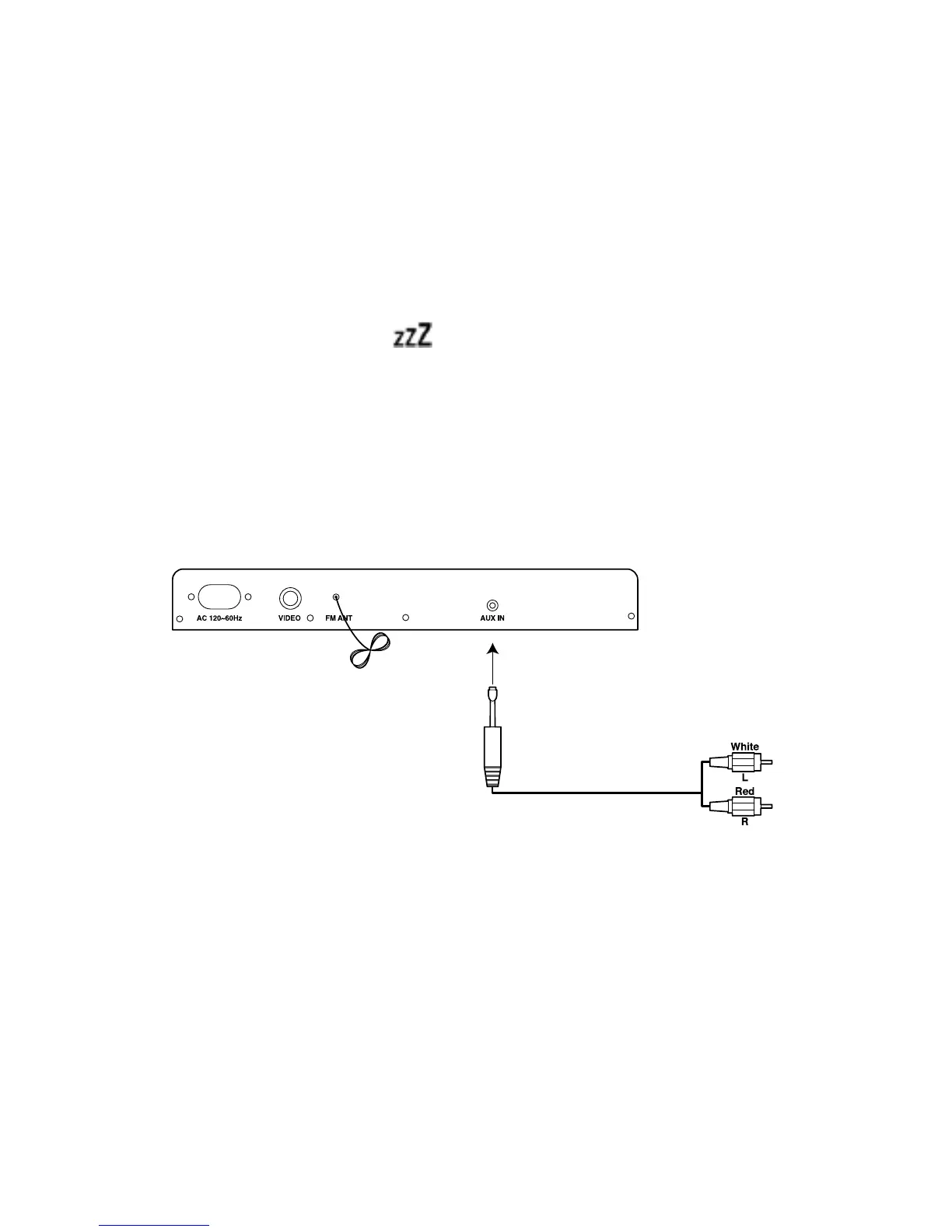
AUXILIARY INPUT
The unit can be connected to a portable audio unit through the AUX IN jack on
the back of the unit (see below). After making the connection, you can press the
FUNCTION button on the unit or the FUNC button on the remote to switch
to the AUX mode.
SETTING THE CLOCK
In standby mode, when the clock is on the display, you can set the clock according
to the following steps:
1. Press and hold the C-ADJ button and “24 HOUR” or “12 HOUR” will appear
on the screen.
13



 To Next Page