PREVIEWING ALL TRACKS
In this mode, when “INTRO” is displayed on the screen it will play the first ten
seconds of each track on the current disc as a preview.
PLAYING ALL TRACKS IN RANDOM
In this mode, when “RANDOM” is displayed on the screen it will play complete
tracks on the disc in random order.
PROGRAM PLAYING
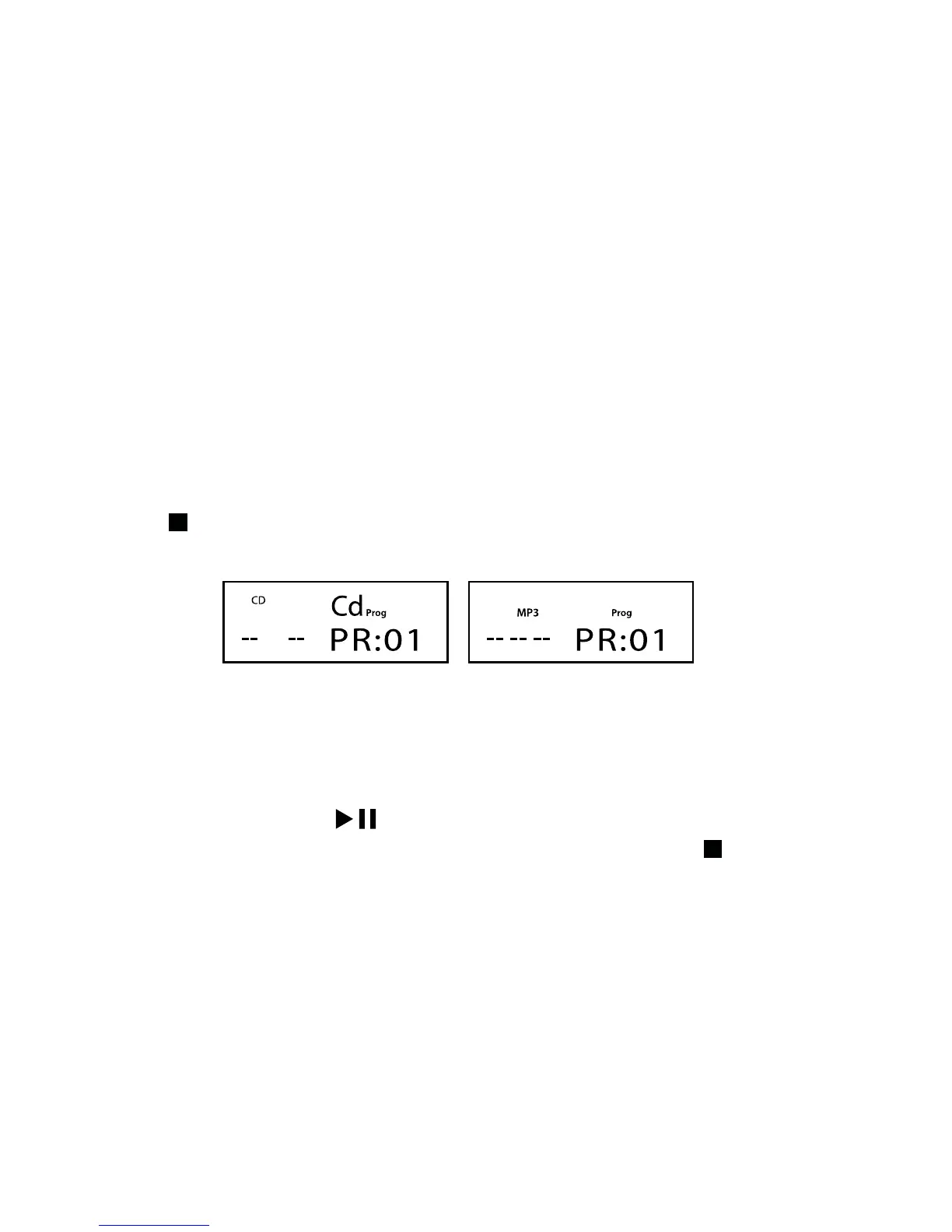
Press the button to stop the unit the press the PROG button to enter the program
edit mode and the following information will display on the screen.
Use the 0-9 numeric buttons to enter the desired track number then press
the PROG button to confirm.
You can set the PR:01, PR:02, PR:03… in time. When setting is complete
(up to 32 tracks), press the
button to play the tracks according to the
programmed order and “Prog” will display on the screen. Press the
button
twice to cancel the program play function and “Prog” will disappear.
For CD For MP3
19



 To Next Page