Getting Started
3
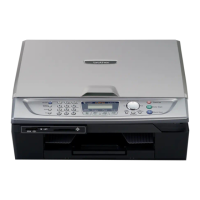
Control panel
(For MFC-215C and MFC-425CN)
1 Fax and telephone keys
2 Ink Management key
3 Dial Pad
4 Mode keys
5 Copy Options key
6 Menu/Set key
7 Fax Resolution key
8Start keys
9 Stop/Exit key
10 Navigation keys
11 LCD (Liquid Crystal Display)
12 Power Save key
For the details of the control panel, see Control panel overview in Chapter 1 of the User’s Guide.
Illustrations in this Quick Setup Guide are based on MFC-425CN.
The screens for Windows
®
in this Quick Setup Guide are based on Windows
®
XP.
The screens for Mac OS
®
in this Quick Setup Guide are based on Mac OS
®
X 10.3.
12
11 10 9
8765432
1


 To Next Page
 Loading...