40
Macintosh
®
Wireless Network
18
Install
Presto!
®
PageManager
®
When Presto!
®
PageManager
®
is installed OCR
capability is added to Brother ControlCenter2. You
can easily scan, share and organize photos and
documents using Presto!
®
PageManager
®
.
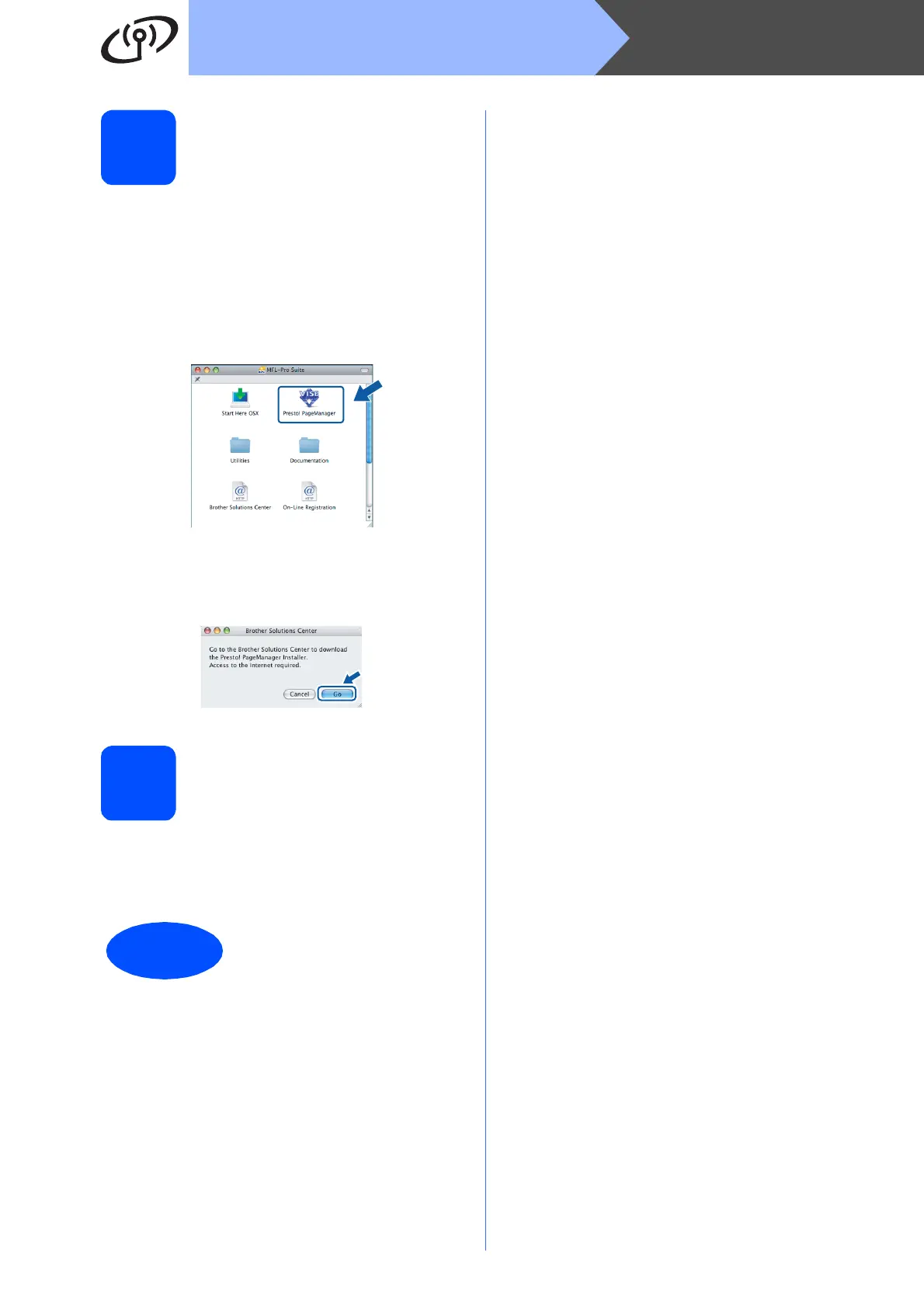
a Double-click the Presto! PageManager icon
and follow the on-screen instructions.
For Mac OS
®
X 10.2.4 to 10.3.8 users,
when this screen appears, click Go to
download the software from the Brother
Solutions Center website.
19
Install MFL-Pro Suite on
additional computers
(If needed)
If you want to use your machine with multiple
computers on the network, install MFL-Pro Suite on
each computer. Go to step 16 on page 38.
Finish
The installation is now
complete.



 To Next Page
 Loading...










