PhotoCapture Center
®
: Printing photos from a memory card
31
8
Print Images 8
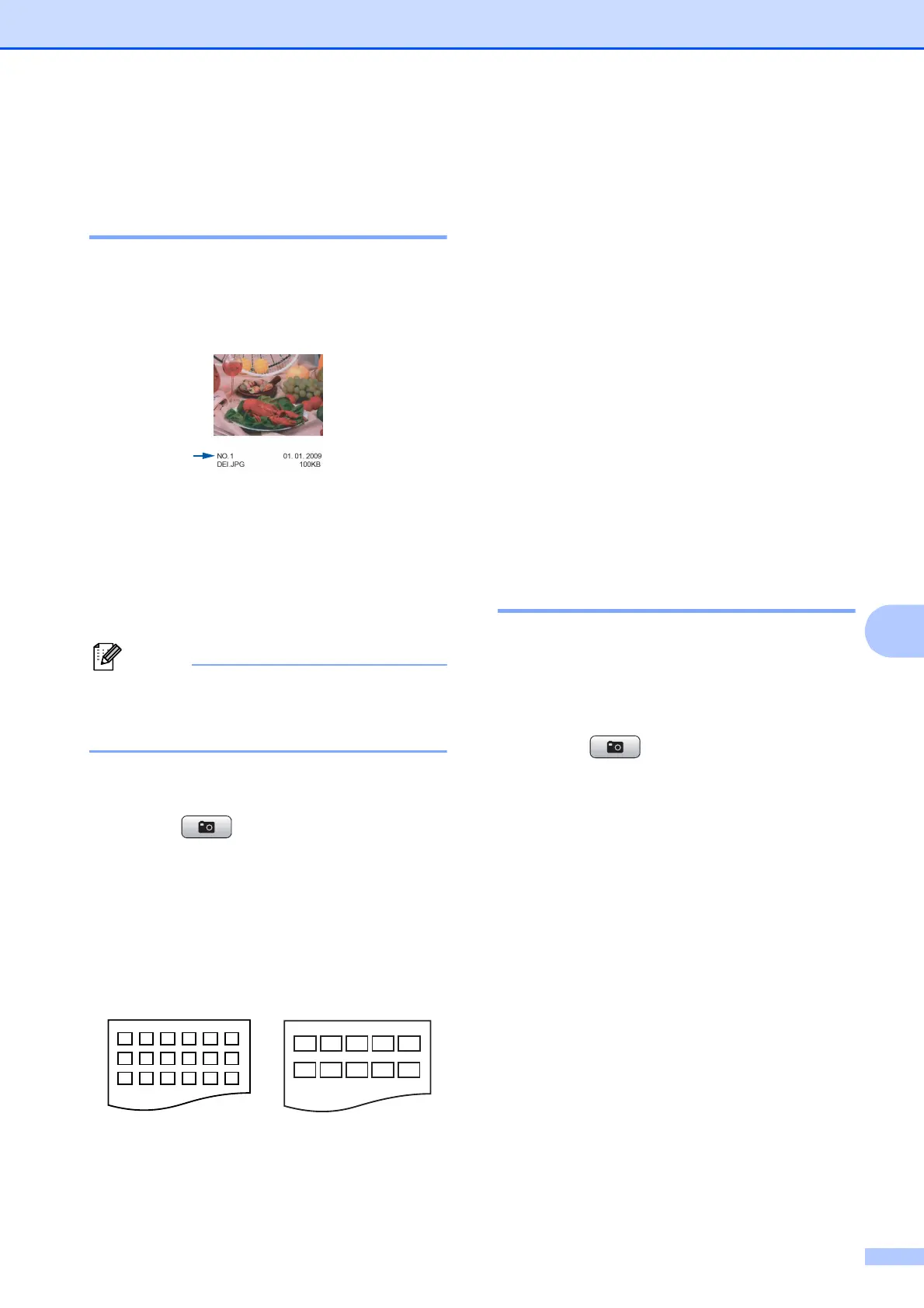
Print Index (Thumbnails) 8
The PhotoCapture Center
®
assigns numbers
for images (such as No.1, No.2, No.3, and so
on).
The PhotoCapture Center
®
does not
recognize any other numbers or file names
that your digital camera or computer has
used to identify the pictures. You can print a
thumbnail page. This will show all the pictures
on the memory card.
Only file names that are 8 characters or
less will be printed correctly on the index
sheet.
a Make sure you have put the memory
card in the proper slot.
Press (PHOTO CAPTURE).
b Press a or b to choose Print Index.
Press OK.
c Press a or b to choose 6 IMGs/Line
or 5 IMGs/Line.
Press OK.
Print time for 5 IMGs/Line will be
slower than 6 IMGs/Line, but the
quality is better.
d Do one of the following:
Press a or b to choose
Paper Type, and press OK and
press a or b to choose the type of
paper you are using, Plain Paper,
Inkjet Paper, Brother BP71,
Brother BP61 or Other Glossy.
Press OK.
Press a or b to choose Paper Size
and press OK and press a or b to
choose the paper size you are using,
Letter or A4.
Press OK.
If you do not want to change the
paper settings, go to step e.
e Press Color Start to print.
Printing Photos 8
Before you can print an individual image, you
have to know the image number.
a Make sure you have put the memory
card in the proper slot.
Press (PHOTO CAPTURE).
b Print the Index. (See Print Index
(Thumbnails) on page 31.)
c Press a or b to choose Print Photos.
Press OK.
d Enter the image number that you want to
print from the Index page (Thumbnails).
Press OK.
6 IMGs/Line 5 IMGs/Line



 To Next Page
 Loading...













