PhotoCapture Center™: Printing photos from a memory card or USB Flash memory drive
51
8
Movie printing 8
You can print images from movie files that are
stored on a memory card or USB Flash
memory drive.
A movie file is automatically divided into
9 parts by movie recording times and is
placed in 3 lines, then you can see and print
the scenes that have been automatically
divided.
• You cannot choose a particular movie
scene.
• You can use AVI or MOV movie file
formats. However, if an AVI file size is
1 GB or more (the shooting time is about
30 minutes) or a MOV file size is 2 GB or
more (the shooting time is about
60 minutes), these files cannot be printed.
Print Images 8
Print Index (Thumbnails) 8
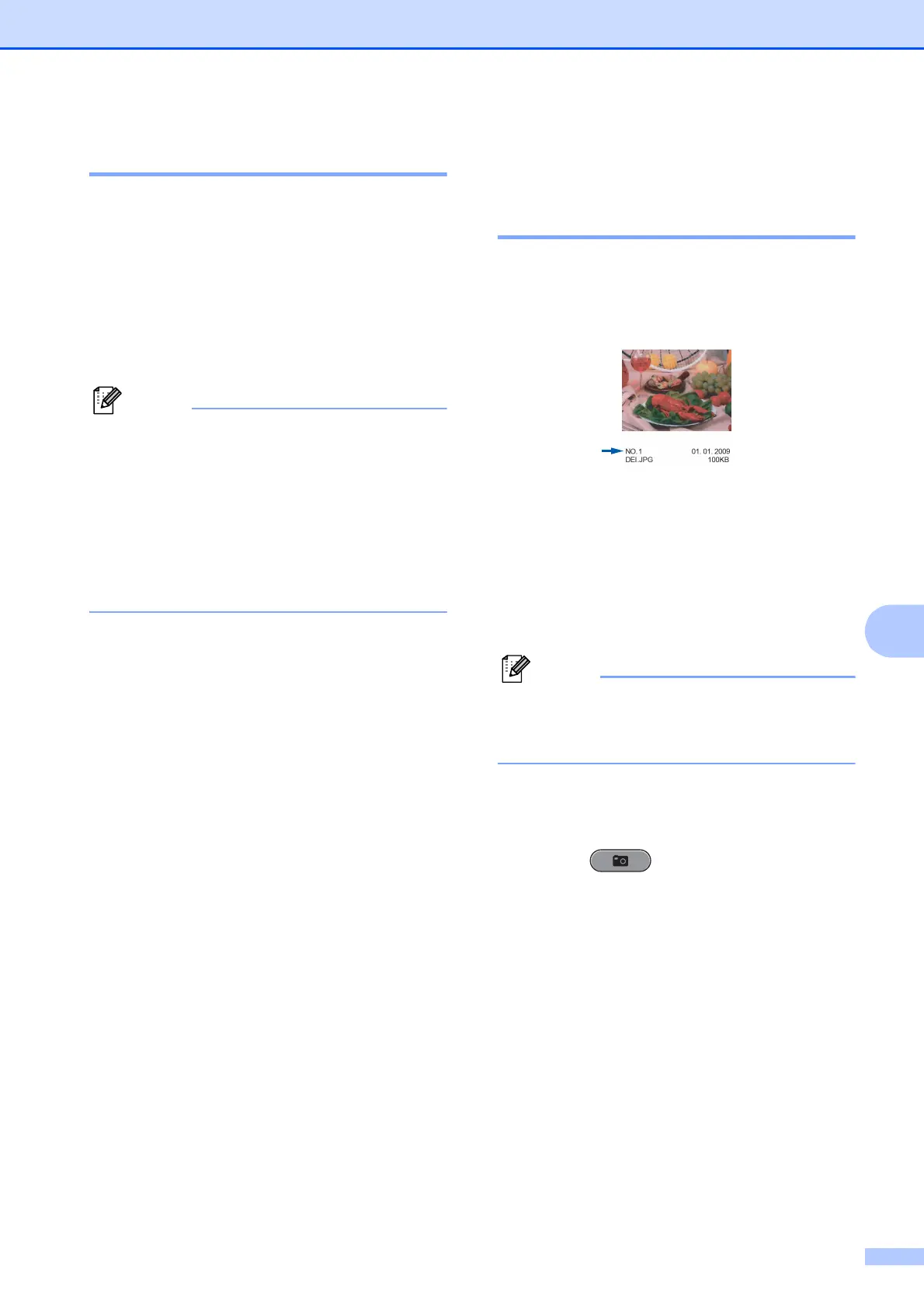
The PhotoCapture Center™ assigns
numbers for images (such as No.1, No.2,
No.3, and so on).
The PhotoCapture Center™ does not
recognize any other numbers or file names
that your digital camera or computer has
used to identify the pictures. You can print a
thumbnail page. This will show all the pictures
on the memory card or USB Flash memory
drive.
Only file names that are 8 characters or
less will be printed correctly on the index
sheet.
a Make sure you have put the memory
card or USB Flash memory drive in the
proper slot.
Press (PHOTO CAPTURE).
b Press a or b to choose Print Index.
Press OK.



 To Next Page
 Loading...











