1 Turn on your P-touch labelling machine.
Supply power using six AAA batteries or the optional AC Adapter (AD-24ES), and then press
to turn on the power.
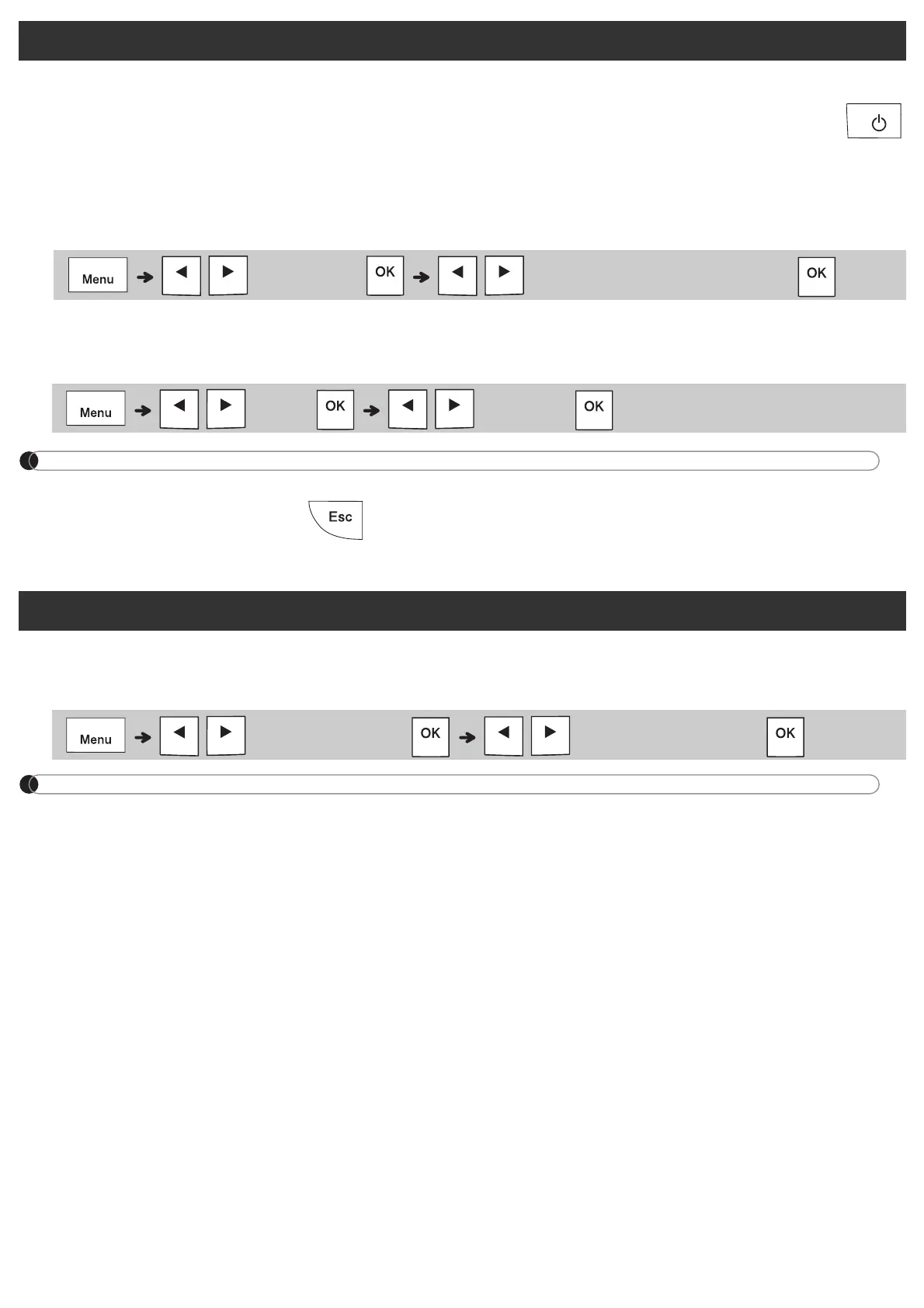
2 Set the language.
The default setting is [ENGLISH].
3 Set the unit of measurement.
The default setting is [mm].
NOTE
• The P-touch labelling machine automatically turns off if it is inactive for five minutes.
• To cancel any operation, press .
• To return to the default setting, press the Space key.
Use this function to set LCD brightness. There are five levels from [-2] (darkest) to [+2] (brightest).
The default setting is [0].
NOTE
• To return to the default setting, press the Space key.
Initial Settings
/ [Language] / [English/Arabic/Persian]
/ [Unit] / [mm/inch]
Contrast
/ [LCD contrast]
/ [-2 / -1 / 0 / +1 / +2]














 To Next Page