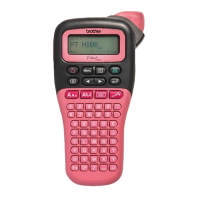
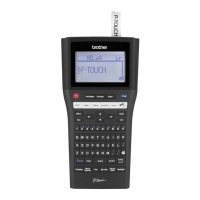
FORMATTING KEYS
Press to change the font settings.
Press
to change the size settings.
Press
to change the style settings.
Press to select the frame design. See the
Frame designs table included in this guide.
NOTE
• To cancel an operation, press .
• See the Font samples table included in this
guide.
• The actual printed font size depends on the tape
width, number of characters, and number of
input lines. When characters reach a minimum
size, the selected font defaults to a custom font
based on the Helsinki style. This allows you to
print labels using the smallest text possible on
narrow or multi-line labels.


 To Next Page
 Loading...