EasyManua.ls Logo

Brune B 260 - Technical Data

Brune B 260
24 pages
Print Icon
To Next Page IconTo Next Page
To Previous Page IconTo Previous Page
Loading...
6
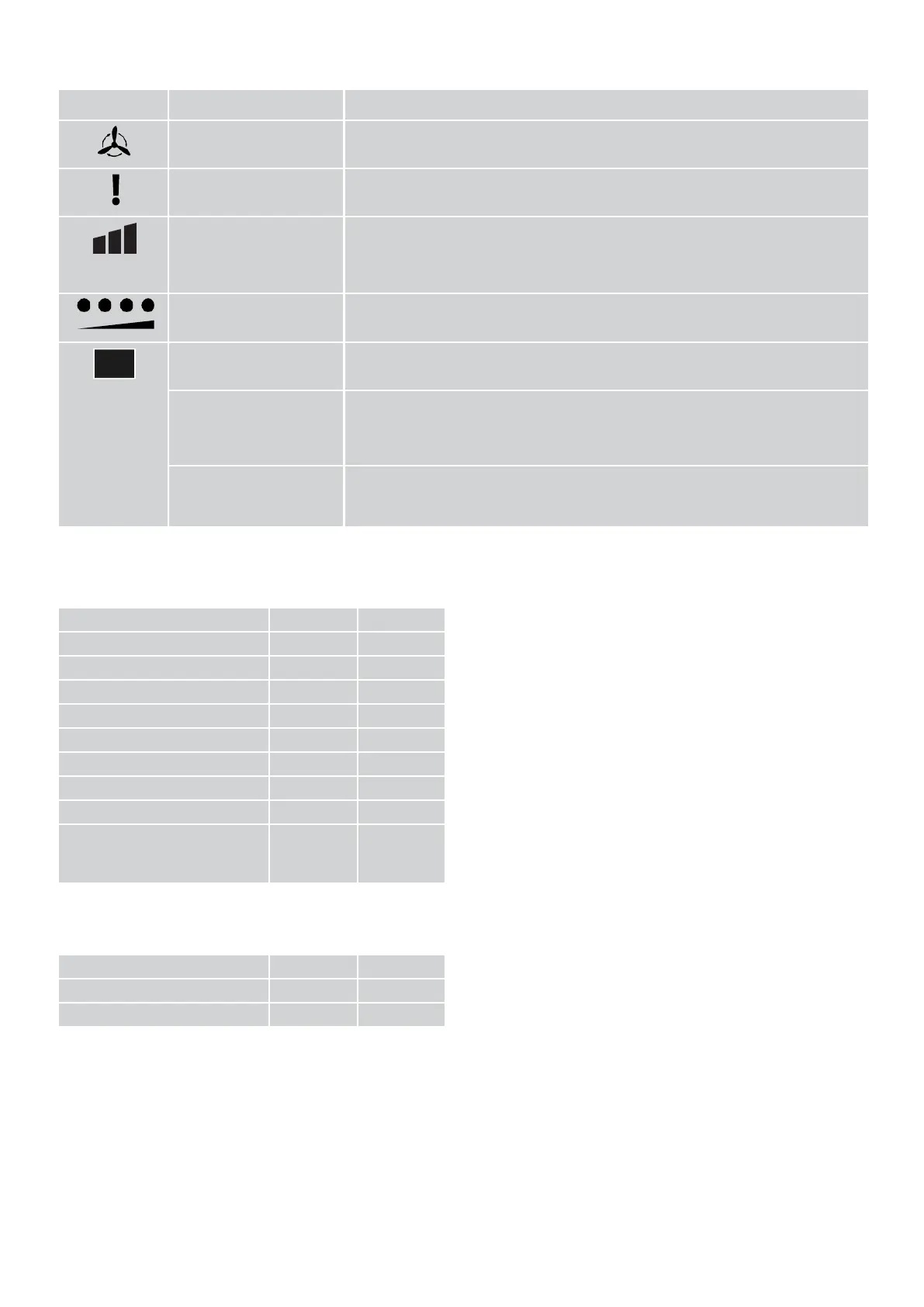
Display elements
Symbol
Description
Display
AUTO MODE
Red: Automatic mode running see "Automatic mode fan" on page 13
ERROR
Red: An error has occurred see "Error code display" on page 22
WATER
TANK
Red: Tank empty see chapter "4.3 Changing the water and cleaning the
appliance" on page 18
Green: Level sufficient for operation
Green flashes: Tank full. Stop filling
FAN ACTIVITY
Current fan speed level see "Setting the fan speed" on page 13
AIR HUMIDITY %
Actual value of relative humidity
AIR HUMIDITY % with
the HUMIDITY + or
HUMIDITY - key held
down
Setpoint value of the relative air humidity
AIR HUMIDITY % with
simultaneous illumination
of the ERROR display
Error numbers see "Error code display" on page 22
1.3
Technical
data
Indication
Unit
Weight (empty)
kg
Wide
mm
Height
mm
Depth
mm
Tank volume
l
Mains connection
V
Mains frequency
Hz
Power consumption
W
Maximum water pressure
when connected to water
main
bar
Operating conditions
Indication
Unit
Temperature
°C
Relative
humidity
%

Related product manuals