Switching the key lock on and off
1.
To switch on the key lock, press the HUMIDITY and HUMIDITY keys until the display shows
"88"
appears.
+ The key lock is activated.
2.
To switch off the key lock, press the HUMIDITY and HUMIDITY keys simultaneously until the display shows
"88"
goes out.
+ The key lock is switched off.
Activation/deactivation of the signal tone
Switch off the unit with the standby key . Now press the standby key and keep it pressed for five seconds until "Add"
appears on the display. Press the FAN key to switch to the submenu for "b1/b0". By pressing the HUMIDITY key you can
activate (b1) or deactivate (b0) the signal tone.
Once the setting has been made, exit the menu by pressing the standby button .
3.4
Putting the radio humidity transmitter into operation (optional accessory)
Humidity measurement
The radio humidity transmitter (item no.: 1348/5) measures the relative humidity in the room and transmits it by radio to the humidifier.
This
enables a more accurate measurement than by using the built in sensor of the unit, which may produce deviating
measurement results due to the humidity inside the unit.
Putting the radio humidity transmitter into
operation
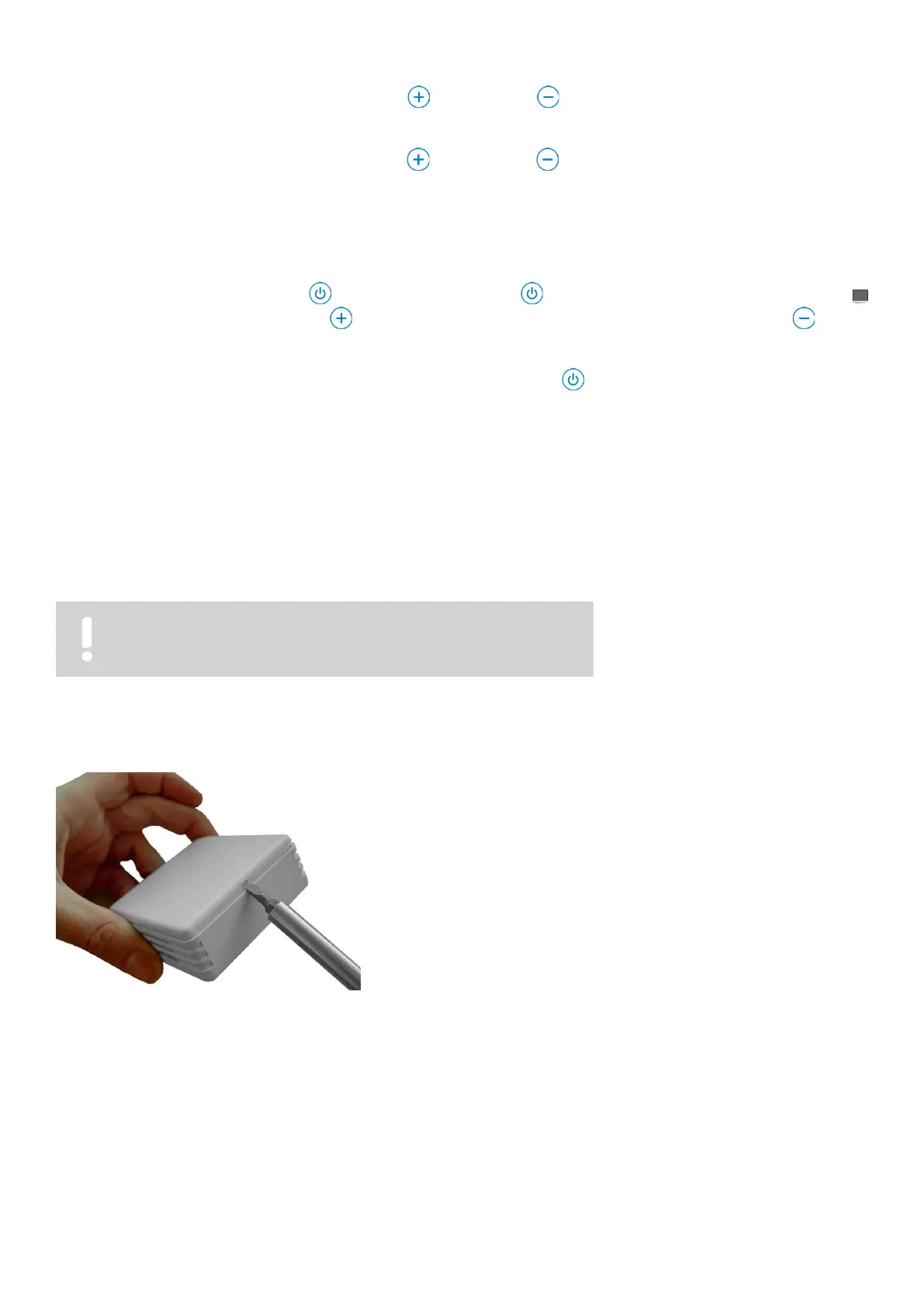
Fig. 3.4.1: Opening the cover
1.
Carefully lift the cover of the radio humidity transmitter
with a small screwdriver and remove it (fig. 3.4.1).



 To Next Page