Appendix F Printing with Software
Revision A 9K-L USERS MANUAL Section F - 7
Click on Printer Setup.
Select the Generic/Text Only printer driver.
Click on OK.
This will return you to the Mailing Label Assistant window.
Click on OK.
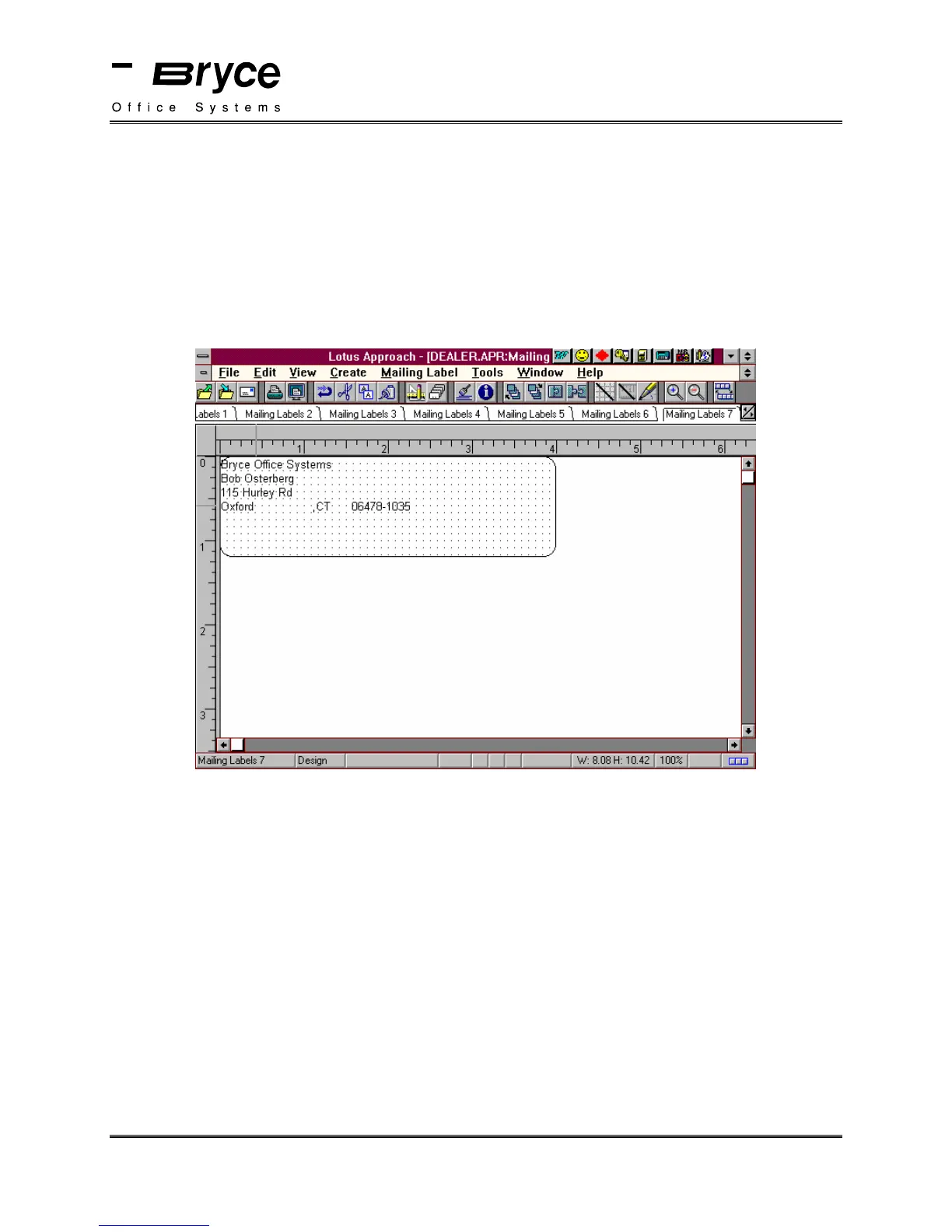
The label that you just created will be displayed.
Select Design from the View Menu.
Position your fields as shown below.
Set the Address Setup, located in the Bryce setup Menu, to 8 lines.
You are now ready to print labels on your Bryce printer.
P/N 90-00860-001



 To Next Page