Appendix F Printing with Software
Revision A 9K-L USERS MANUAL Section F - 17
Software Interface sample: Microsoft FoxPro 2.6 for Windows
Installation:
Follow the instructions in the User Manual to install Microsoft FoxPro.
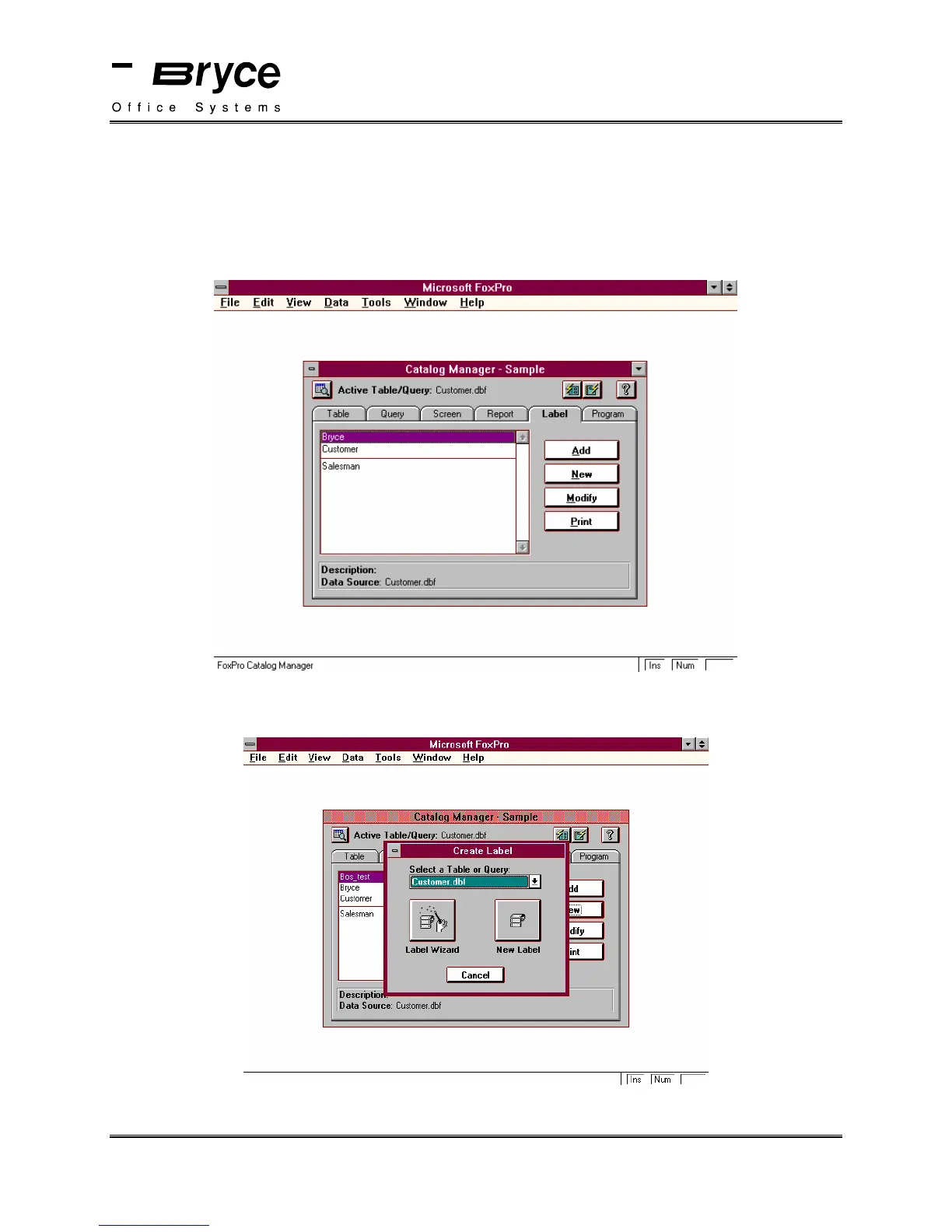
Choose Label from the Catalog Manager, then click on New.
The Create Label window will be displayed. Select the table or query you wish to create a label
for.
Click on Label Wizard
continued on next page
P/N 90-00860-001



 To Next Page