Appendix F Printing with Software
Revision A 9K-L USERS MANUAL Section F - 36
POWER PRINT for the MACINTOSH (Continued)
Page Setup:
• Select Show from the Layout menu, then select Non-Printable Area.
• Set page width to 8.5 Inches (215.9 mm).
• Set page length to 11 inches (279.4 mm).
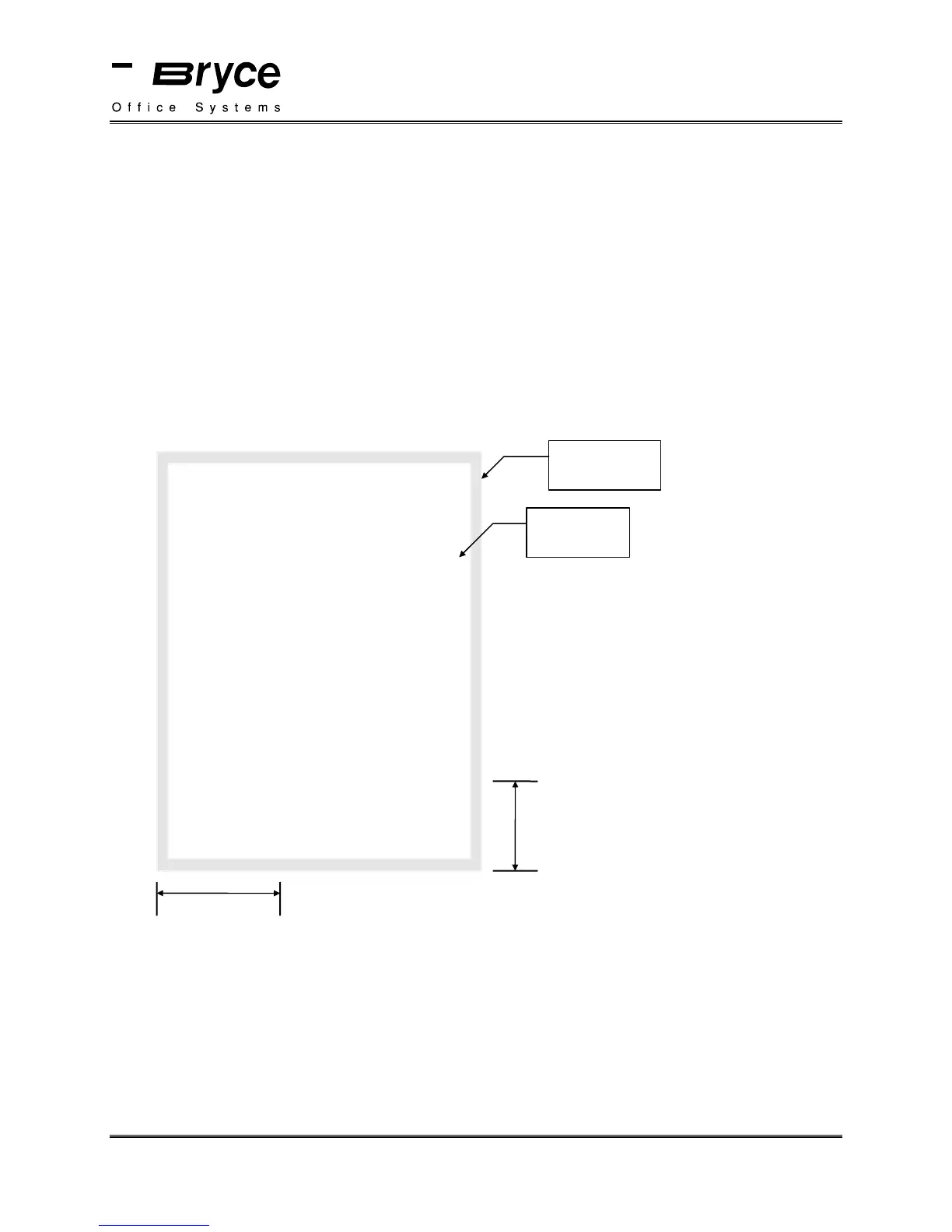
Measure the position of your address from the bottom edge of the paper, just as you would from
the bottom edge of your mail piece. See example shown below.
8.5 x 11 Inches
Non-Printable
area
Printable
area
Bryce Office Systems
115 Hurley Road
Oxford, CT 06478-1035
2.0 Inches
4.0 Inches
Go to File menu and select Print. Select:
• Print Mode = Draft
• Feed = Automatic
Click on Print.
P/N 90-00860-001



 To Next Page