Appendix F Printing with Software
Revision A 9K-L USERS MANUAL Section F - 29
Software Interface sample: PreSort Pro by MCS version 2.4 for Windows
Installation:
Follow the instructions in the User Manual to install PreSort Pro. Install the Standard/Text only
printer driver that is supplied with PreSort Pro.
Select New from the File Menu.
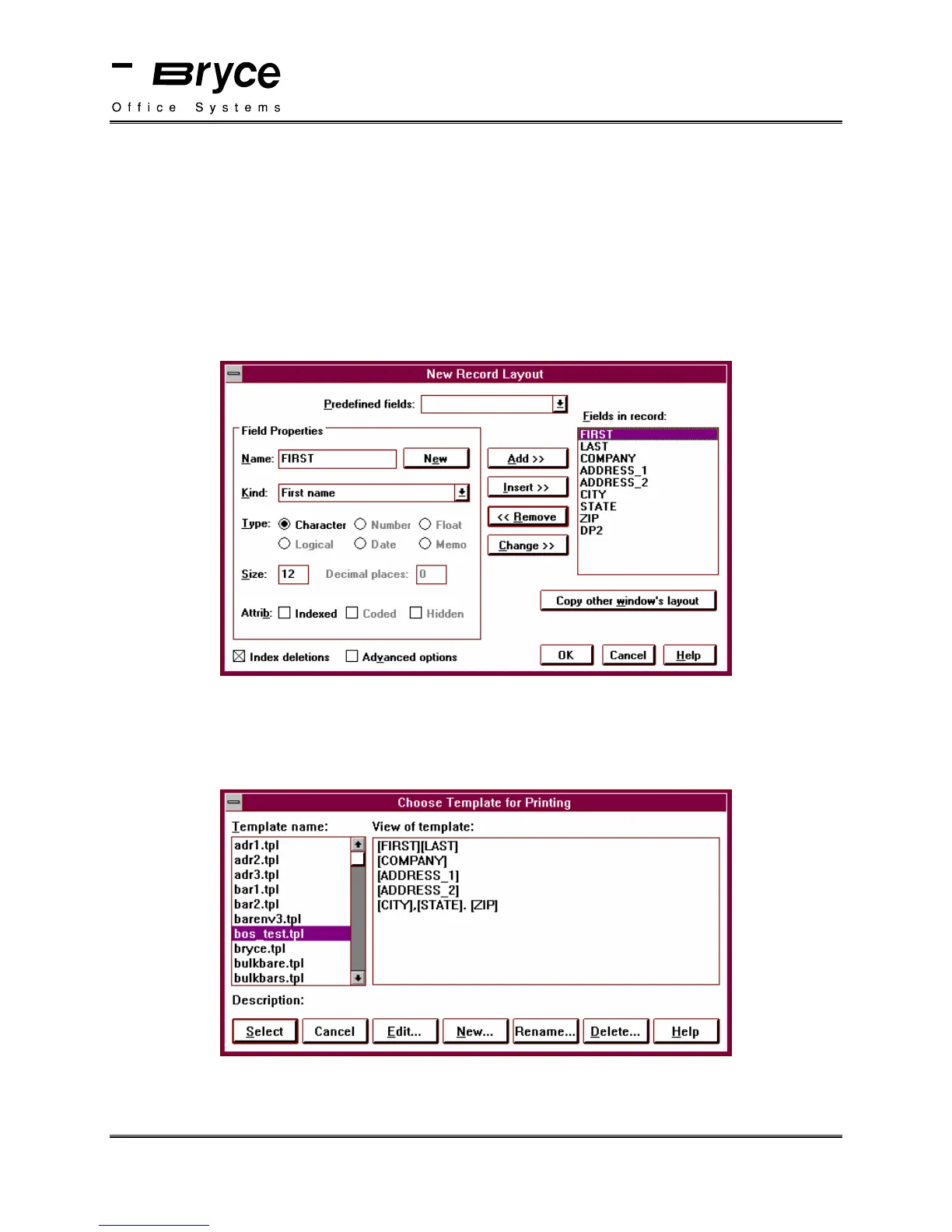
Select the required fields. (See the new record layout example below.)
When the data is inserted into your database, you must select a template.
Select Choose Template from the Print Menu.
In the example below, a template named bos_test.tpl has been created. Notice that there are no
printer control codes displayed at the beginning or end of the template.
continued on next page
P/N 90-00860-001



 To Next Page