Appendix F Printing with Software
Revision A 9K-L USERS MANUAL Section F - 21
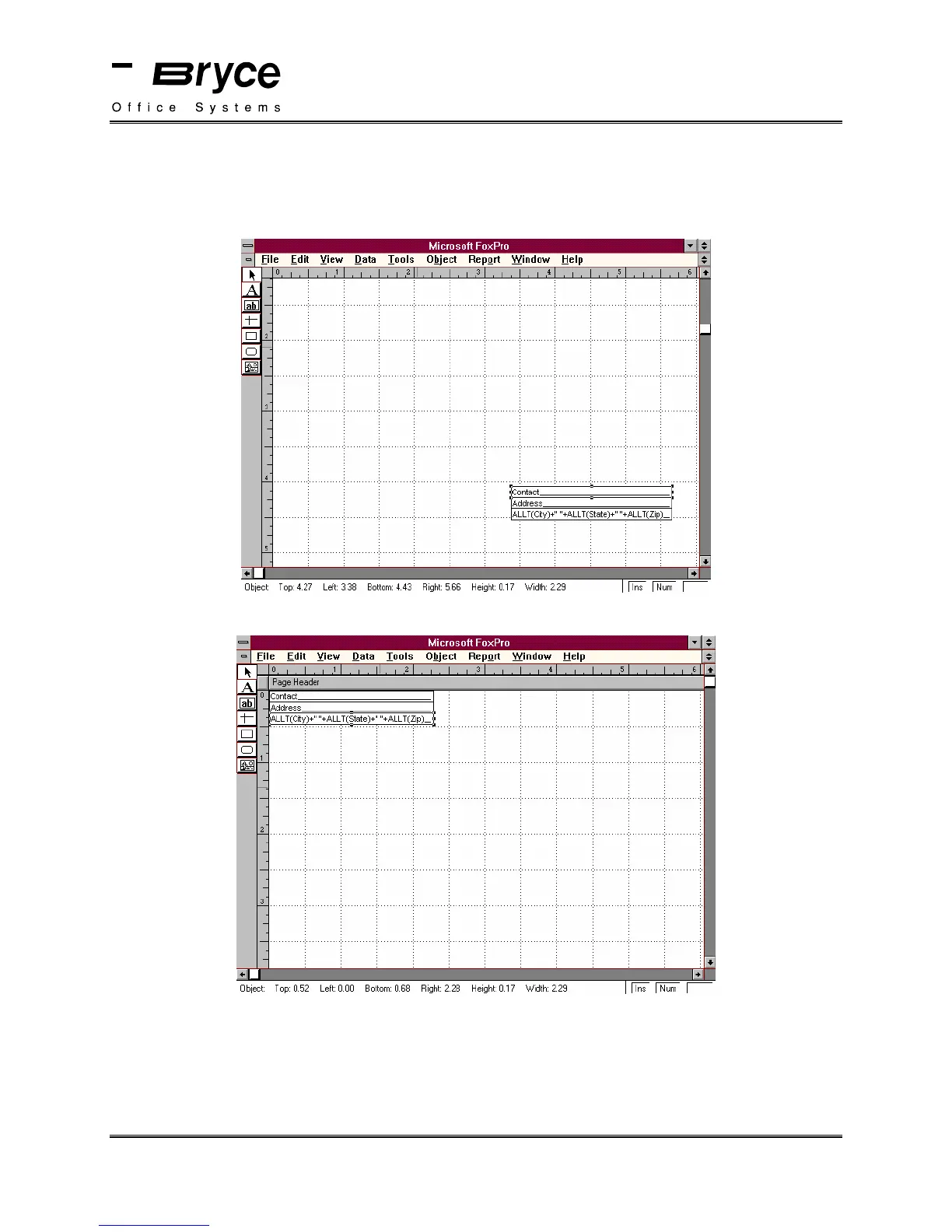
The Microsoft FoxPro Label Edit window will be displayed.
No fields will appear on the display, this is because the fields are located towards the bottom of
the label.
Click on the side scroll bar until you see the fields.
Move the fields to the top left of the label, as shown below.
Make sure that you move the first field to the 0,0 position.
Select Save from the File Menu.
Select Close from the File Menu.
continued on next page
P/N 90-00860-001



 To Next Page