Operating the Printer
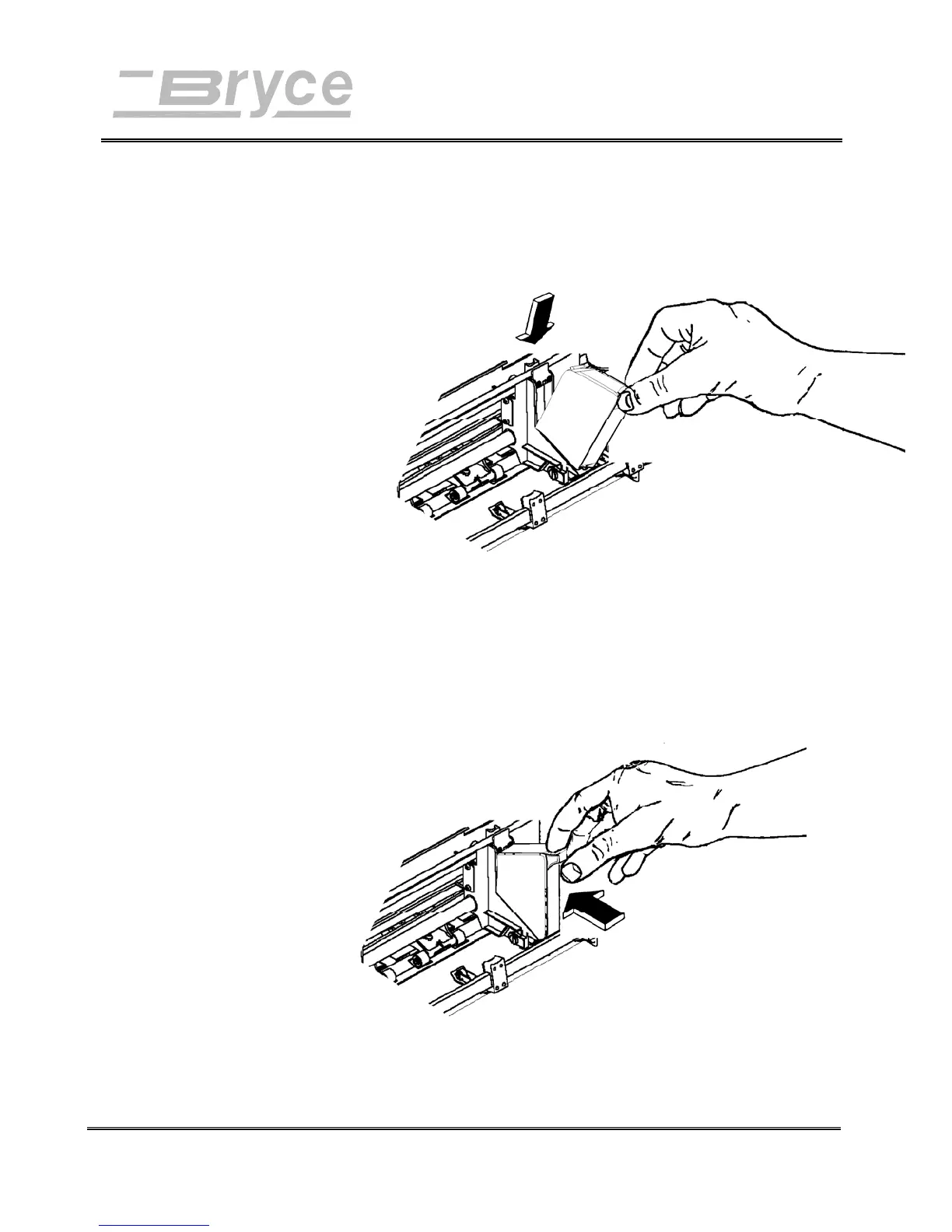
3. Gently insert cartridge down at approximately a 45
degree angle into the cradle of the Print Head Holder
Assembly. Insert with the green arrow on top of the
cartridge pointing toward the input bin.
4. Place forefinger on cradle tab and thumb on top of ink
cartridge and gently squeeze together until the
cartridge snaps into place.
Revision A 9KL USERS MANUAL Section 4 -
P/N 90-00860-001
3



 To Next Page