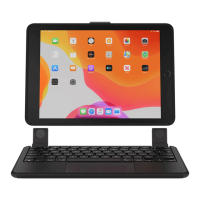
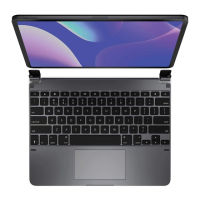
IMPORTANT
Remove non-Brydge screen protectors before attaching your Brydge keyboard. This will
ensure a perfect fit and eliminate unnecessary pressure to your screen when inserted
into the hinges.
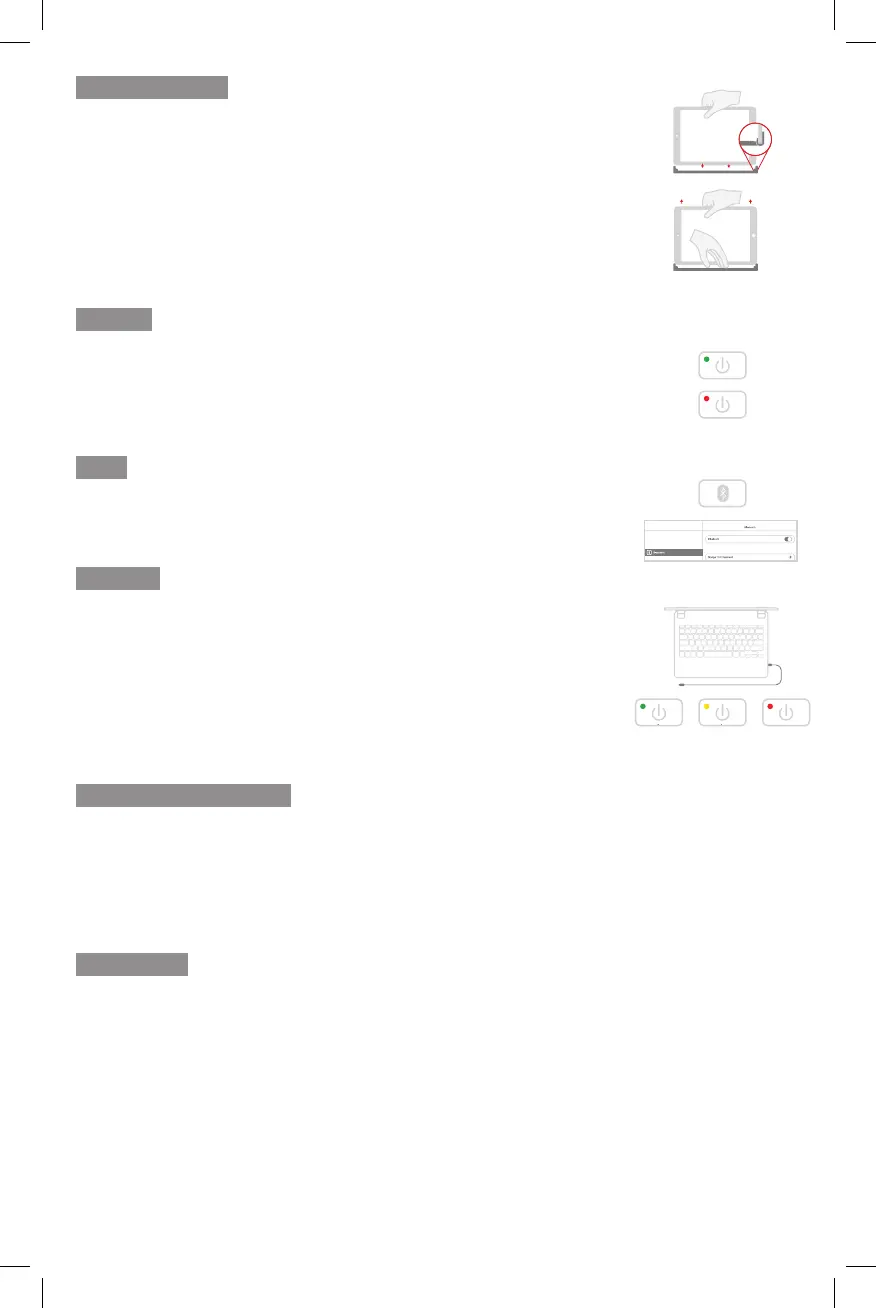
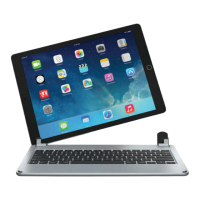
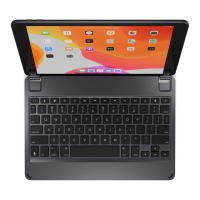
TO INSERT: Place your Brydge on a flat surface and set the hinges upright to 90 degrees.
Insert your iPad into the hinges with the home button on the right, one side at a time.
If your iPad is loose, remove it and gently squeeze the hinges. Repeat this process until
your iPad is held firmly.
TO REMOVE: Ensure your Brydge is on a flat surface.
Place your hand towards the back of the keyboard and pull up, one side at a time.
TO TURN ON: Press the power key for one second until the LED flashes green.
TO TURN OFF: Press and hold the power key for three seconds until the LED flashes red.
NOTE: To conserve battery, your Brydge will enter sleep mode after 20 minutes of
non-use. Press any key to turn back on. Your Brydge will enter sleep mode when both
devices are closed like a laptop.
TO PAIR: Press and hold the Bluetooth key for three seconds until the LED flashes blue.
On your iPad, under Settings > Bluetooth select Brydge 10.2.
When successfully paired, the blue LED will turn off.
TO CHECK BATTERY LIFE: Press and hold the battery key until the LED flashes three
times.
The color of the flash indicates the battery level.
NOTE: If battery life is below 15%, backlit key functionality will be disabled to conserve
battery.
TO CHARGE: Insert the charging cable into the keyboard and plug the other end into a
power source. A solid red LED indicates the Brydge is charging.
When the keyboard is fully charged, the red LED will turn off. A full charge can take up
to three hours.
Thank you for purchasing a Brydge product. This product comes with a 1-year limited hardware warranty on the
terms and conditions set out in this document and at www.brydge.com/warranty. All Brydge warranties are non-
transferrable and are only available to the original end-user of the product. Warranties do not apply to products
purchased from online vendors unauthorised to sell Brydge-branded product. To obtain warranty service, visit www.
brydge.com/support. Proof of purchase is required to verify eligibility.
HAVE A QUESTION? Visit www.brydge.com/support
75-100% 25-74% 10-24%
INSERT/REMOVE
POWER
PAIR
CHARGE
KEYBOARD SHORTCUTS
WARRANTY
Copy
Command + C
Paste
Command + V
Cut
Command + X
Underline
Command + U
Italic
Command + I
Home Screen
Command + H
Switch App
Command + Tab
Show Dock
Command + Option + D
Search
Command + Space
Undo
Command + Z
Switch Language
Ctrl + Shift + Spacebar (Spacebar allows you to toggle through available languages)
Connected
Settings
On


 To Next Page