Getting to know your Baby Monitor
10
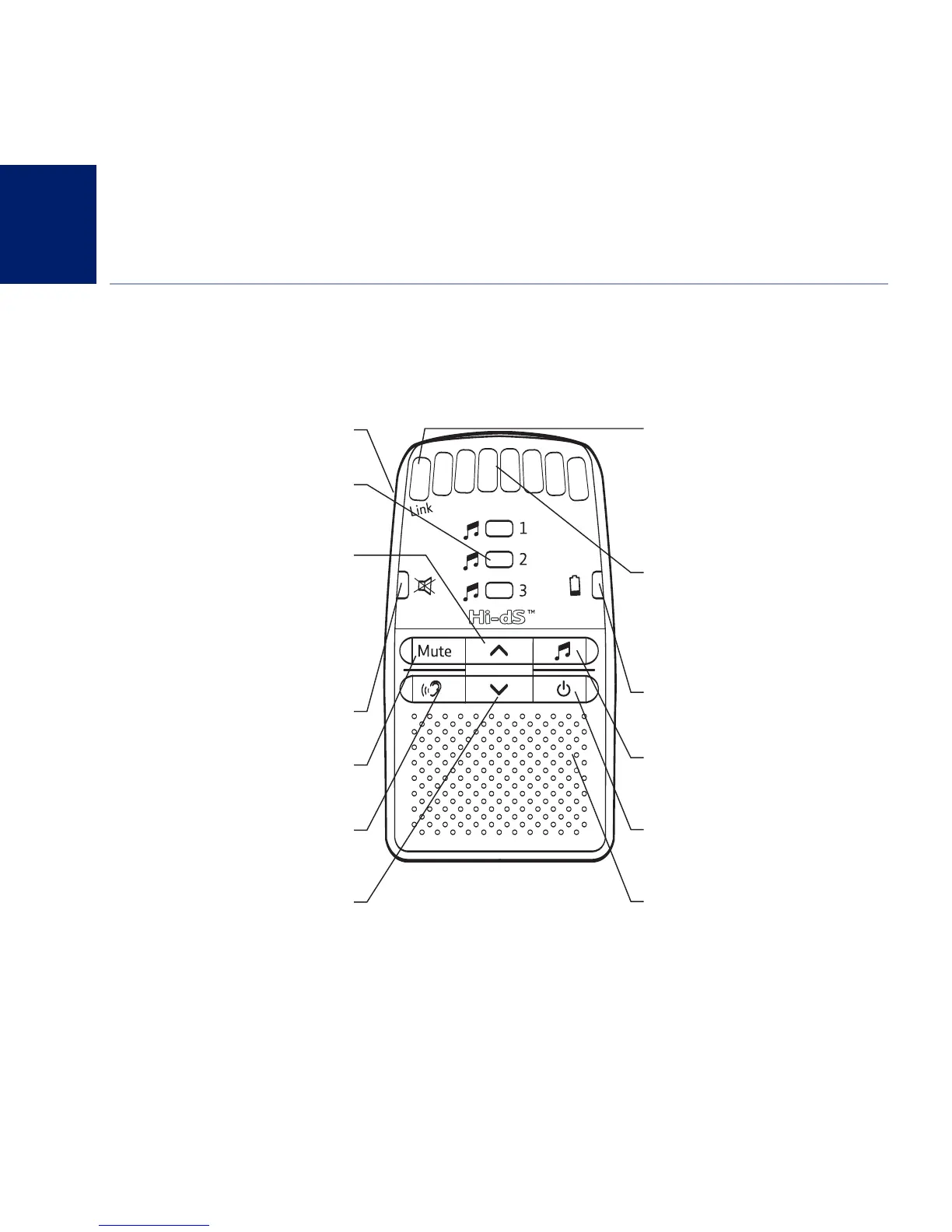
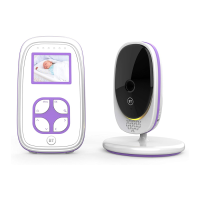
Parent unit
From the Parent unit you can listen to your baby and operate the Baby unit by remote control.
If you experience any problems, please call the Helpline on 0808 100 6554*
Talk (on side of unit)
Press to talk to your baby.
Lullaby LEDs
Green on – When the selected
lullably is being played.
Up
Increase speaker volume.
Increase sensitivity when reviewing
the setting.
Change lullaby when playing.
Mute LED
Green on – When speaker is muted.
Mute
Press to switch the speaker off, press
again to switch it back on.
Sensitivity
Press to review and change
the sensitivity setting.
Down
Decrease speaker volume.
Decrease sensitivity when
reviewing the setting.
Change lullaby when playing.
LED Link indicator
Green On – Linked to Baby unit
Gr
een flashing – Not linked to Baby unit
– first 30 seconds
Red Flashing – Not linked to Baby unit
– for longer than 30 seconds.
Sensitivity / Volume level LEDs
During use, lights indicate:
– Sensitivity level
– Parent unit volume level
– How loudly baby is crying
Battery status LED
– Red flashing when batteries are low.
Lullaby
Press to start playing a lullaby,
press again t
o stop.
Power on/off
Press and hold to switch the power
on or off.
Microphone



 To Next Page