20
If you experience any problems, please call the Helpline on 0808 100 6554*
Help
Helpline
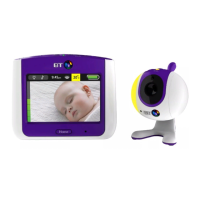
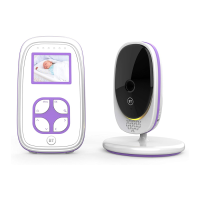
If you have any problems using your BT Baby Monitor 100, call 0808 100 6554*.
Power lights do not come on
• If using the mains power adapters make sure they are plugged in and switched on.
• If using batteries, check they are correctly installed and not drained.
Link light does not come on
• Check that both the Baby and Parent units are switched on.
• If using batteries check that they are correctly installed and that they are not drained.
Link light is flashing green
• If you have pressed to use the Talk Back feature, the link light will flash to indicate one-way
communication between the units.
• The Units are searching for a communication link. Check they are within range of one another and
that the mains power (or batteries) are properly connected.



 To Next Page