18
If you experience any problems, please call the Helpline on 0808 100 6554*
Select sensitivity level
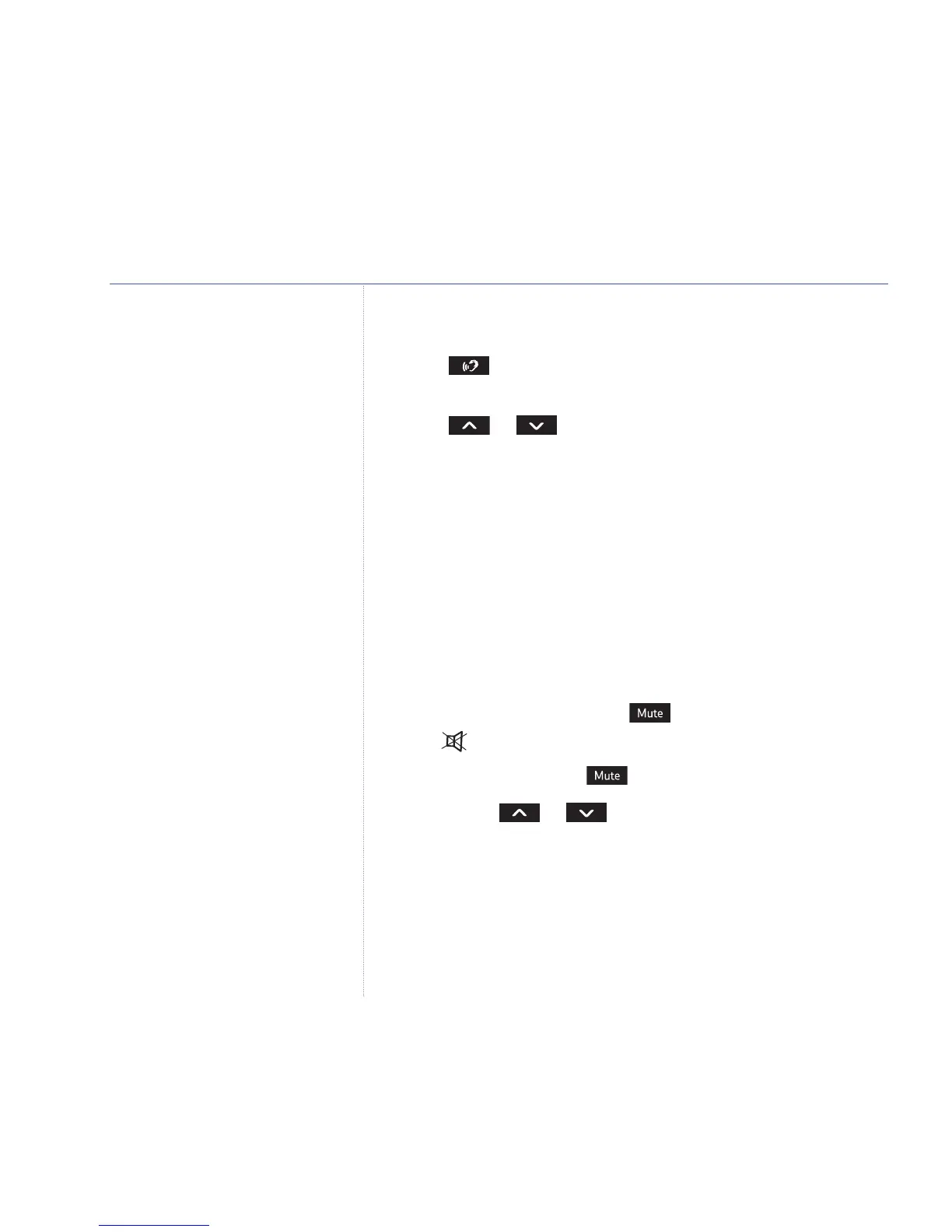
1. Press to view the current sensitivity setting (as shown by
the LEDs).
2. Press or to change the sensitivity setting.
Sound level visual indicator
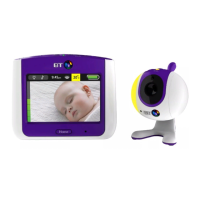
The noise level from baby’s room is indicated by the LEDS on
the Parent unit. So even if the loudspeaker is turned down or
off (muted), you can be alerted visually.
There are 7 LED noise indicators - 4 green and 3 red -
covering a range of noise levels from 0dB up to 40dB.
Mute (loudspeaker off) – Parent unit only
You can prevent sounds from coming out of the Parent
unit loudspeaker by pressing . The mute active
LED illuminates.
To restore sounds press again.
The volume or buttons can also be used to
activate and deactivate mute.
Alert tone when the loudspeaker is off
If the Parent unit loudspeaker is turned off, and the noise level
from baby’s room reaches the 2nd red LED level, the unit will
beep to alert you. This is independent of any sensitivity setting
you may have set.
Using your BT Baby Monitor 100
The sound level visual indicator LEDs
start at the second LED. The first LED
is the link status indicator.



 To Next Page