63
Customisations 4
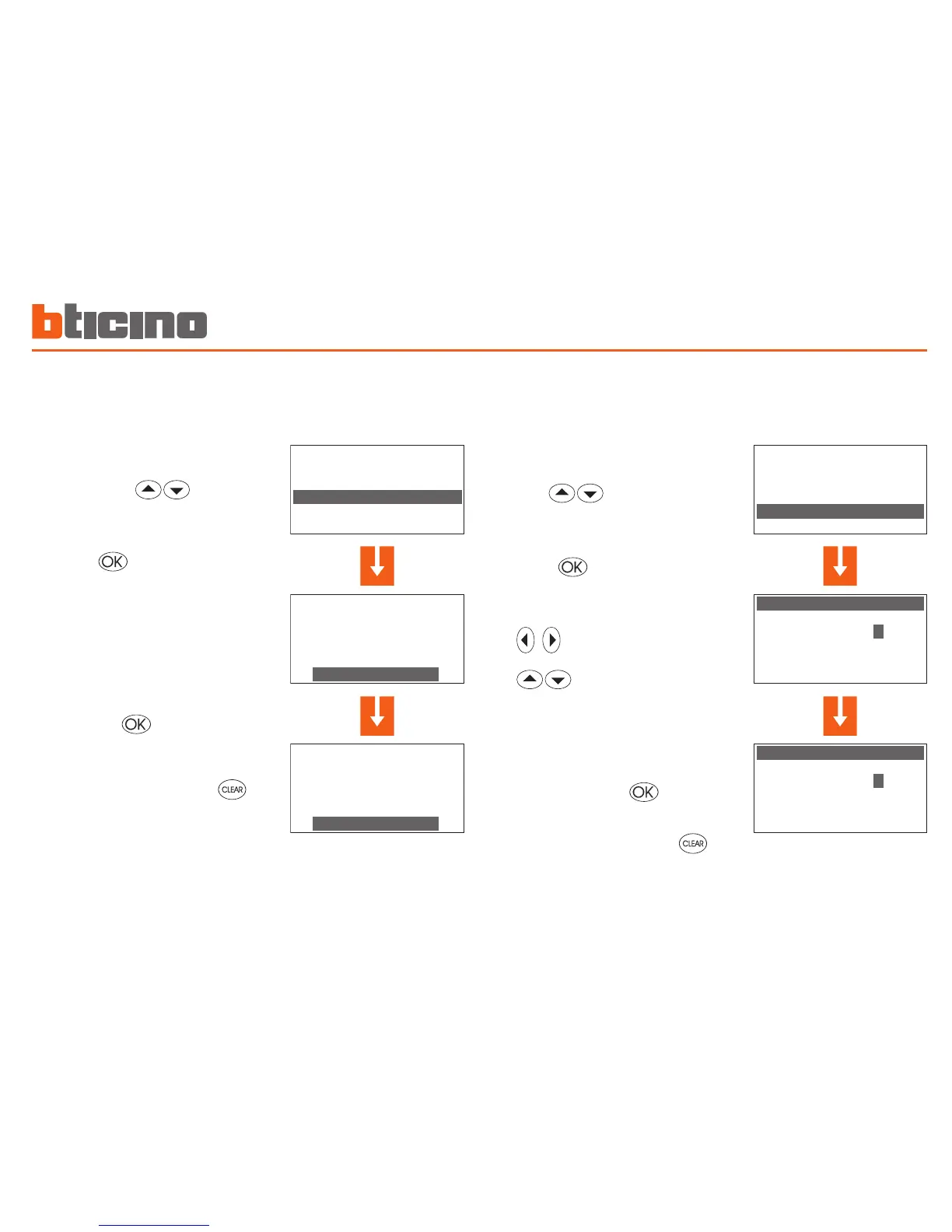
Set the mode of operation
This operation sets the system mode of operation: Summer =
cooling, Winter = heating
Set the date and time
For your system to work correctly the date and time set must be
correct.
To end the programming and return
to the first window keep the key
pressed
In the Setup menu select Summer/
Winter with the keys
The display shows the window indi
-
cating the mode of operation in use
(Operation: Winter)
To change the system mode of op-
eration press
Press the key to confirm
Note: Before switching, perform all the necessary operations on
the hydraulic system to ensure that it works correctly.
After the switching the system is set in Antifreeze/Heat protec
-
tion mode.
To end the programming and return
to the first window keep the key
pressed
In the Setup menu select Date/Time
with the keys
Use the number keypad to enter the
time and date;
the keys let you change to the
previous or next figure;
the keys let you change line,
from time to date and vice versa.
Confirm by pressing



 To Next Page