EasyManua.ls Logo

Bticino 3550 - Adjust the Display Contrast

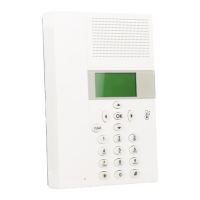
Bticino 3550
Print Icon
To Next Page IconTo Next Page
To Previous Page IconTo Previous Page
Loading...
65
Customisations 4
To end the programming and return
to the first window keep the key
pressed.
S ET U P
S um m e r/ w i nt e r
D at e / ti m e
R em o t e co n t ro l
U se r c o de
U SE R C O DE
S ta t e :
d is a b le d
E na b l e
U SE R C O DE
C ur r e nt : 0 0 00 0
N ew : 0 00 0 0
M em o r iz e
U SE R C O DE
C ur r e nt : 0 0 00 0
N ew : 6 78 9 0
M em o r iz e
U SE R C O DE
S ta t e :
e na b l ed
D is a b le
M od i f y
enter a new five figure code as you
wish
Press the key to confirm
We recommend you write the new
User code in the boxes at the side
NEW USER CODE
From now on you must type the
new user code to access the Main
menu.
The following functions are available:
Disable - can disable the user Code
Modify - can modify the user Code
use the
keys to select the function required
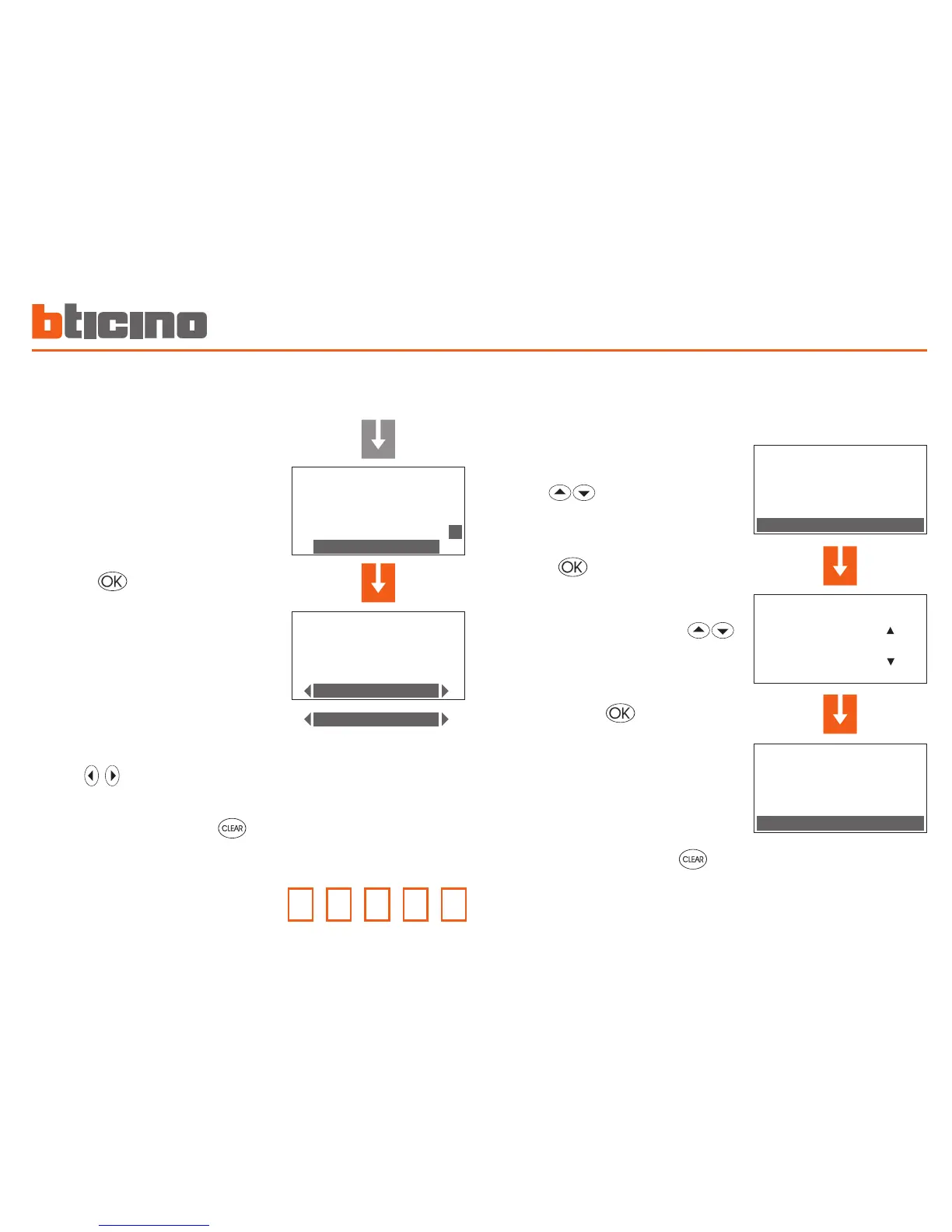
Adjust the display contrast
The contrast of the graphic display can be adjusted so that it is
easy to read
To end the programming and return
to the first window keep the key
pressed
In the Setup menu select Contrast
with the keys
To confirm press
Press the key to confirm

S ET U P
D at e / ti m e
R em o t e co n t ro l
U se r c o de
C on t r as t
S ET U P
D at e / ti m e
R em o t e co n t ro l
U se r c o de
C on t r as t
C ON T R AS T
I nc r e as e b y
D ec r e as e b y
D is a b il i t a
Adjust the contrast with the
keys so that it is easy to read

Other manuals for Bticino 3550