67
Customisations 4
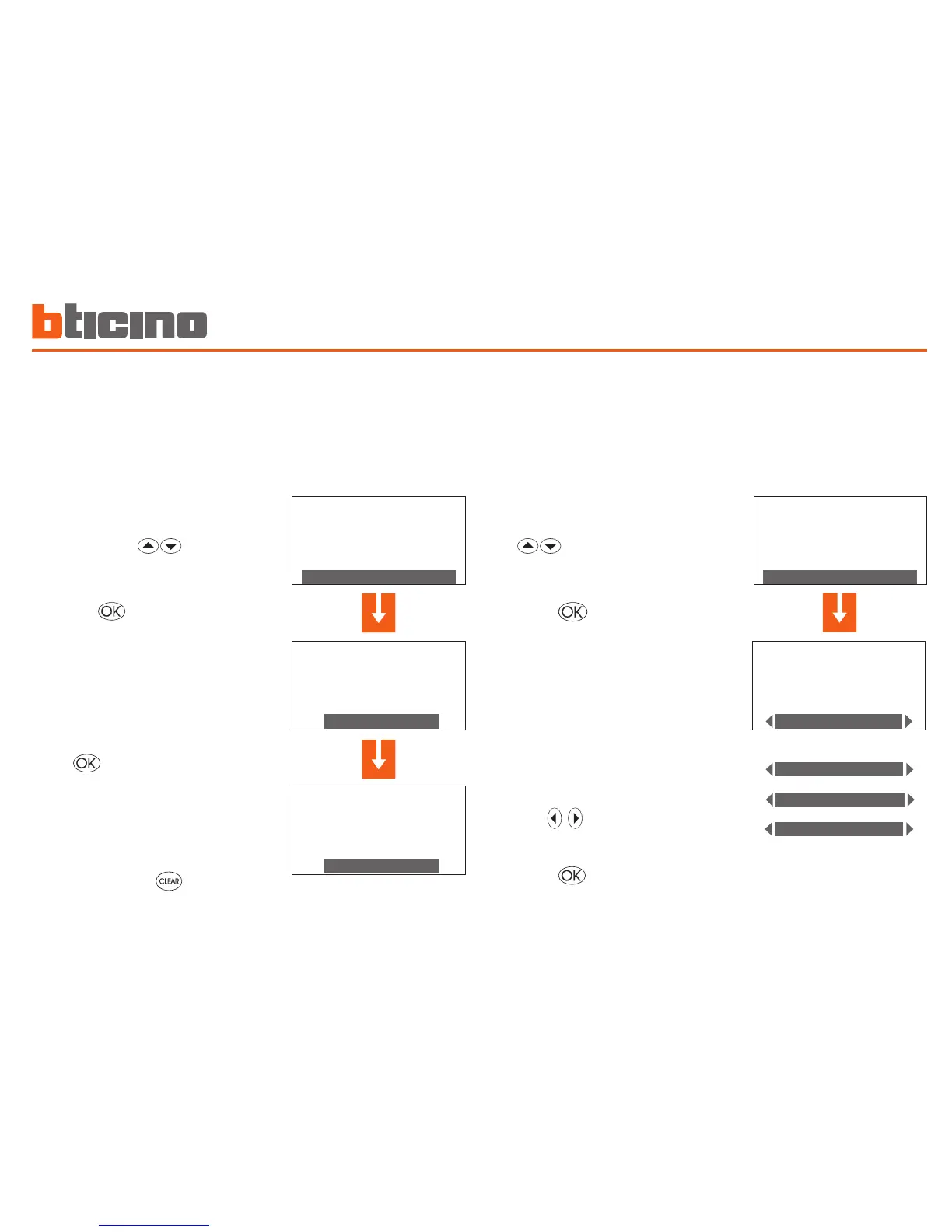
Contacts manag.
The Unit is able to manage additional contacts which make it
possible, for instance when opening the windows to air a room,
to switch off the heating in that area so as to save energy. In this
menu you can enable or disable this function.
Chiller
If Climaveneta Idrorelax products are installed in your system this
menu will appear, which will allow you to change its settings.
Hold down the key to end
programming and to return to the
main screen
Select Contacts manag. in the Setup
menu using the keys
A screen will be displayed showing
the indication of the current status
(Status: Disabled)
Press to change the status
Press the key to confirm
Use the keys to select the
required function
Select Chiller in the Setup menu using
the keys
A screen will be displayed showing
the indication of the current status
(Status: ON)
the following functions are available
for the selected zone:
Press the key to confirm


 To Next Page