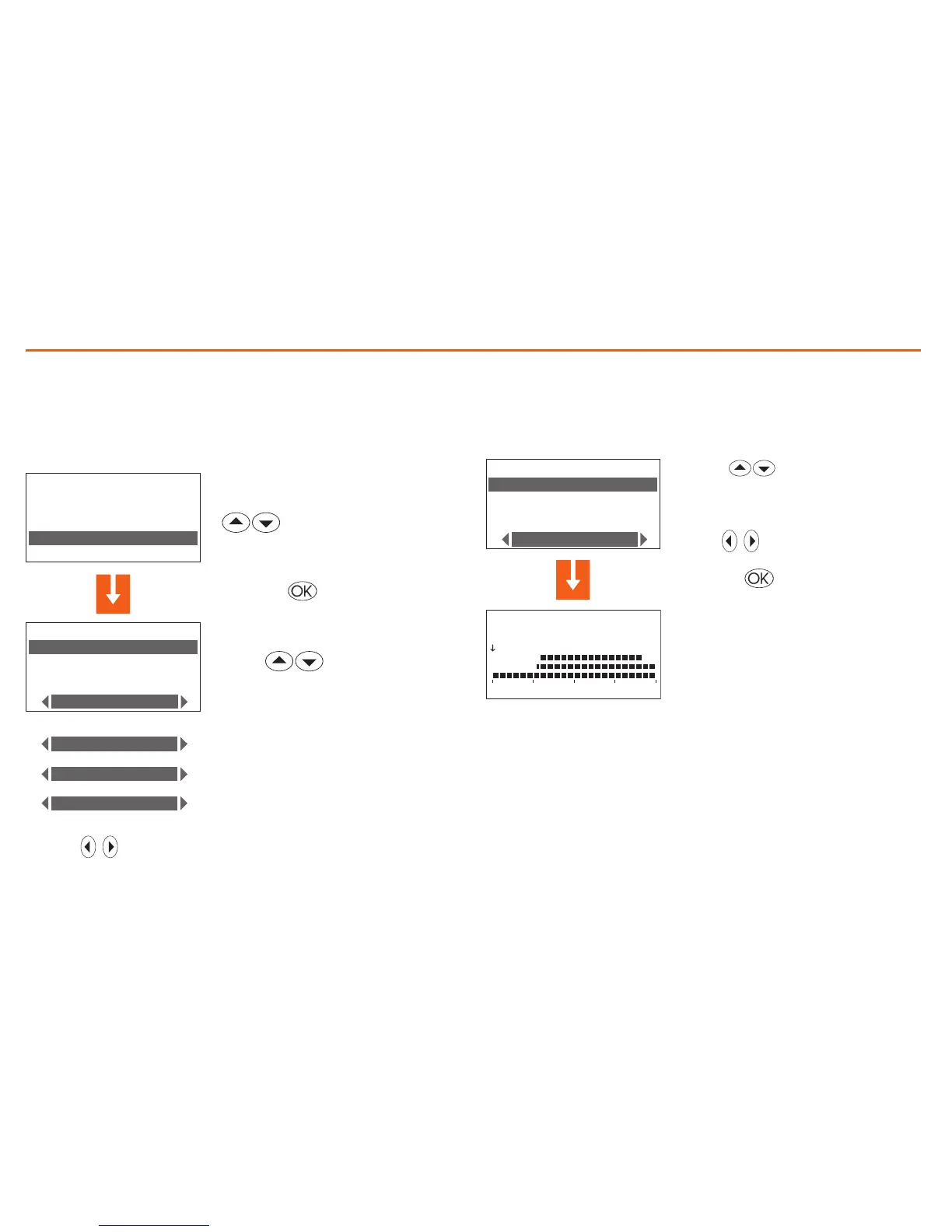
Use the keys to select the function required
Holiday programming
Can program a daily profile for each zone (as base the “Sunday” profile
of the “Example” program is associated with each zone).
To select the Holiday program to customise
In the Programming menu select
“Holiday”
Press the key to confirm
select the zone
the following functions are available
for the zone selected:
Select the zone to modify
(E.g.: Zone 1)
select the Modify function
The profile displayed can now be
modified using the navigation keys
as shown in detail in the previous
pages.
Modify the Holiday program
On selecting this function you can modify the daily profile associated
to each zone.
Press the key to confirm
Programming5


 To Next Page