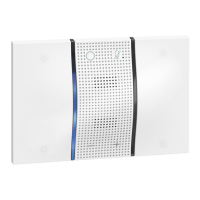
Sfera Display Module
Installer manual
27
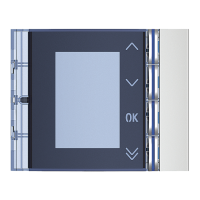
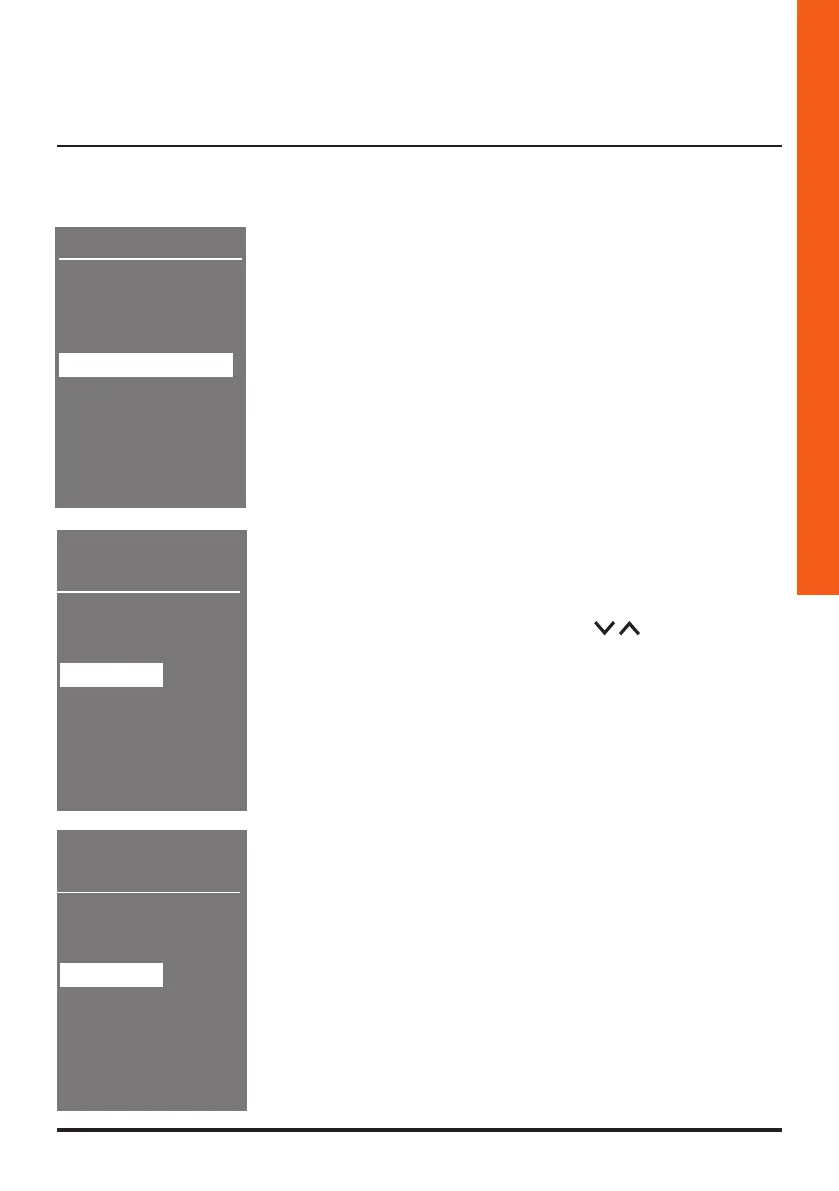
1 Press OK to access the menu
3.6.4 Delete all
Address book
Modify
Enter
Delete contact
Delete all
Exit
Delete
address book
Delete
address book
********
Cancel
Confirm
Cancel
Confirm
3 If you intend to cancel all the contacts in the address
book, select “Confirm” using the
keys
3 The cancelling takes a few seconds. The progress of the
operation is shown by the appearance of a sequence of
asterisks
4 Press OK to delete the entire address book


 To Next Page
 Loading...