2
Service Functions
GB012 - 25K
6
2.3.2 2. Service Level
Operating
Change or query of a service function
:
B To enter to 2. service level must be entered first in 1.
level.
Press
mode, “+” and “-” button for 5 second. The service
function onf1. level will be shown on Display (e.g.
1.2.C).
B To enter to 2. level : Press both “+” and “-” buttons for 3
second. The service function of 2. level will be shown on
Display (e.g. 2.1.A).
B Select the desired/requested service code with “+” or “-”
button.
B Press mode button again (for entering).
After that you will see the selected (default) value on
Display.
Changing / Adjustment of Value:
B Change the values with “+” or “-” button.
Storage/Save of Value :
B Press mode button until [ ] symbol will be shown on
Display.
Exit from Service level :
B For the exit from service level press the mode, “+” and “-”
button for 5 second or Stand by button.
The flow temperature will be shown again on display.
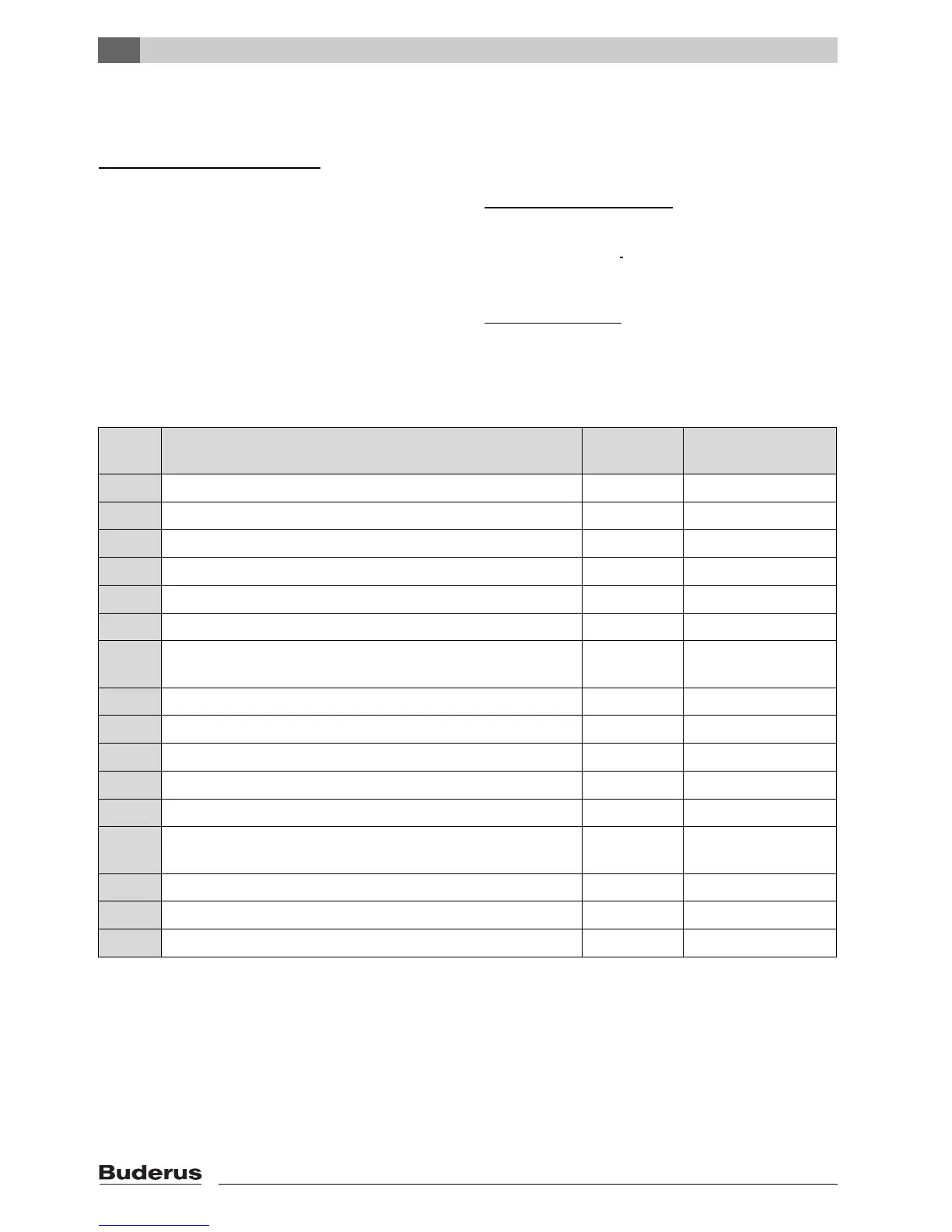
2. Level
Service
Code
Description Range Initial (Factory Setting)
2.1.A CH max. heat output 30 - 100 % 100 %
2.1.b DHW max. heat output (in winter mode) 30 - 100 % 100 %
2.2.b CH max flow temperature 35 - 82 °C 82 °C
2.3.d CH min. heat output 30 - 100 % 30 %
2.8.A Software version number e.g.. 162 112 -
2.8.E Reset to factory (default) setting 0 0
2.9.A Operation mode permanent : (0 = Normal, 1= min. power, 2 = max.
power)
0 - 2 0
2.9.E Delay time for the turbine ( each unit = 0,5 sec.) 1 - 6 2
2.9.F Pump over run) (CH circuit) 0 - 10 min. 3
2.A.A Actual flow temperature ºC -
2.A.b Actual DHW temperatur ºC -
2.A.F Actual combustion chamber temperature ºC -
2.b.d Selection of flue length (MAP Value) (0 = off, 1 - 10 : fan speed accord-
ing flue pipe length, see flue manuel for details)
0 - 10 0
2.b.F Solar mode delay time (sec.) 1 - 50 1
2.c.F Pump "over run” (DHW mode) ???? 0 - 30 sec. 5 sec.
2.0.A Gas Convertion (0 = NG, 1 = LPG) 0 -1 0
Tab. 3 2. level service functions







 To Next Page