Telephone Helpline: 0845 146 2887 (United Kingdom)
4
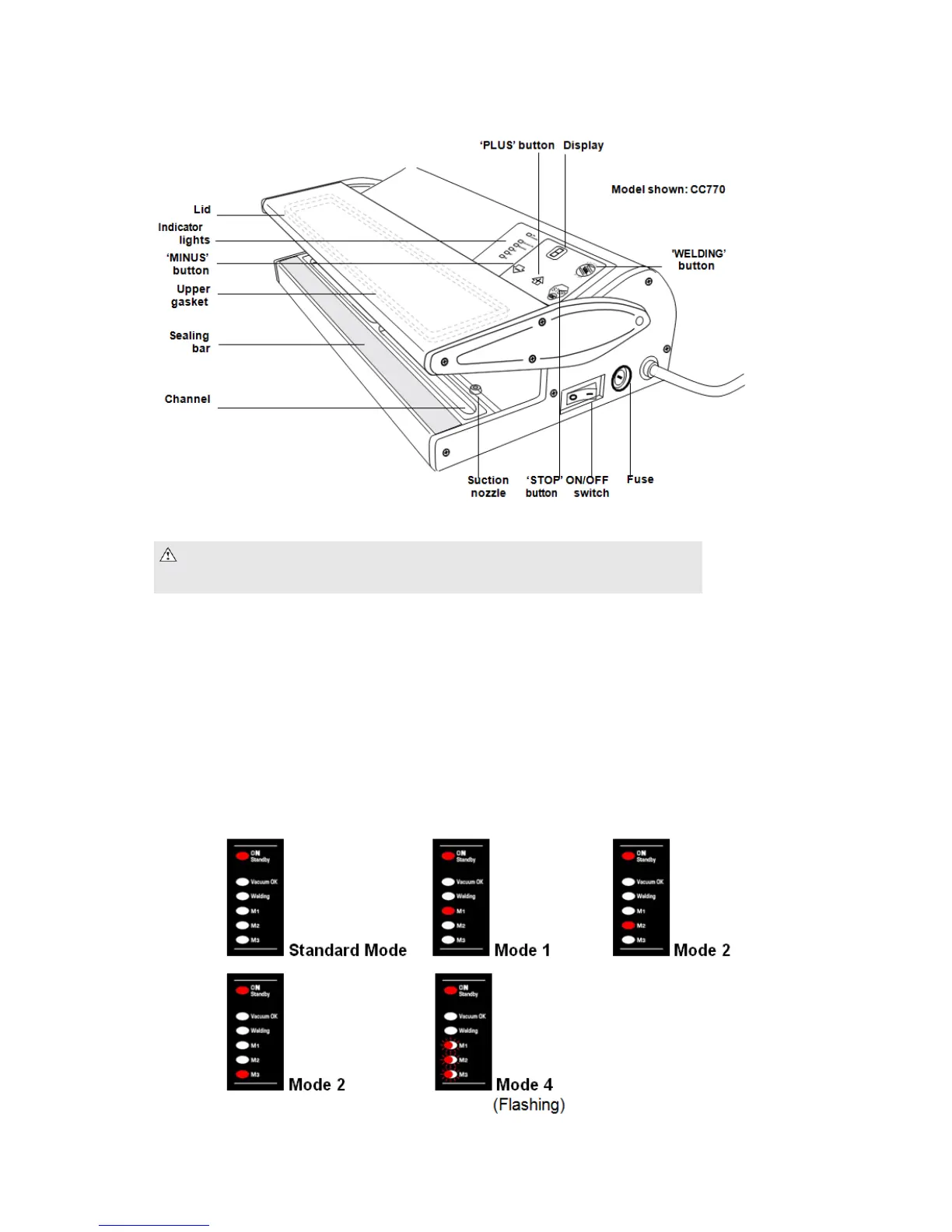
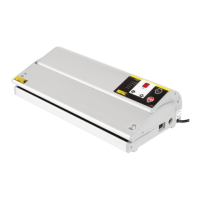
Controls
OPERATING MODES
CC770 OPERATING MODES:
• Standard Mode (M1, M2 & M3 off)
• Mode 1 (M1 lit): Extreme Mode for very small amount of liquid like blood residue
(10/15cc max.) only to be used 5 times consecutively after which the unit locks down for
10 minutes to cool down (showing the letters ‘EA’ on the display)
• Mode 2 (M2 lit): Extreme Mode + Soft Suction and Manual Anti-crush (press the
‘Welding M1-M2-M3’ button a few moments before reaching the desired vacuum)
• Mode 3 (M3 lit): Standard Mode + Soft Suction and Manual Anti-crush (press the
‘Welding M1-M2-M2’ button a few moments before reaching the desired vaccum)
• Mode 4 (M1-M2-M3 flashing): Dome Function to be used with Dome Accessory (sold
separately)
Note: 1. Designed for EMBOSSED BAGS ONLY 2. Designed for DRY PRODUCTS and
therefore NOT SUITABLE FOR LIQUIDS where a Chamber Vacuum Pack Machine is required
instead. >>> Please contact your Vacuum Pack Machine Supplier for more info.


 To Next Page