46
Advanced Settings
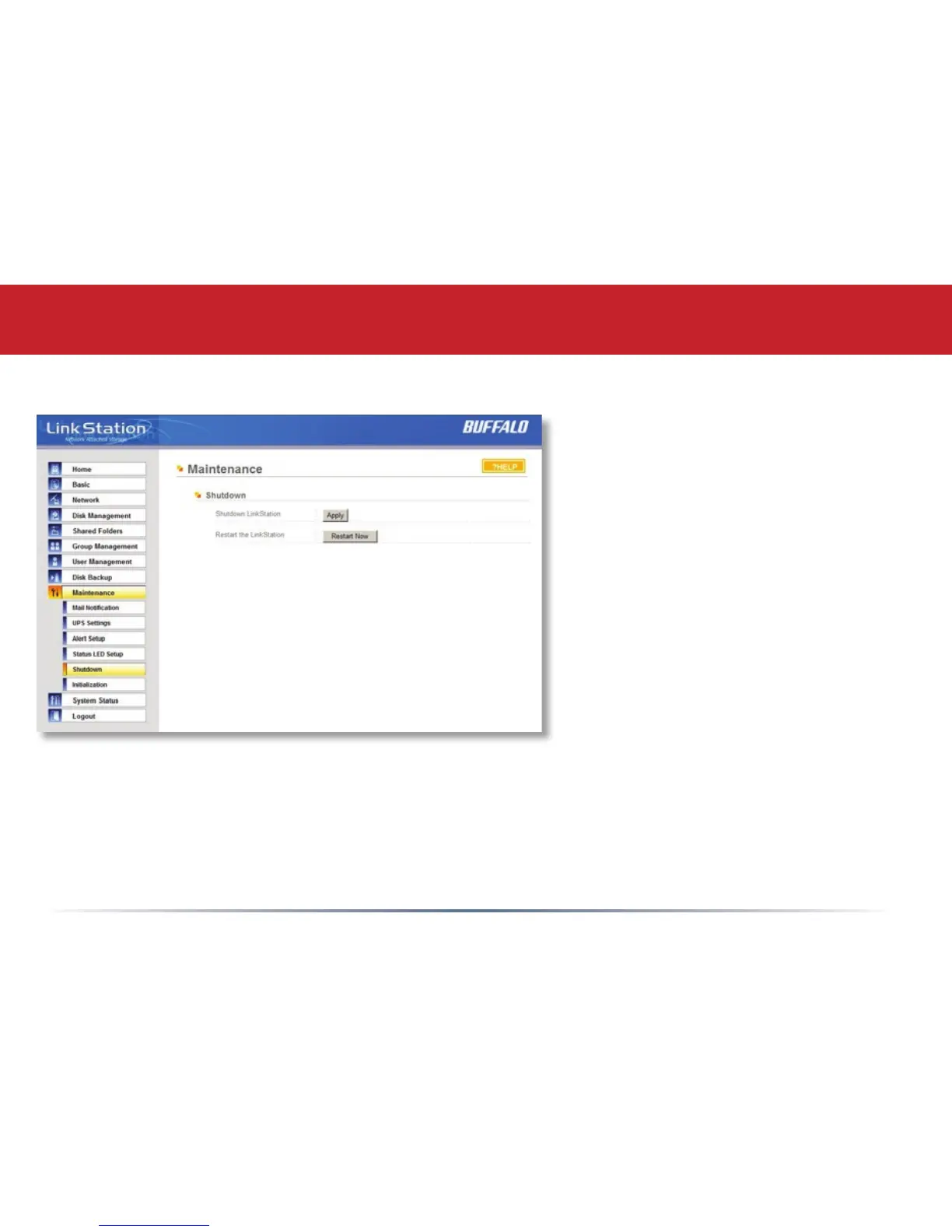
Maintenance (Shutdown)
From the Shutdown page, press Apply to shutdown LinkStation. This has the same function as
holding down the power button on the front of LinkStation, but may be done remotely. Turning
on the LinkStation after a shutdown requires a physical button push on the front of LinkStation.
The Restart Now button simply reboots the LinkStation, bringing it back to functionality after
about 120 seconds.














 To Next Page