47
Advanced Settings
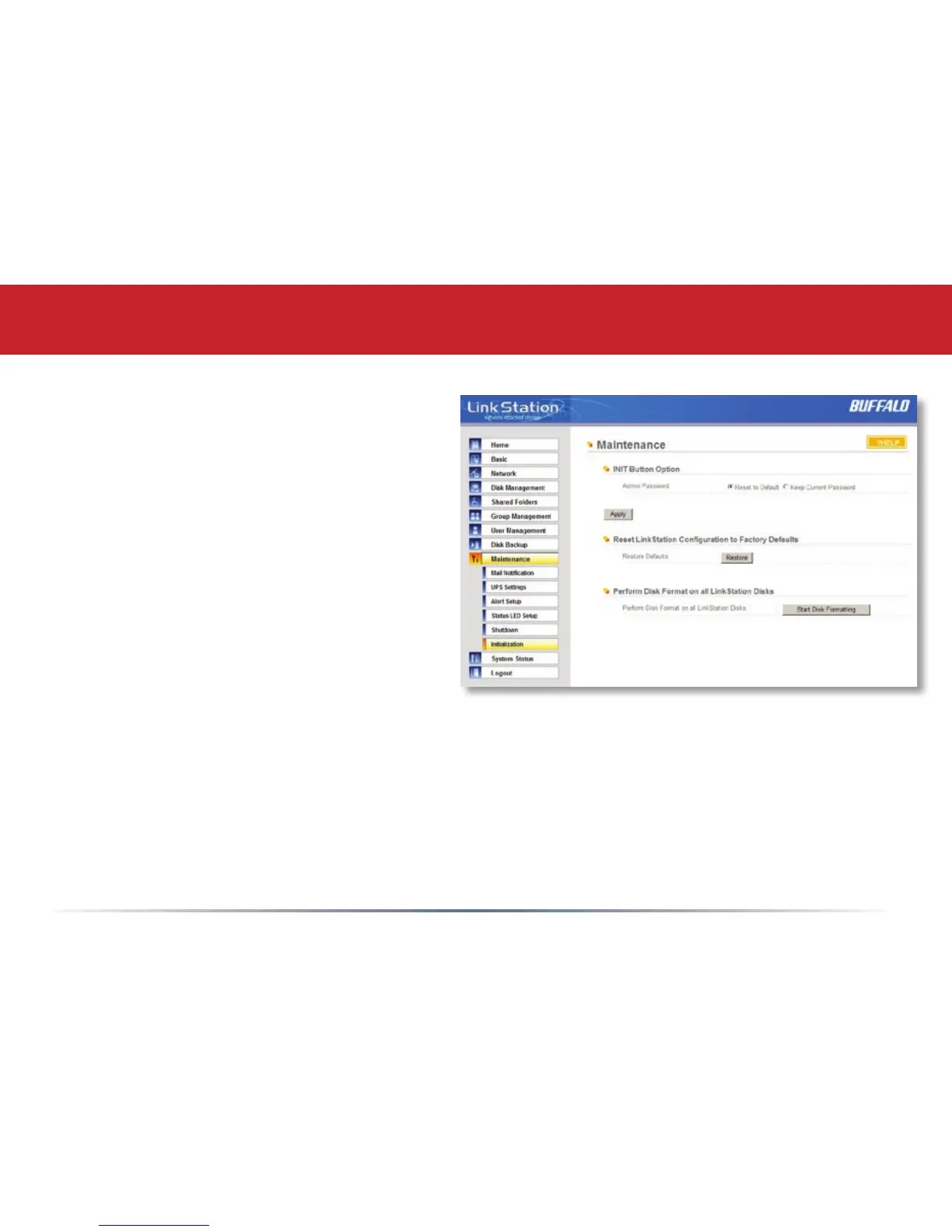
Maintenance (Initialization)
Initialization is a reset procedure that restores
all settings back to the default, out of box,
conguration. All conguration, users,
groups, and backup jobs are lost, but actual
data and shares on the hard are NOT lost. If
you want all data to be erased, reformat the
drive.
Specify whether the LinkStation shall keep its
administrator password after a initialization
or whether the password should be reset to
the default password (default password is
password). Press the Apply button once you make the selection.
Press the Restore button to begin the initialization process; this will restore all settings to factory
defaults but will NOT erase the data on the hard drives. Start Disk Formatting begins a complete
disk format that will erase all information on the LinkStation’s internal hard drives. This cannot
be undone.














 To Next Page