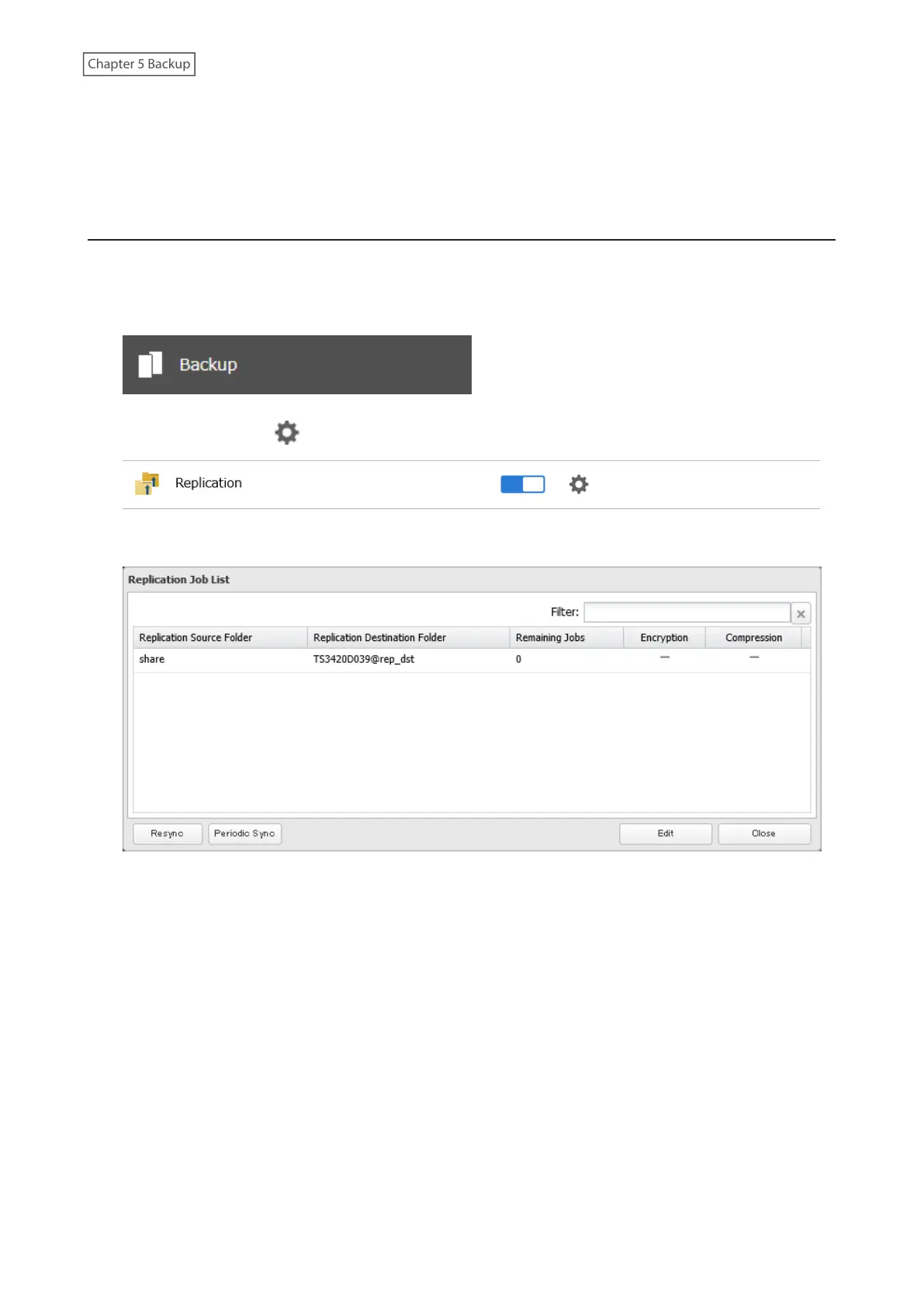
• If a network problem causes a replication error, unsynced data may be shown as “0” even though replication is
incomplete. Click Resync to recover from the replication error. All files from the source folder will be copied to the
destination folder.
Synchronizing Between Source and Destination TeraStations
Periodically
To copy files that are saved via other file sharing protocols such as AFP or FTP to the replication destination regularly,
configure “Periodic Sync” in Settings. Follow the procedure below.
1 From Settings, click Backup.
2 Click the settings icon ( ) to the right of “Replication”.
3 Click Periodic Sync.
112













 To Next Page