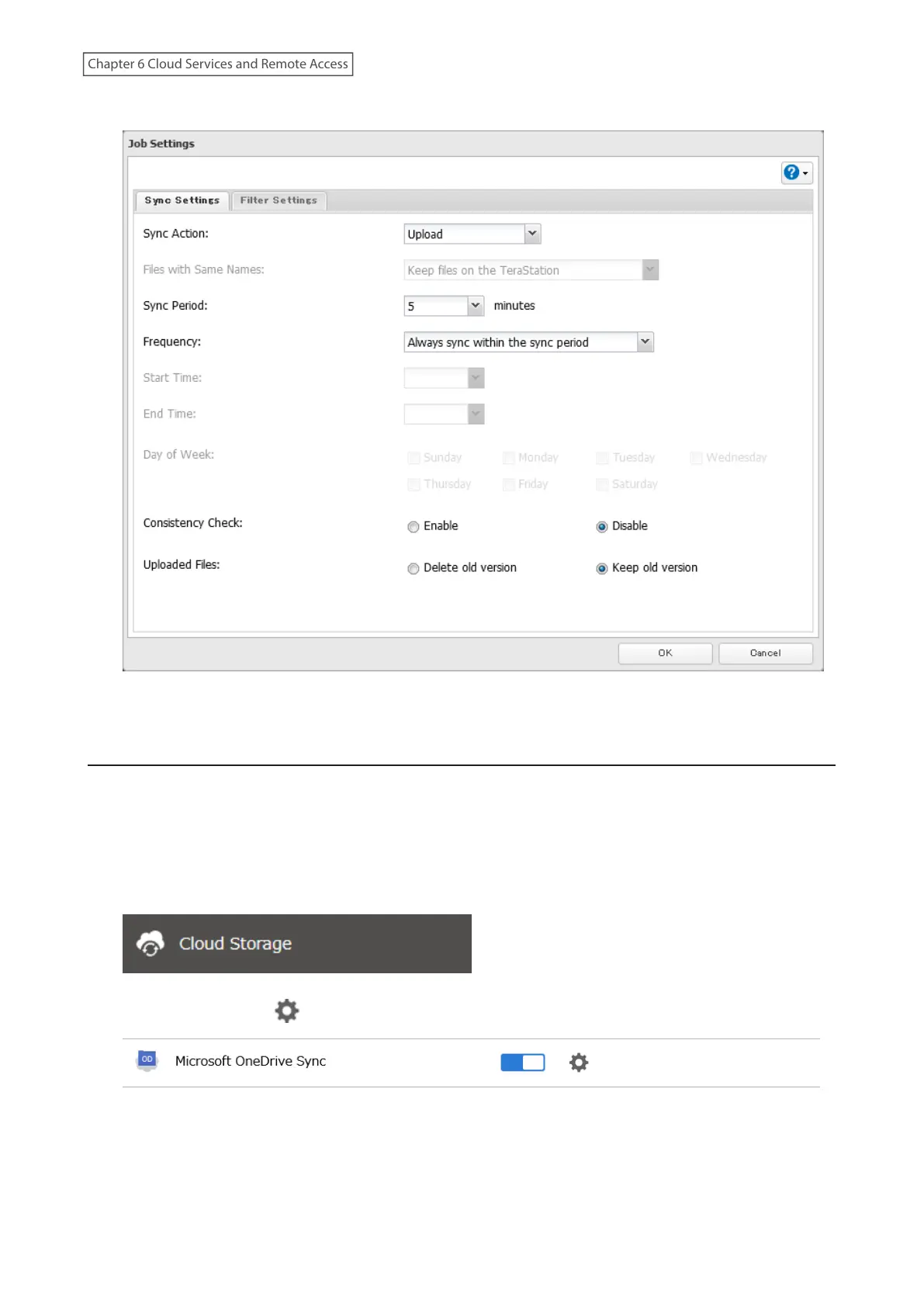
6 Configure the desired settings and click OK.
7 The process is complete once you close the confirmation window that appears.
Corrective Actions for in Case of Error
Error Appears in the “Status” Field of Job List
If a token error is displayed on the “Status” field of the OneDrive Sync job list, follow the procedure below to refresh
the token.
1 From Settings, click Cloud Storage.
2 Click the settings icon ( ) to the right of “Microsoft OneDrive Sync”.
175
Chapter 6 Cloud Services and Remote Access













 To Next Page