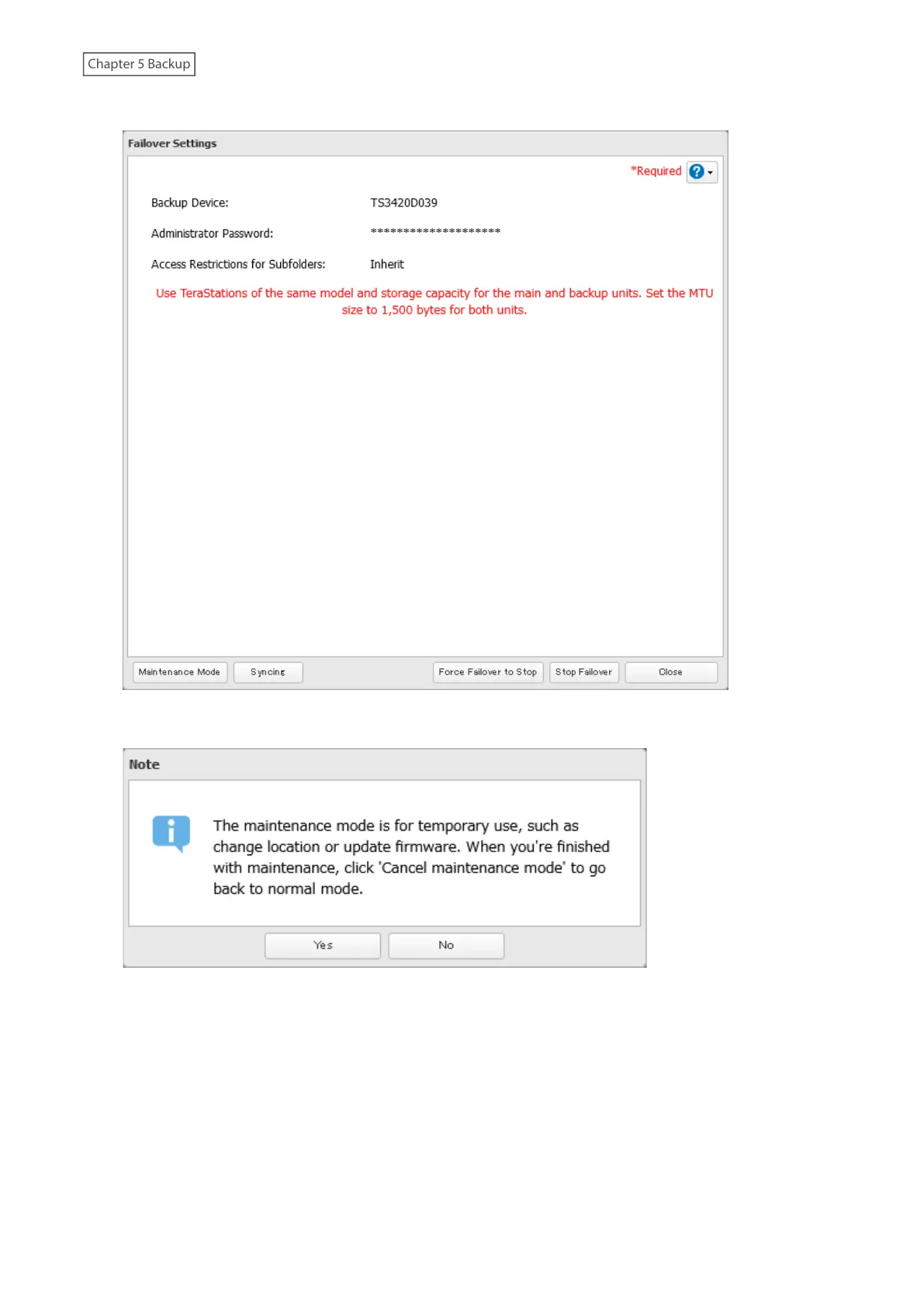
4 Click Maintenance Mode.
5 Read the message carefully and click Yes.
6 The process is complete once the TeraStation enters maintenance mode.
Once you are finished with changing settings in maintenance mode, make sure the TeraStation leaves maintenance
mode. You can make the TeraStation leave maintenance mode by either pressing and holding the function button,
or follow the procedure below to exit maintenance mode from the main TeraStation’s Settings.
Follow the procedure below to exit maintenance mode from the main TeraStation’s Settings.
119













 To Next Page