Page 8
49985 082114
Start up
1. Pull puck bin out, turn the main switch on, replace puck
bin.
2. The fi lling process will proceed automatically. When the
boilers are fi lled, unit will automatically start heating. You
will see a message " Please wait - heating in progress".
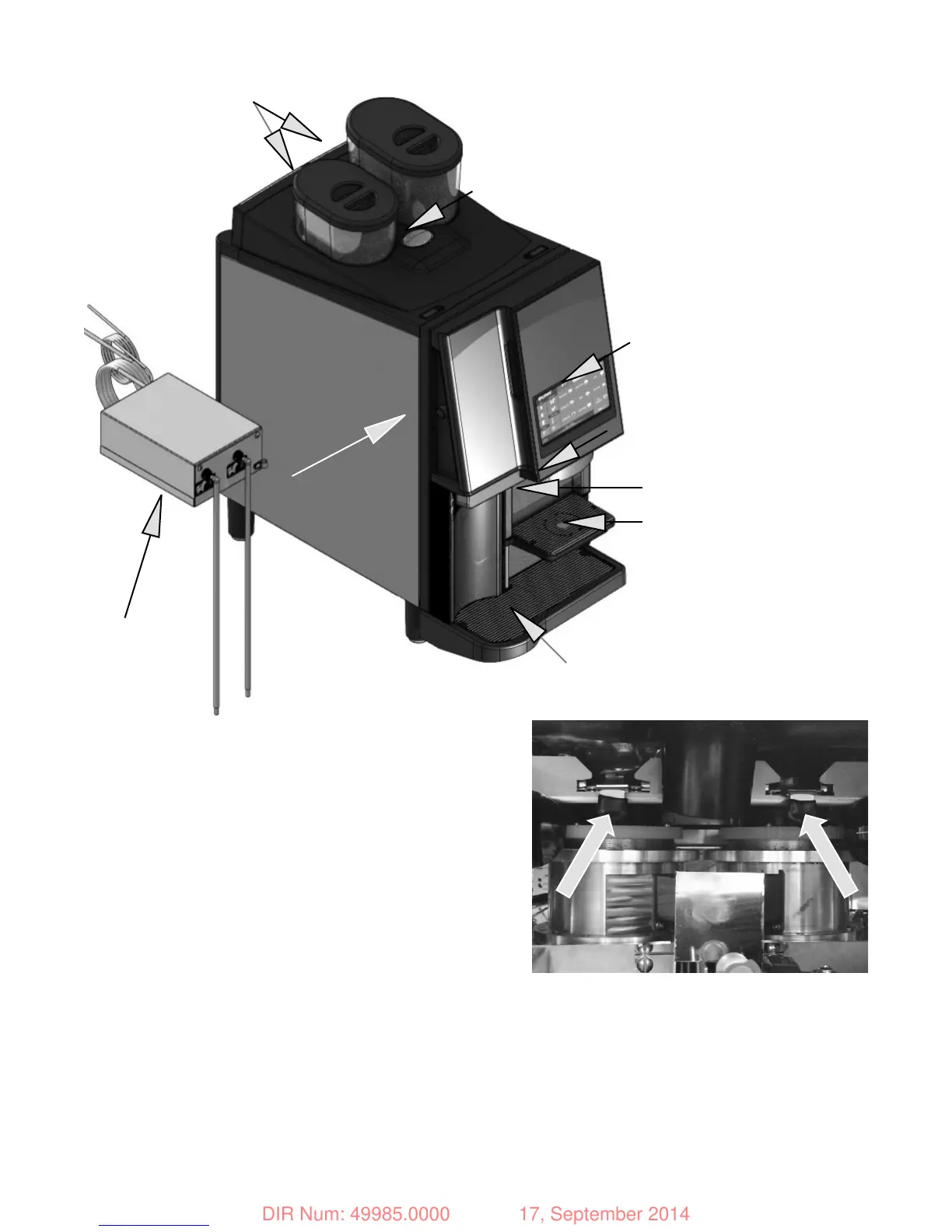
3. Install hoppers on top of brewer. NOTE: Brewer will not
operate without hoppers in place. Open front door and pull
each slide gate tab forward. (This also locks hoppers in
place). Close door and fi ll hoppers as needed.
4. Select "Care &cleaning", select rinse to introduce fresh
water into the system if desired.
5. Select "Care &cleaning", select "Milk prime" 1 then 2 to
introduce milk through the lines into brewer. Press "right"
bean icon to return to home screen.
6. The machine is ready to use when "Ready to brew" is
displayed.
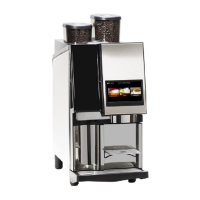
OPERATING CONTROLS
1. Bean hopper:
Right-regular
Left-decaf
2. Touch screen display:
3. Dispense nozzles:
4. Small cup shelf:
5. Puck bin:
6. Drip tray:
7. Key Lock:
8. Milk module:
9. Cafi za coffee cleaning
tablet chute:
PULL HOPPER SLIDE GATE
TABS FORWARD
NOTE: POUR IN ONLY ENOUGH BEANS FOR THE DAY'S USE.
DO NOT STORE BEANS IN HOPPER OVERNIGHT, FRESHNESS WILL BE COMPROMISED.
3
2
5
4
6
7
8
1
9
RELEASED FOR PRODUCTION
DIR Num: 49985.0000 17, September 2014


 To Next Page