Page 19
PROGRAMMING THE BREWER (cont.)
PROGRAMMING FUNCTIONS - LEVEL 2 (cont.)
UNITS
This function allows the operator to select if numeric settings are displayed in English or Metric units.
Procedure for setting the Units:
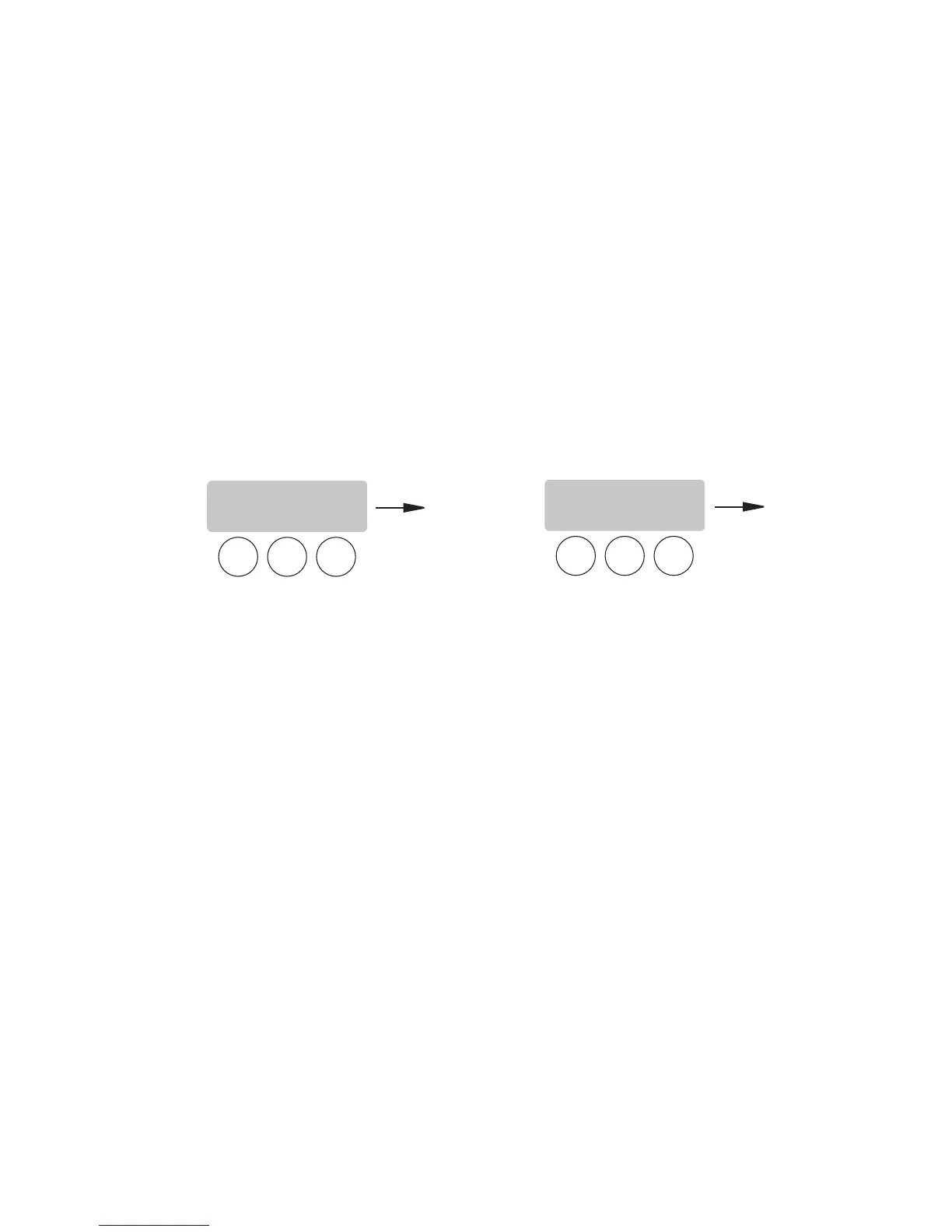
1. Press and hold the right hidden button until the display reads SET LANGUAGE? Press and release the right
hidden button until the display reads UNITS. The METRIC or ENG should be flashing.
2. Select METRIC to have settings displayed in Metric units. Select ENG to have setting displayed in English
units.
NOTE: Changing the UNIT settings will restore ALL settings to Factory Default.
3. When done, press and release DONE to retain your settings and advance to the next programming screen.
To exit programming and return to the Main Screen, press and release the ON/OFF button.
NOTE: This manual is written based on Factory Default settings (English Units). If the brewer is set for Metric
Units, display will be different. (ex: Brew oz will become Brew ml).
SET LANGUAGE?
NO YES
UNITS
METRIC DONE ENG
37077 101205



 To Next Page