Page 42
PROGRAMMING THE BREWER (cont.)
PROGRAMMING FUNCTIONS - LEVEL 2 (cont.)
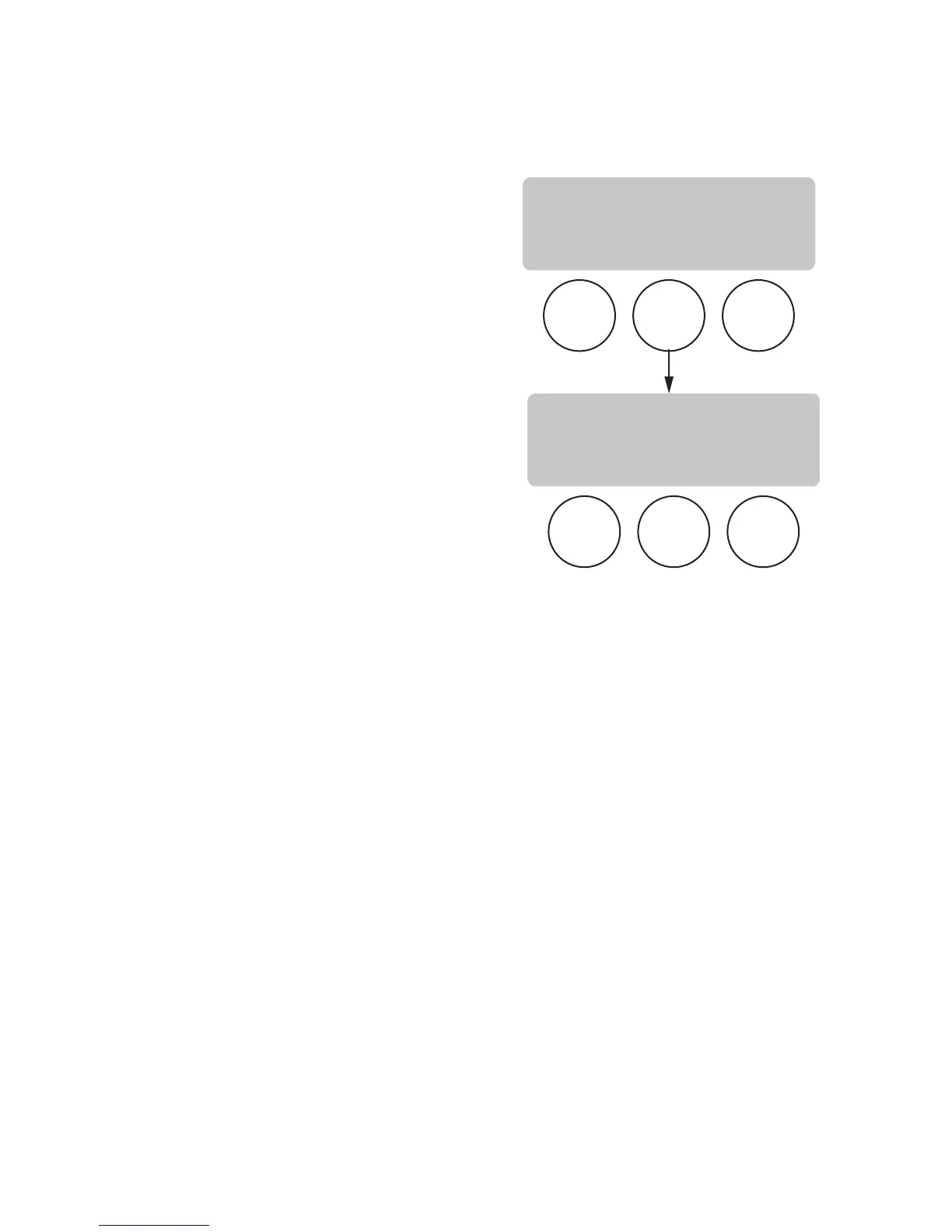
BYPASS OZ/M
This function allows the operator to view or to enter the
actual flow rate coming out of the bypass nozzle. This
is NOT used to calibrate the actual flow rate, but to tell
the internal controller how fast the water is flowing.
Procedure to adjust the bypass flow rate setting:
1. Press and hold the right hidden button until the
display reads SET LANGUAGE. Press the right hid-
den button until the display reads BYPASS OZ/M.
The number represents what the brewer thinks is
the flow rate out of the bypass nozzle.
2. If the actual flow rate of the bypass is known but is
different than the number on the display, use the
(-) and (+) to enter the correct flow rate.
3. When finished, press and release DONE. This saves
the new setting and advances to the next function
screen, CALIBRATE FLOW. To exit programming
and return to the MAIN SCREEN, press and release
the ON/OFF pad.
P3094
BREW
A
BREW
B
BREW
C
BREW
A
BREW
B
BREW
C
CALIBRATE FLOW?
NO YES
BYPASS OZ/M: XX.X
(-) DONE (+)
37077 091704



 To Next Page