EasyManua.ls Logo

Bush BR10DAB - Page 21

Bush BR10DAB
24 pages
Print Icon
To Next Page IconTo Next Page
To Previous Page IconTo Previous Page
Loading...
BR10DAB
21
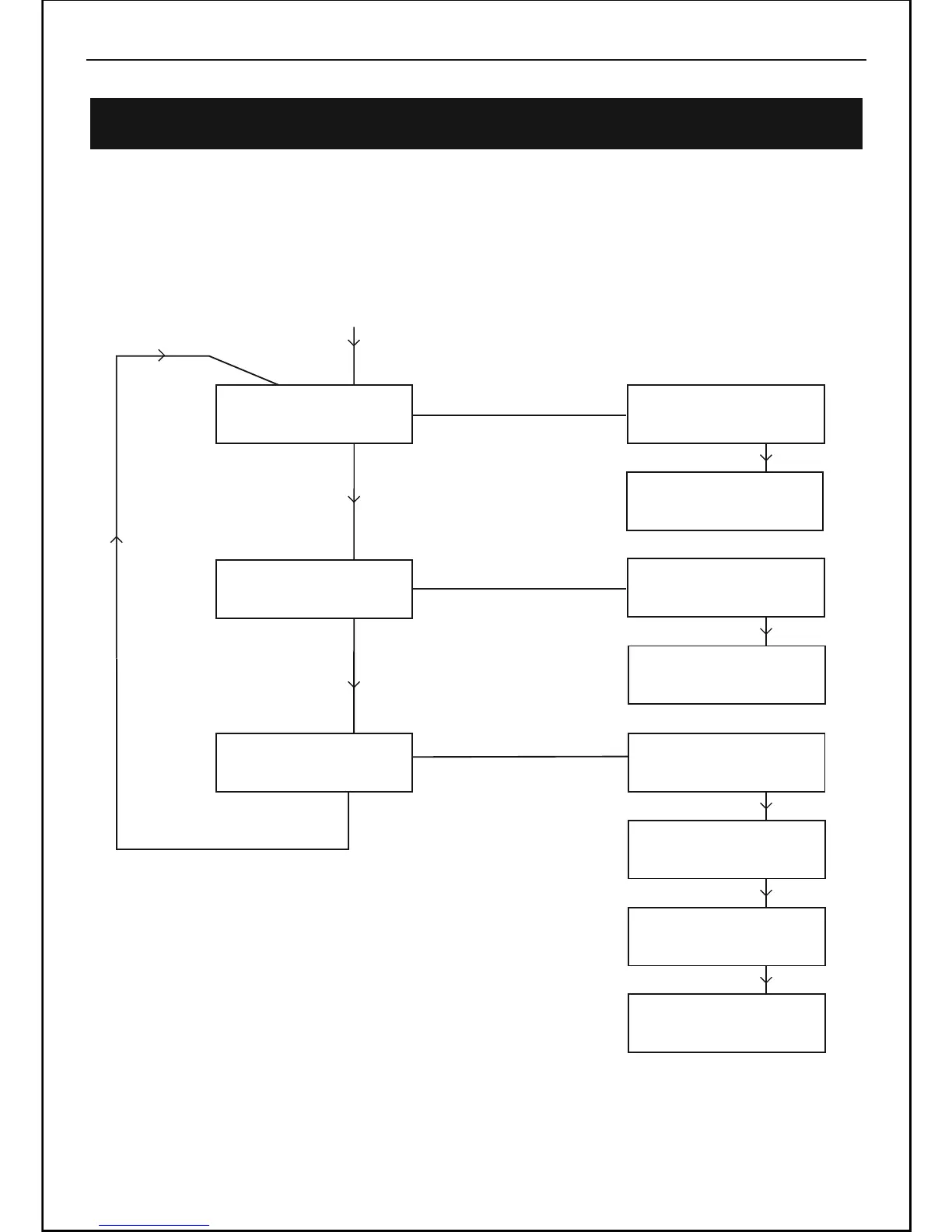
Using the MENU Control (FM mode)
The MENU control allows you to change some of the system options on your radio. These
options are arranged in a menu structure as shown below.
Using FM Radio -Continued
Press MENU Button
<Scan setting >
Press MENU Button
Press MENU Button
<Audio setting >
FM
FM
<Main menu >
FM
Press MENU Button
Press SELECT/NAV Button
Press + Button
<Stereo or mono>
Press + Button
<All stations >
<Strong station >
Audio setting
<Mono only >
Audio setting
Audio setting
Audio setting
Main menu
Main menu
Main menu
Main menu
<DAB >
<FM >
<System setup >
<Info >
Press + Button
Press + Button
Press + Button

Related product manuals