FM radio operation
1. Press the MODE button on the main unit or remote until you reach the FM radio
mode. The display will show ‘Fn’ momentarily then change to an FM frequency.
2. Press the
button on the main unit or remote control to begin an auto scan of the
Fm band. Every station that is detected is saved to a preset location.
3. Use the NEXT
/ PREV buttons to cycle between the saved station presets.
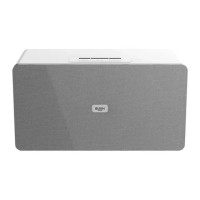
The position of the party speaker is important for a good FM reception. If you cannt
receive a station you know you should be able to; move the party speaker to a different
location and try the scan again.
Playing MP3’s from a USB flash drive or SD card
Follow the steps below to connect a USB flash drive or SD card
and play mp3 files.
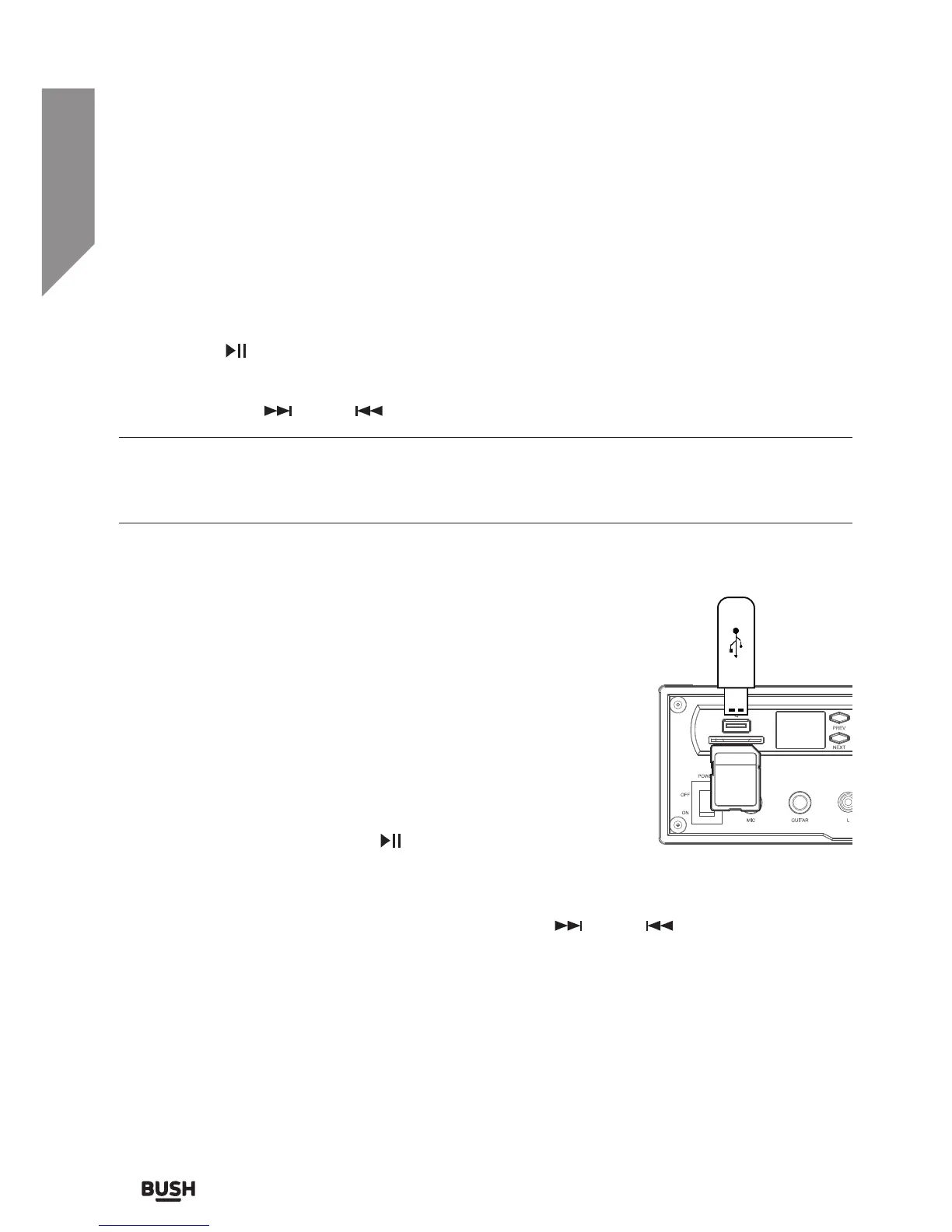
1. Insert a compatible USB flash drive or SD card into the USB
input socket (8) or SD card input slot (29) on top of the unit.
(Fig 4)
2. The device will be automatically detected and the first
track in folder 01 or the root of the USB/SD card will begin
playback automatically.
3. To pause playback press the
button on the main unit
(11) or remote control during playback. To resume playback
press once more.
4. To skip to the next or previous track use the NEXT
/ PREV buttons.
USB/ MP3 information
• Do not remove the USB/SD card device during playback.
• Max 999 tracks and 99 folders can be recognised
• FAT 16, 32 formats only. Up to 64GB in size.



 To Next Page