Controlling a connected device
Once connected you can either use the controls on the audio device to begin playback,
skip tracks etc. Or you can use the control buttons on the unit/remote control.
1. The
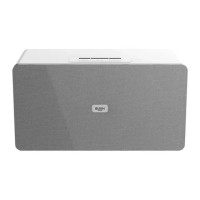
button on the main unit (11) or remote control when pressed will begin
playback of the selected track on the audio device. Press again to pause playback.
2. To skip to the next track press the NEXT/
button on the main unit or remote
control.
3. To skip to the previous track press the PREV/
button on the main unit or remote
control.
All other general audio functions such as MUTE, BASS, TREBLE & VOLUME work as
described in this manual.



 To Next Page