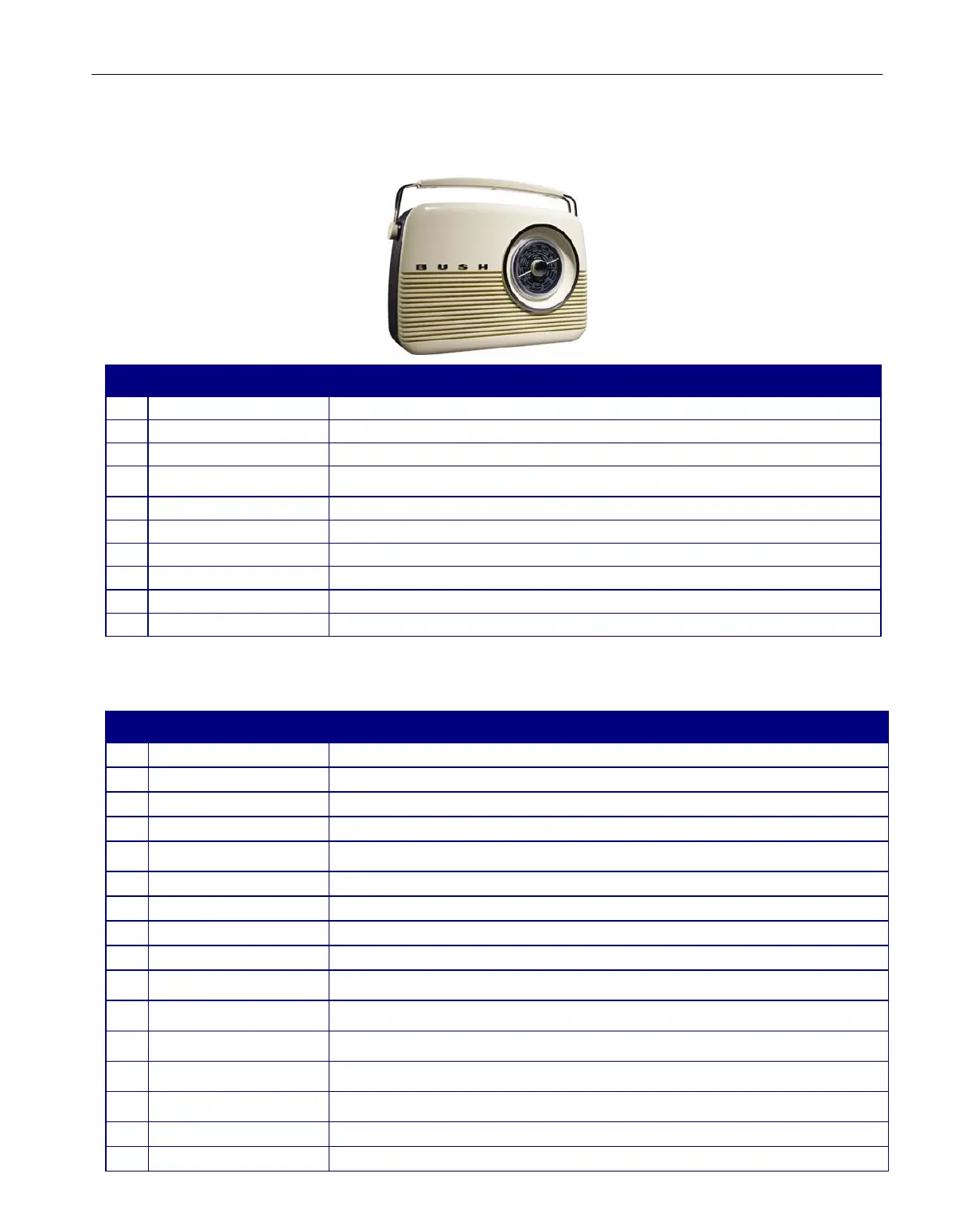
Bush TR82DAB
5
Controls & Outputs
No. Button&sockets Descriptions
1
CarryHandle TheCarryHandlehasbeendesignedtomaketheTR82DABeasilyportableandstaytruetoitsretrostyle.
2
LCDDisplay TheLCDHighResolutionDisplayallowsyoutoviewtheonscreeninformationandscrollingtext.
3
ControlPanel TheControlPanelfeaturesallthefunctionButtonstooperatethisdigitalradio.
Itisrecommendedthatyouextendedthe Telescopic Antenna toensurethatyougetthebestpossible
reception.
4
TelescopicAntenna
5
HeadphoneSocket TheHeadphoneOutputallowsyoutoconnectyourHeadphonesforprivatelistening.
6
LineOutSocket TheLineOutSocketmeansthatyoucanconnectthedigitalradiotoyourhomeentertainmentsystem.
7
TuningDialandPointer TheTuningDialandPointerallowsthefrequencytobechangedfortheFM/MW/LWradiomodes.
8
Speaker Thereisone2WSpeakerthatwillprovideyouwithcrystalcleardigitalaudio.
9
BatteryCompartment TheBatteryCompartmentiswherethe6XCbatteriescanbeinsertedforbatterypowertobeused.
10
MainsPower TheMainsPowerInputallowsyoutoconnectthepowerleadtotheunittousemainspower.
TopControlPanel
No. Button Descriptions
1 AutoButton PresstheAutoButtontoconductanautomaticstationscaninDAB+mode.
2 MENUButton PresstheMenuButtontoentertheSelectedmode’sMainMenu.
3 DisplayButton PresstheDisplayButtontodisplaytheDAB+stationinformation.
4 ShiftButton(forpresets6to10) PresstheShiftButtontoaccesspresets6‐10.
PresstheNavigationButtons (LeftandRightArrows)tobrowse throughtheonscreenMenu orstations.Press
theSelectButtontoconfirmanysettingsorstationSelections.
6 NavigationandSelectButtons
7 MWButton PresstheMWButtontoSelectMWradiomode.
8 LWButton PresstheLWButtontoSelectMWradiomode.
9 FMButton PresstheFMButtontoSelectMWradiomode.
10 DABButton PresstheDAB+ButtontoSelectMWradiomode.
PressandholdthePreset1&6 Button tosavea presetstation orbrieflypresstoaccessyourfavouriteDAB+
station.
11 Preset1&6
PressandholdthePreset2


 To Next Page