15
or online at www.bush-support.com If you still require further assistance, call one of our experts on 0345 604 0105.
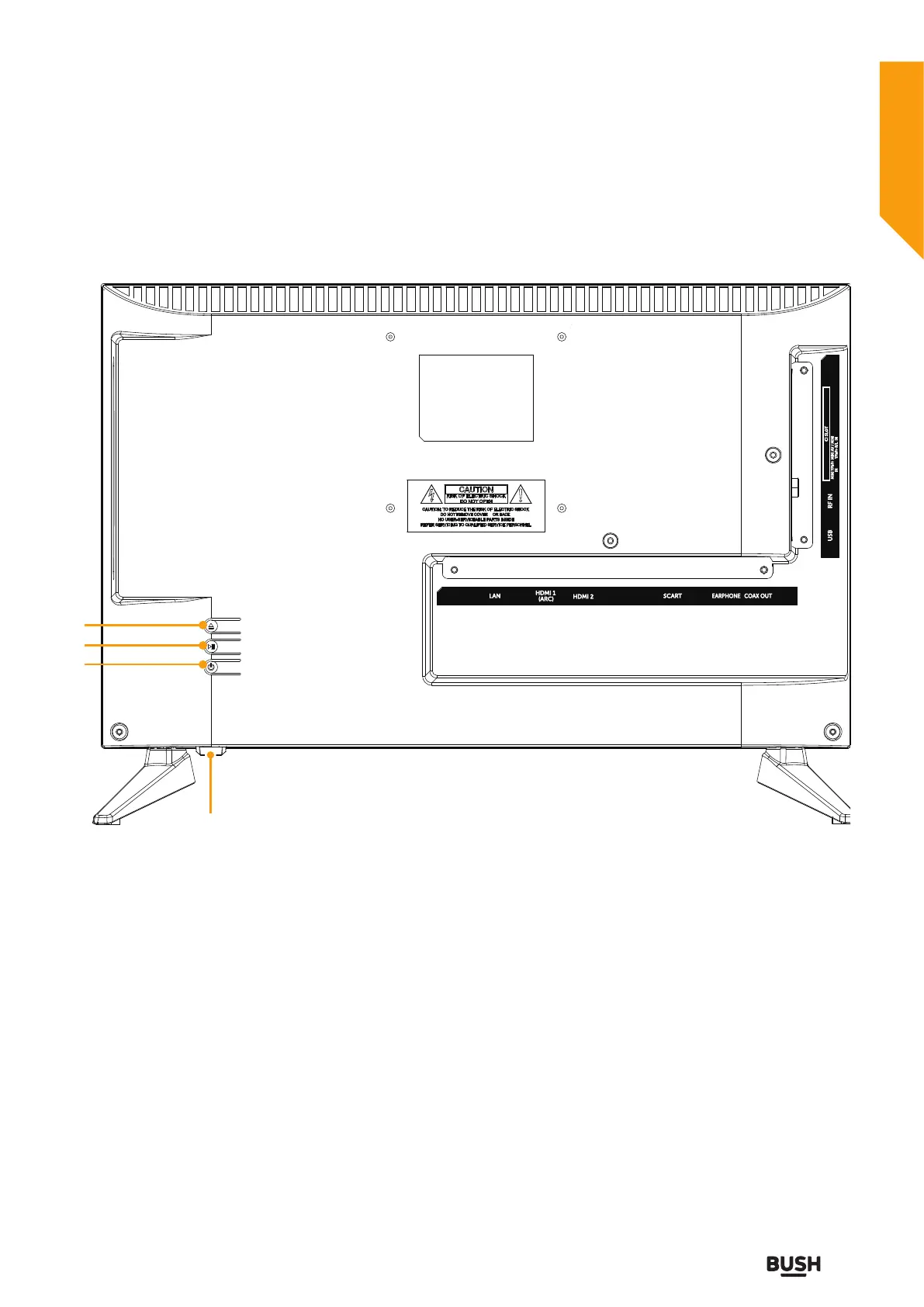
1. Press to eject disc. (DVD mode)
2. Press to start playback or pause.(DVD mode)
3. POWER Turns the TV on and into standby
4. Standby LED/Remote Control Sensor
Getting to know your TV
Getting to know your TV
You’ll be up and running in no time
Viewing control panel
1
2
3
4
EARPHONE
LAN SCART
COAX OUT
HDMI 1
(ARC)
HDMI 2
USB
MINI AV / MINI
YPbPr-R/L IN
MINI YPbPr
IN
CI SLOT
RF IN



 To Next Page