20
If you require any technical guidance or find that your product is not operating as intended, a simple solution can often be found in the Troubleshooting section of these instructions,
Getting to know your TV
You’ll be up and running in no time
DVD Controls
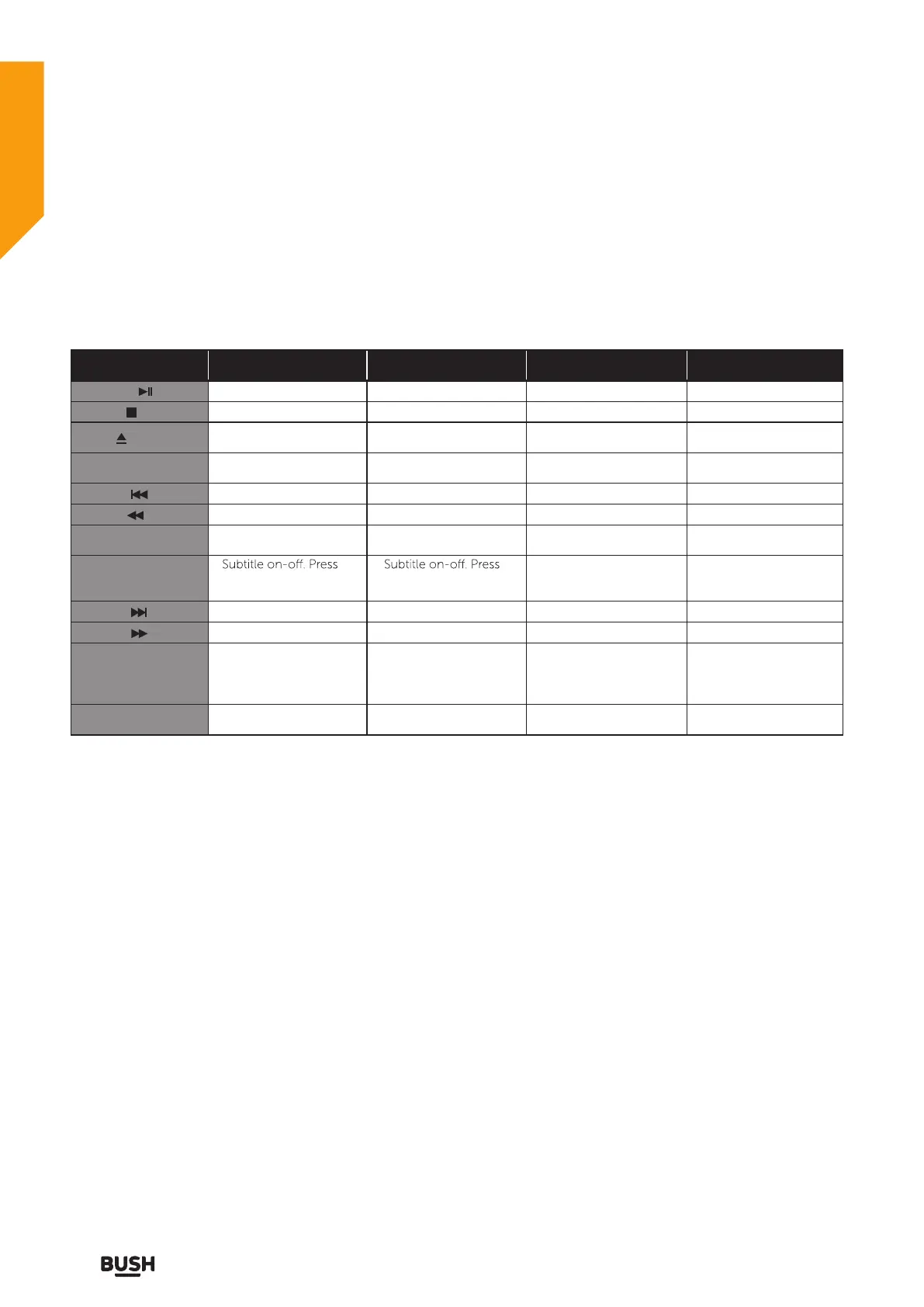
You can operate DVD, movie CD, music or picture CD’s content by using the correct buttons on your remote
control.
Below are main functions of commonly used remote control buttons.
Getting to know your TV
Buttons on
Remote Control
DVD Playback Movie Playback Picture Playback Music Playback
Play/Pause Play/Pause Play/Pause Play/Pause
/SIZE
/INDEX
Stop Stop Return to the picture list Stop
Open or close the dics tray Open or close the dics trayOpen or close the dics tray Open or close the dics tray
SET-UP
Displays the DVD OSD
menu
Displays the DVD OSD
menu
Displays the DVD OSD
menu
Displays the DVD OSD
menu
Skip backward Skip backward Skip backward Skip backward
Rapid reverse Rapid reverse Rapid reverse
TITLE/TEXT
Display disc menu (if
available)
Display disc menu (if
available)
SUBTITLE
repeatedly to switch
between subtitle option
repeatedly to switch
between subtitle option
Skip forward Skip forward Skip forward Skip forward
Rapid advance Rapid advance X
X
X
X
X
X
X
Rapid advance
D.MENU
Return to the main menu
of a loaded DVD (if
available)
Return to the main menu
of a loaded DVD (if
available)
Return to the main menu
of a loaded DVD (if
available)
Return to the main menu
of a loaded DVD (if
available)
A-B/ HOLD Repeat a selected sectionRepeat a selected section Repeat a selected section



 To Next Page